10
Never attempt either of the following actions, since doing so will damage the focusing
mechanism:
● Rotate the left and right knob while holding the other.
● Turning the coarse and fine focus knobs further than their limit.
VI. Troubleshooting Table
As you use your microscope, you may occasionally experience a problem. The troubleshooting
table below contains the most frequently encountered problems and their possible causes.
Optical and Operating Problems
Problem Possible Cause
Lamp not installed properly
Filter slider in intermediate position
Phase slider not in click-stop position
Incorrect condenser mounting
Aperture diaphragm closed too far
Revolving nosepiece not clicked into position
Vignetting or uneven brightness in the
field of view or field of view only
partially visible
Optical path selector lever in intermediate position
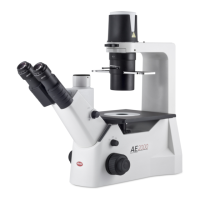
(Mod. AE21 only)
Aperture diaphragm closed too far
Dust or dirt in field of view
Dust or dirt on specimen’s surface



 To Next Page