Motorola Confidential Proprietary
A920/A925Manual Test Procdures
3 - 16
Preliminary
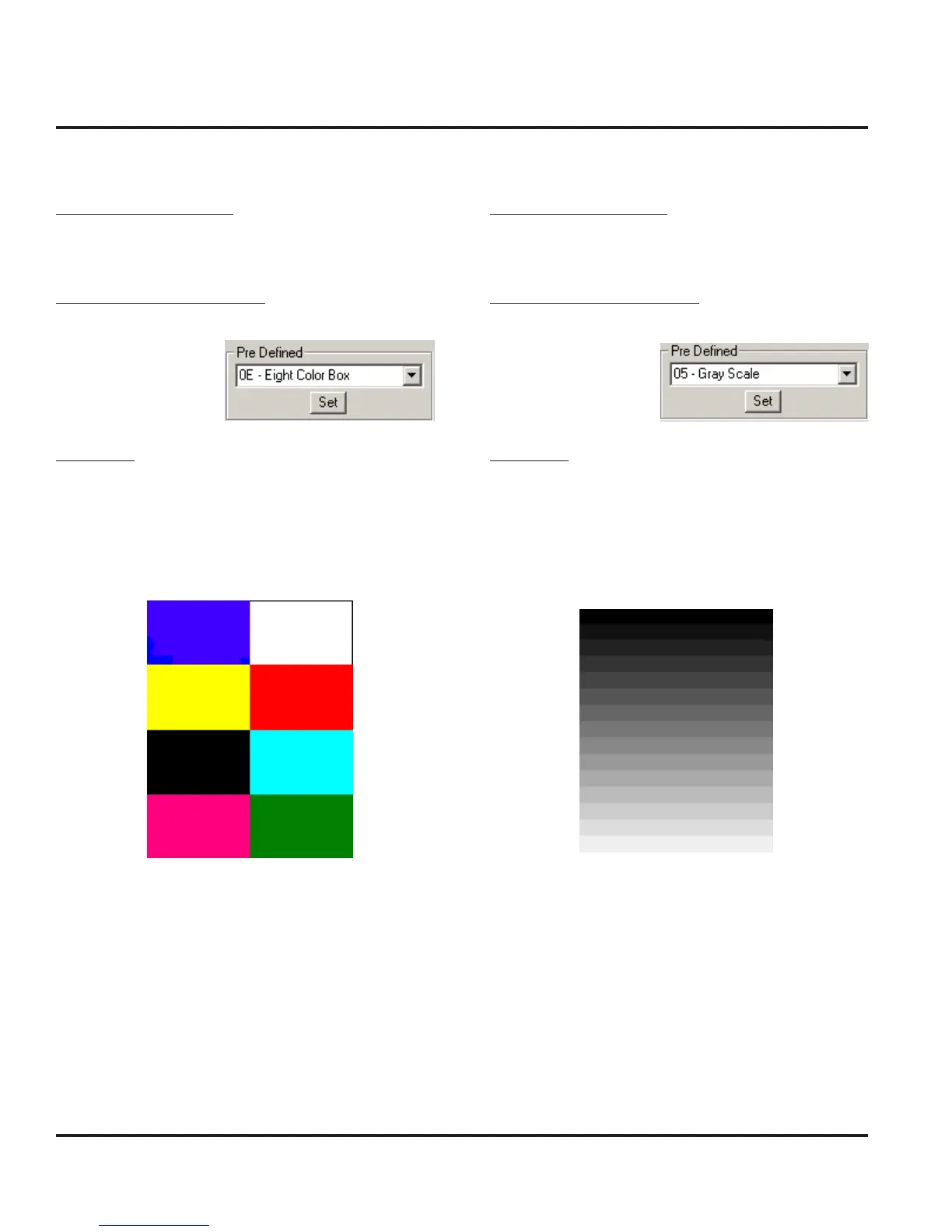
Display Color Test
Handset Test Commands
55*2*014 Eight Color Box Pattern
RadioComm Test Commands
Select Eight Color
Box and click “Set”
Verification
Verify that the color pattern on the phone’s display
matches the color box in figure 23. Also verify edges
(uniform/smooth).
Figure 24. Grey Scale Block
Display Linearity Test
Handset Test Commands
55*2*005 Grey Scale Block
RadioComm Test Commands
Select Grey Scale and
click “Set”
Verification
Verify that the Grey scale block on the phone’s display
matches the Grey scale block in figure 14. This test can
also be used to confirm that the color intensity is linear.
Display Test Procedures
Figure 23. Eight Color Box Pattern



 To Next Page
 Loading...





