USING THE MENU
SOUND SETTING
1. Press the TV-MENU button on the remote
controller to display the OSD main menu.
2. Press p/q button to select the Sound menu.
3. Press the ENTER button to enter the menu, then you
can use p/qbuttons to select the sub menu options.
4. Press t/ubutton to adjust.
5. Press the TV-MENU or EXIT button to exit from
the menu.
Picture
Channel
Feature
Setup
Sound Mode
Bass
Treble
Balance
SPDIF
Sound
User
50
0
50
Enter
Enter
Menu
Return
Exit
Exit
Move
Sound
Surround
Off
PCM
Note: Treble and Bass can only be adjusted when set in User mode.
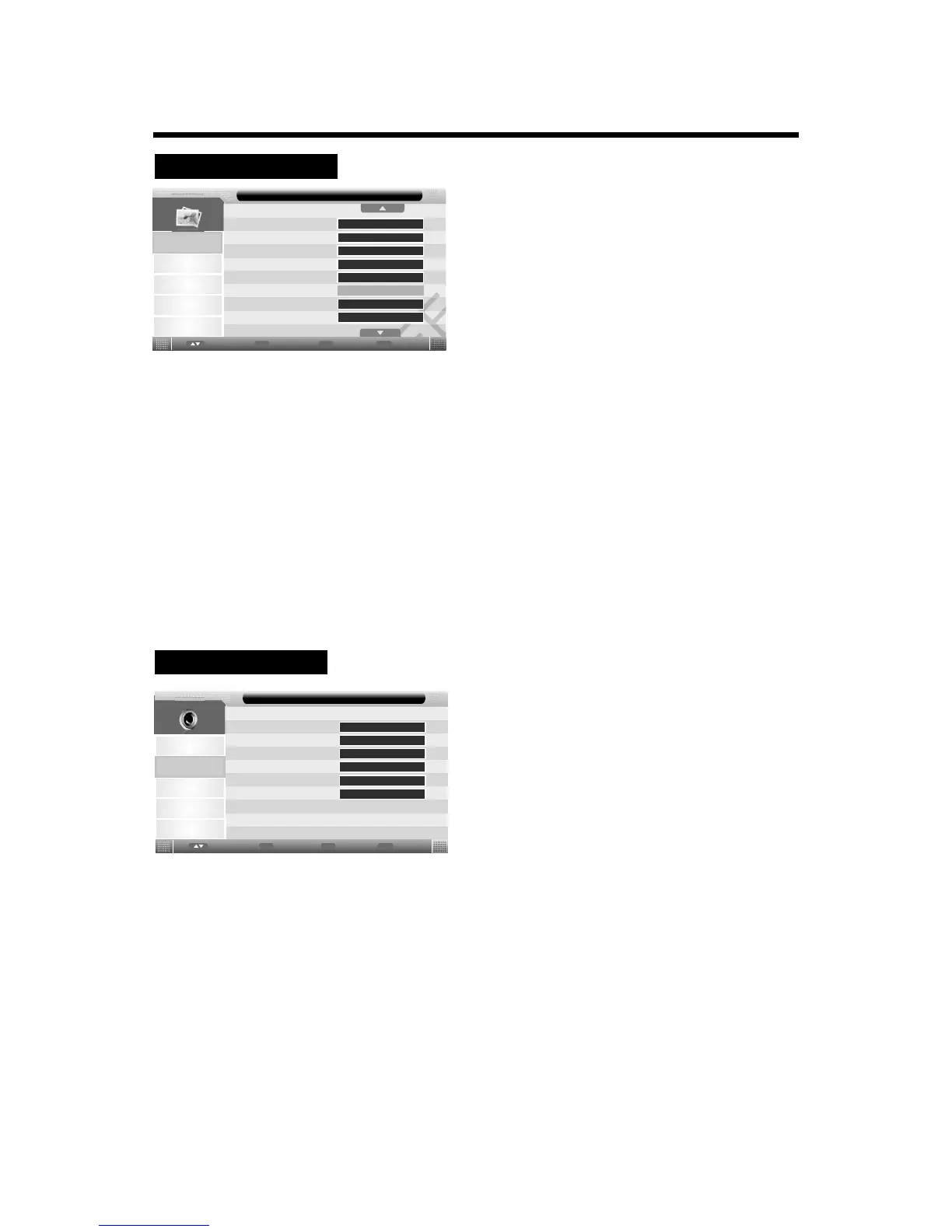
Bass: Controls the relative intensity of lower pitched sounds.
Treble: Controls the relative intensity of higher pitched sounds.
Balance: Controls the volume between the left and right speaker.
Surround : Turn on/off the surround sound function by selecting “On” or “Off”.
SPDIF : Allow you to select among Off, PCM and Auto.
Sound Mode: Allows you to select Standard, Movie, Music, Speech or User.
12
PICTURE SETTING
1. Press the TV-MENU button on the remote
controller to display the OSD main menu.
2. Press p/q button to select the Picture menu.
3. Press the ENTER button to enter the menu, then you
can use p/qbuttons to select the sub menu options.
4. Press t/ubutton to adjust.
5. Press the TV-MENU or EXIT button to exit from
the menu.
Picture
Sound
Channel
Feature
Setup
Picture Mode
Brightness
Contrast
Sharpness
Colour
Tint
Colour Temperature
Aspect Ratio
Picture
50
50
5
50
Standard
Enter
Enter
Menu
Return
Exit
Exit
Move
User
50
Picture Mode: Choose from Dynamic, Standard, Mild and User.
Note: Brightness, Contrast, sharpness and Colour are only available for adjustment in the
Personal mode option in the Picture Mode Settings.
Brightness: Controls the overall brightness of the picture.
Contrast: Controls the difference between the brightest and darkest regions of the picture.
Sharpness: Increase this setting to see crisp edges in the picture; decrease it for soft edges.
Colour:Controls the color.
Tint: Controls the tint ( NTSC mode only).
Colour Temperature: Choose from Cool, Warm and Standard.
Aspect Ratio: Choose from 4:3, 16:9, Full, Zoom1, Zoom2, Panorama and Auto.
Noise Reduction: Choose interference noise modes from Off, Low, Middle and High.
Auto


 To Next Page