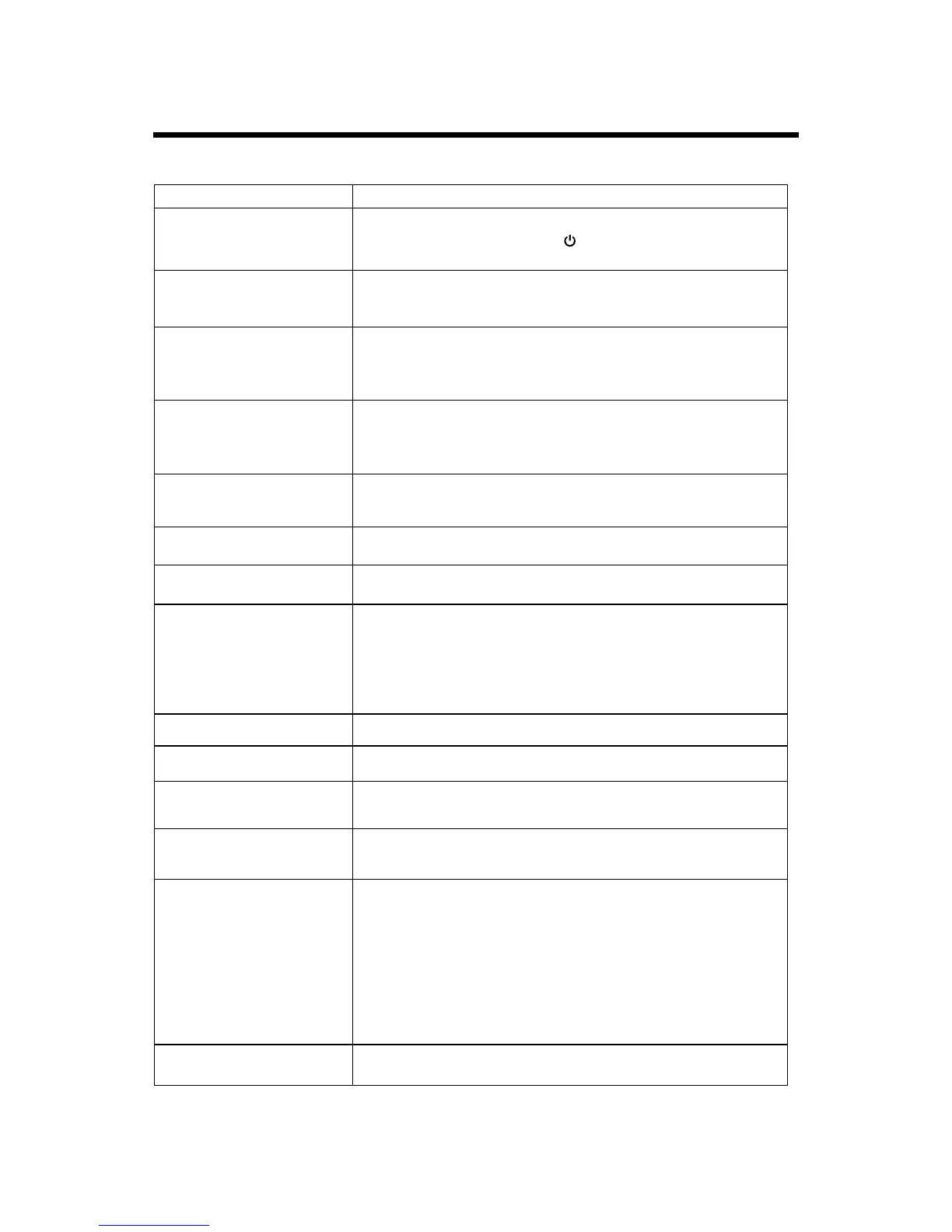
TROUBLESHOOTING
24
Before contacting a service technician, perform the following simple checks. If any problem still
persists, unplug the LED TV and call for serving.
● Check the volume.
● Check whether then MUTE button has been pressed on the remote
control.
● Adjust the color settings.
● Check that the broadcasting system selected is correct.
● Check the volume.
● If the volume is still too low after setting the volume level to
maximum, check the volume control on computer sound card or
software program, but also check the volume of the DVD.
● Check that the main plug has been connected to a wall inlet.
● Check that you have pressed the button on the front of the TV.
● Check the volume.
Problem
Possible Solution
No sound
● Try to identify the electrical appliance that is affecting the set and
move it further away.
● Make sure that the signal cable is firmly connected to the PC or the
video sources.
● Make sure that the PC or video sources are switched on.
● Be sure the power cord is plugged in.
● Adjust the brightness and Contrast.
● Check the direction, location and connections of your aerial.
● The battery in the remote control may be exhausted.
● The battery may be improperly installed.
● Check that there is no obstruction between the remote control and
the remote (infrared) sensor.
● Ensure that there is no strong light shining on the remote control’s
infrared sensor.
Sound and picture
interference
Blurred or snowy picture,
distorted sound
Remote control does not
work
The LED TV does not turn on
The image is too light or too
dark
● Adjust the Phase.
● Adjust the Manual Clock .
● Check that the display resolution and frequency from your PC or
video board is a valid mode for your LED TV.
Control PanelgDisplaygSettings.
● If the setting is not correct, use your computer utility program to
change the display settings.
Your monitor supports multiscan display function within the follow-
ing frequency domain:
Horizontal frequency:30KHz~75KHz
Vertical frequency: 56Hz~60Hz
On PC mode, vertical bars
appear to flicker, jitter or
shimmer on the image
On PC mode, horizontal bars
appear to flicker, jitter or
shimmer on the image
On PC mode, image is not
stable and may appear to
vibrate
“No signal” message
No picture or black and white
picture
Sound is too low
Normal picture but no sound
● Check the contrast and brightness of the image.
● Check the video source connected to the TV.
● Adjust the horizontal and vertical position.
On PC mode, image is not
centred on the screen.


 To Next Page