USING THE MENU
FEATURE SETTING
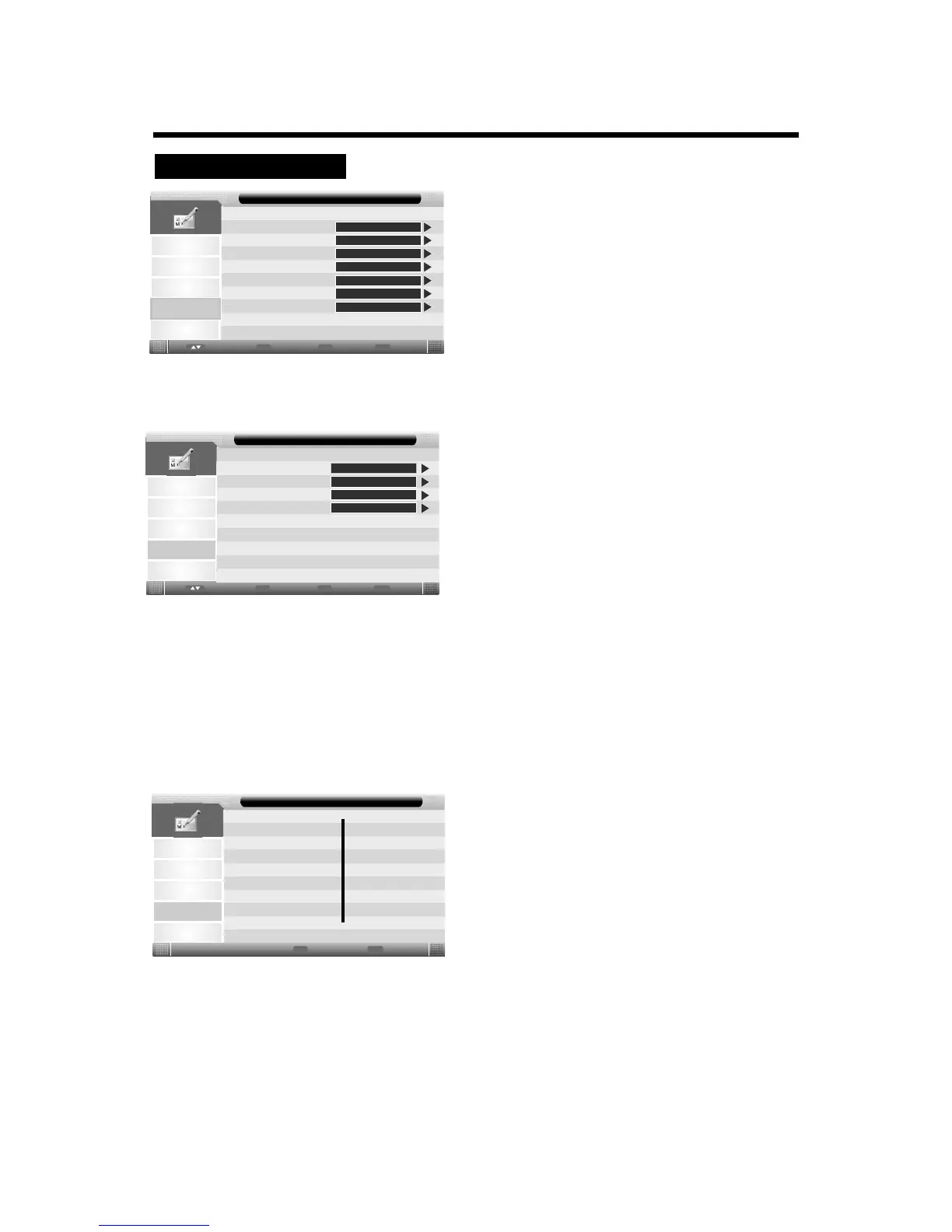
1. Press the TV-MENU button on the remote
controller to display the OSD main menu.
2. Press p/q button to select the Feature menu.
3. Press the ENTER button to enter the menu, then you
can use p/qbuttons to select the sub menu options.
4. Press t/ubutton to adjust.
5. Press the TV-MENU or EXIT button to exit from
the menu.
Picture
Sound
Channel
Setup
Lock
Language
Clock
Sleep Timer
Auto Power Off
Hearing Impaired
CI Info
Feature
Feature
ENTER
ENTER
ENTER
Off
Off
Off
ENTER
Enter
Enter
Menu
Return
Exit
Exit
Move
Lock:
Select the Lock, then press ENTER button, you will be prompted to input the password if you have already
set your password. If not, enter the factory initial password “0000”.
Picture
Sound
Channel
Setup
Lock Channel
Parental Guidance
Hotel Mode
Feature - Lock
Feature
On
Off
Change Pin Code
Enter
Enter
Enter
Menu
Return
Exit
Exit
Move
Enter
Lock Channel:
Press the p/q button to turn this function on or off.
: If the Lock is set to “On”, you will be prompted to input the password when you edit the
program or tune the programme or turn on the LED TV(The default password is 0000.)
Parental Guidance( for DTV mode only):
Press p/q button to select the different block rating or select Off to ignore this function.
For example: the 18 age option, this rating is intended for viewers 18 years and older.
Change Pin Code:
Use this option to change the password you use for the Feature menu.
Note
Picture
Sound
Channel
Setup
New Password
Old Password
Confirm New Password
Menu
Return
Exit
Exit
Feature
____
____
____
Feature - Change Pin Code
1. Enter the password(The default password is 0000.)
2. Enter a new 4-digit number using the number buttons.
3. Enter the same 4-digit number to confirm.
Hotel Mode:
Select the Hotel Mode, then press ENTER button to enter the Hotel Setting menu:
15



 To Next Page