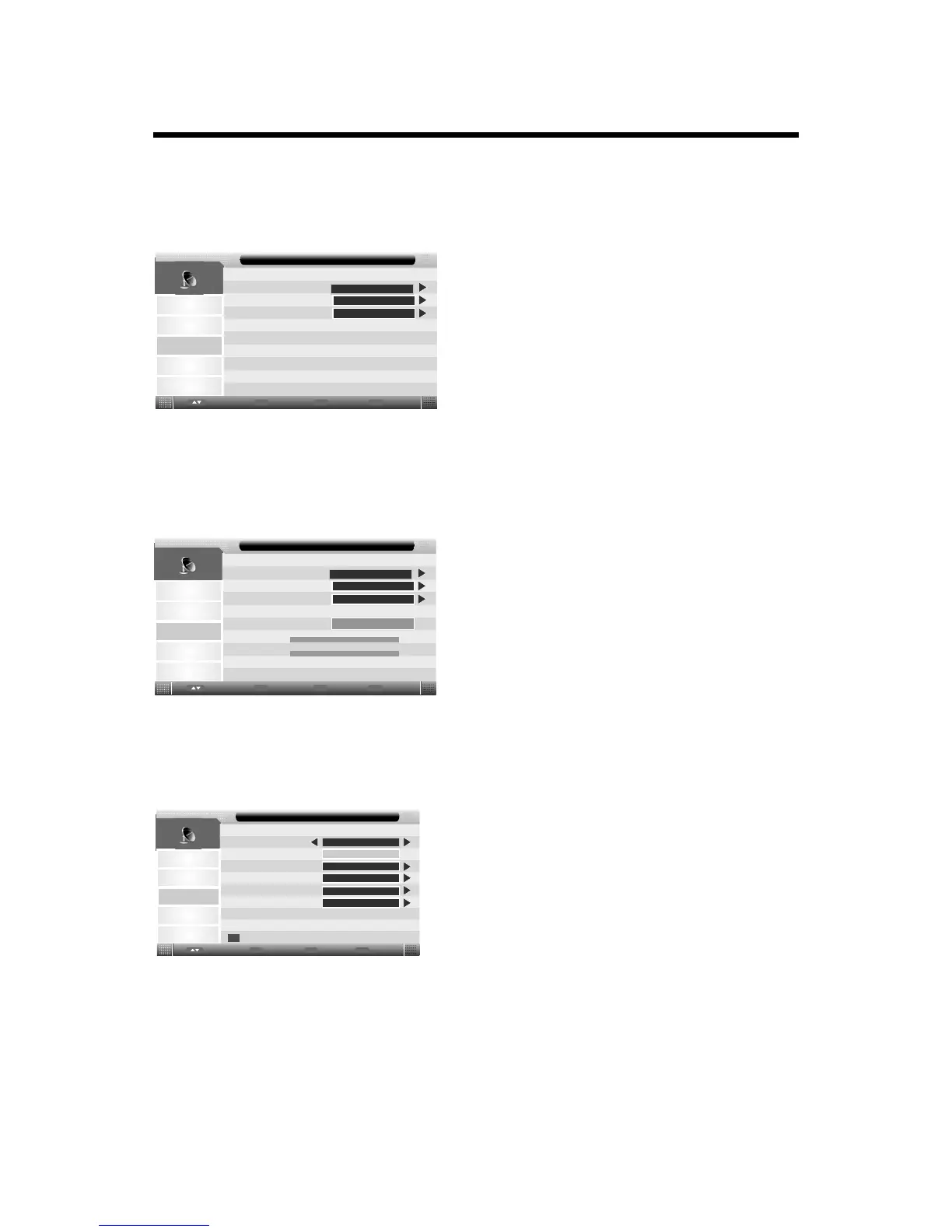
USING THE MENU
Country:
Press ENTER or ►button to enter, then press p/qbutton to select appropriate country.
Auto Search:
Press p/qbutton to select Auto Search, then press ENTER button or ubutton to enter.
(When the System Lock is on, please input the default password“0000”).
Picture
Sound
Channel
Feature
Setup
All
Channel - Auto Search
ENTER
DTV
ENTER
ATV
ENTER
Enter
Enter
Menu
Return
Exit
Exit
Move
Press
Press p/qbutton to select ‘‘DTV’’ to tune digital channels that can be received automatically.
Press p/qbutton to select ‘‘ATV’’ to tune analogue channels that can be received automatically.
p/qbutton to select ‘‘All’’ to tune all channels that can be received automatically.
DTV Manual Search:
Press p/qbutton to select DTV Manusl Search, then press ENTER button or ubutton to enter(for DTV
mode only.)(When the System Lock is on, please input the default password“0000”).
Picture
Sound
Channel
Feature
Setup
Channel
Channel - DTV manual Search
B
Frequency(KHz):
53000
BandWidth(MHz):
7
Enter
Enter
Menu
Return
Exit
Exit
Move
Start
Strength
Quality
0%
0%
Press t/ubutton to set the channel/frequency/bandwidth.
Press p/qbutton to select ‘‘Start’’ to start searching.
ATV Manual Search:
Press p/qbutton to select ATV Manusl Search, then press ENTER button or ubutton to enter. (for ATV
mode only.)(When the System Lock is on, please input the default password“0000”).
Picture
Sound
Channel
Feature
Setup
Current Channel
001
Search
Fine Tune
Color System
Sound System
DK
PAL
Channel - ATV manual Search
48.25MHz
Frequency
ENTER
ENTER
Enter
Enter
Menu
Return
Exit
Exit
Move
Save
14
Current Channel: Select the channel you want to manual tuning.
Frequency: Display the current frequency.
Search: Press ENTER to enter search menu, then press t/ubutton to start search.
Fine Tune: Press ENTER to enter fine tune menu, then press t/ubutton to fine tune.
Color System: Press p/qbutton to select color system.
Sound System: Press p/qbutton to select sound system.
Note: Press RED button to save your settings.
LCN On/Off: Set LCN on or off
If you change the password, be sure to remember
the new password! If you forget the new password,
press the master password“8899”



 To Next Page