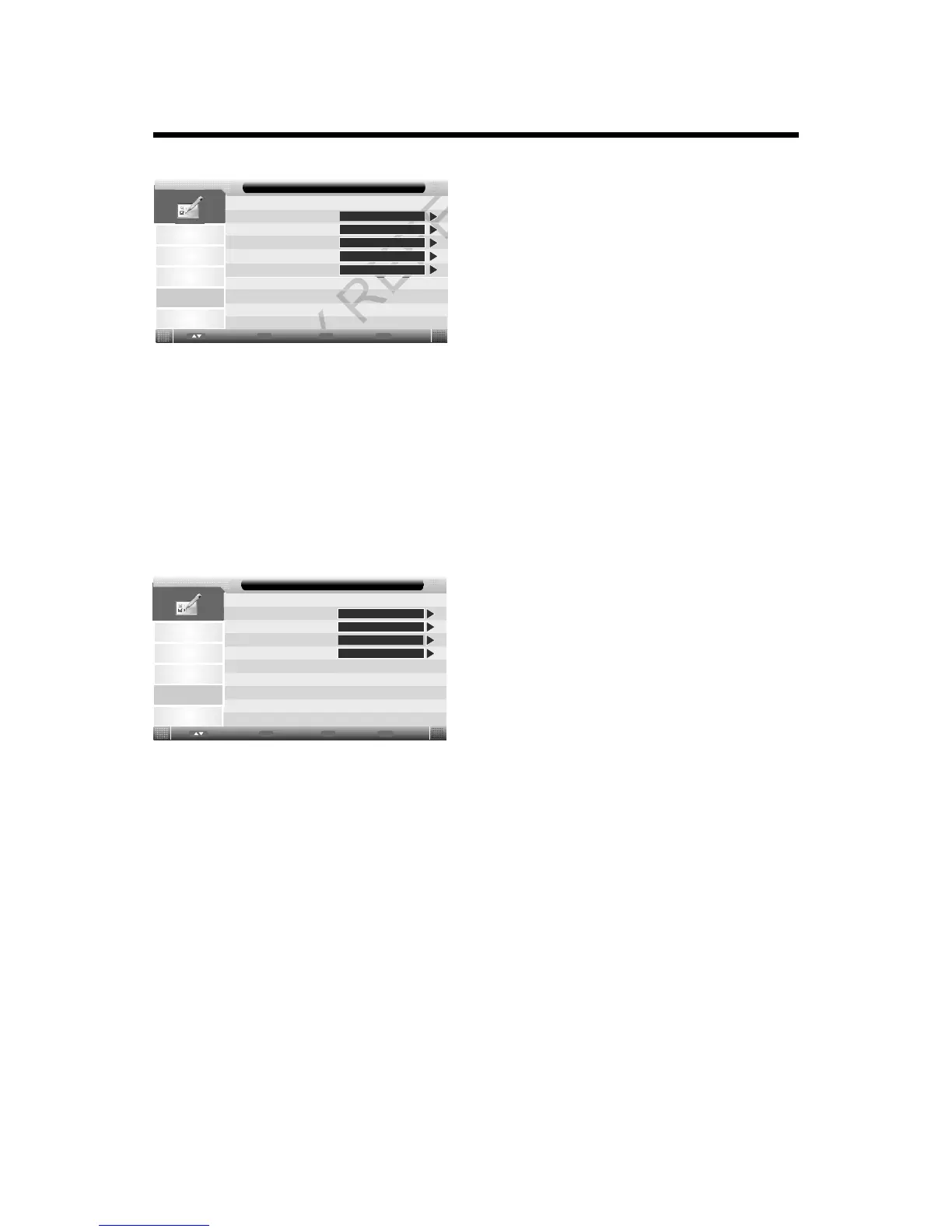
USING THE MENU
Language:
Press p/qbutton to select Language, then press ENTER button or ubutton to enter.
R
Picture
Sound
Channel
Setup
OSD Language
Preferred Subtitle
Preferred Audio
Feature - Language
Feature
English
Italian
DTV Teletext Language
Italian
Italian
ATV Teletext Language
West
Enter
Enter
Menu
Return
Exit
Exit
Move
OSD Language:
Press p/qbutton to select OSD Language, then press t/ubutton to select.
Preferred Subtitle:
Press p/qbutton to select Preferred Subtitle, then press t/ubutton to select.
Preferred Audio:
Press p/qbutton to select Preferred Audio, then press t/ubutton to select.
DTV Teletext Language:
Press p/qbutton to select DTV Teletext Language, then press t/ubutton to select.
ATV Teletext Language:
Press p/qbutton to select ATV Teletext Language, then press t/ubutton to select.
Clock (for DTV mode only):
Press p/qbutton to select Clock, then press ENTER button or ubutton to enter.
Picture
Sound
Channel
Setup
Date
Time
Time Zone
DST
Feature - Clock
Feature
06/11/2012
11:02
+8:00
Off
Enter
Enter
Menu
Return
Exit
Exit
Move
Press p/qbutton to select item, and press
t/ubutton to adjust.
Sleep Timer:
Allows you to setup the sleep timer among 10min, 20min, 30min, 60min, 90min, 120min, 180min, 240min
and Off.
Auto Power Off:
Set the TV to standby after the set time has elapsed.
Hearing Impaired:
Select On or Off to turn on or off the hearing impaired function.
CI Info:
Display the CI information.
17



 To Next Page