OPERATION MSA
3.8. Data Logging
Session Log
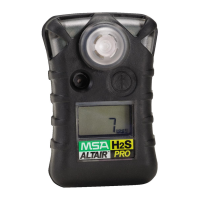
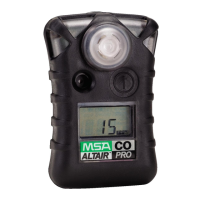
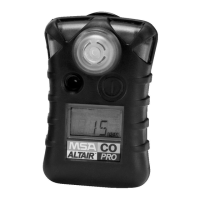
The ALTAIR PRO Detector has the capability of recording 50 of the most recent
events.
Hold the button for one second:
The instrument pages begin to display.
Events will be transferred to the PC during this sequence, if:
- the top of the instrument is pointed toward the optional IR Receiving
device
- a PC is running MSA FiveStar
®
Link
™
Software
- "CONNECT" button is pressed in the PC FiveStar
®
Link
™
Software.
Stored Events
Alarm
Alarm type - Alarm value - Time/Date
Alarm Clear
Alarm type - Alarm value - Time/Date
Calibration (pass/fail)
Time/Date
Self-test (pass/fail)
Time/Date
Error
Error type (Æ Troubleshooting in Section 4) - Time/Data
Periodic Log
Peak gas readings are periodically logged, based on user settings via the PC
(Æ Section 5.4 for typical performance).
The date and time display are based on the PC time. Make sure that the
date and time on the PC are correct.
Changing the instrument battery can result in lost time in the Data log.
After changing batteries, verify the Time and Date with your PC.
Connecting Instrument to PC
(1) Switch on PC and align instrument to the IR interface of the PC.
(2) Press the button on the instrument.
Instrument data will be displayed (Æ Section 3.3)
(3) Start the MSA FiveStar
®
Link
™
Software in the PC and start connection by
double-clicking "
CONNECT".
FASIT Srl - Via Orsera 13/b - 34145 TRIESTE - ITALY - Tel +39 040 825604 - www.fasit.it - info@fasit.it



 To Next Page