En-10
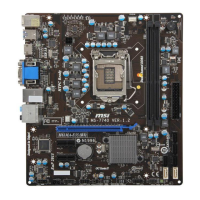
MS-7680 Manboard
Memory
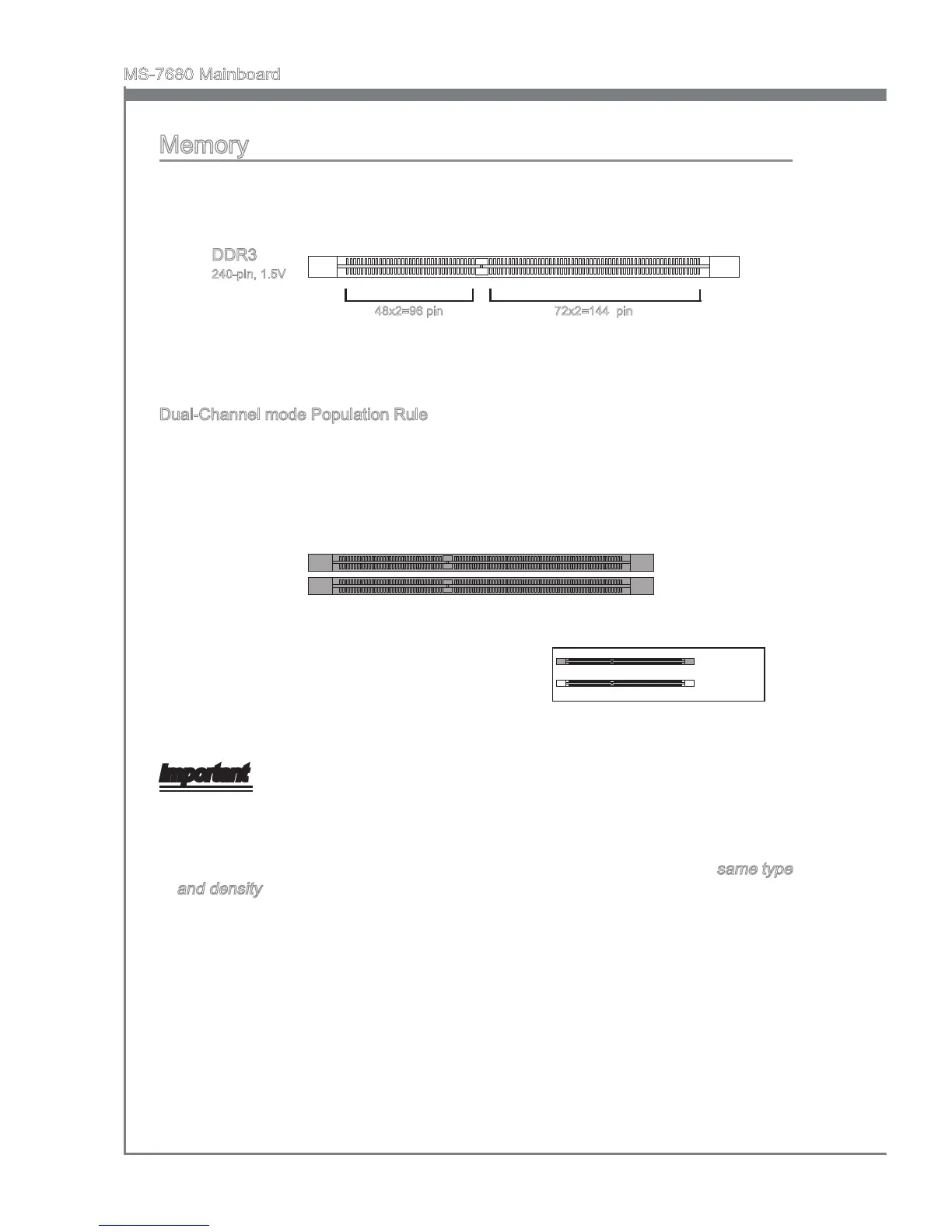
These DIMM slots are used for nstallng memory modules. For more nformaton on
compatble components, please vst
http://www.ms.com/servce/test-report
DDR3
240-pn, 1.5V
48x2=96 pn
72x2=144 pn
Dual-Channel mode Populaton Rule
In Dual-Channel mode, the memory modules can transmt and receve data wth two
data bus lnes smultaneously. Enablng Dual-Channel mode can enhance the system
performance. The followng llustratons explan the populaton rules for Dual-Channel
mode.
DIMM1
DIMM2
Important
DDR3 memory modules are not nterchangeable wth DDR2, and the DDR3 standard
s not backwards compatble. You should always nstall DDR3 memory modules n
the DDR3 DIMM slots.
In Dual-Channel mode, make sure that you nstall memory modules of the
same type
and densty n derent channel DIMM slots.
Due to the chpset resource deployment, the system densty wll only be detected up
to 15+GB (not full 16GB) when each DIMM s nstalled wth a 8GB memory module.
•
•
•
Installed
Empty



 To Next Page