and the SD card slot.
14. Hold Switch Switch to lock position to prevent any miss
touching while MEGA PLAYER 538 SERIES
is recording or playing.
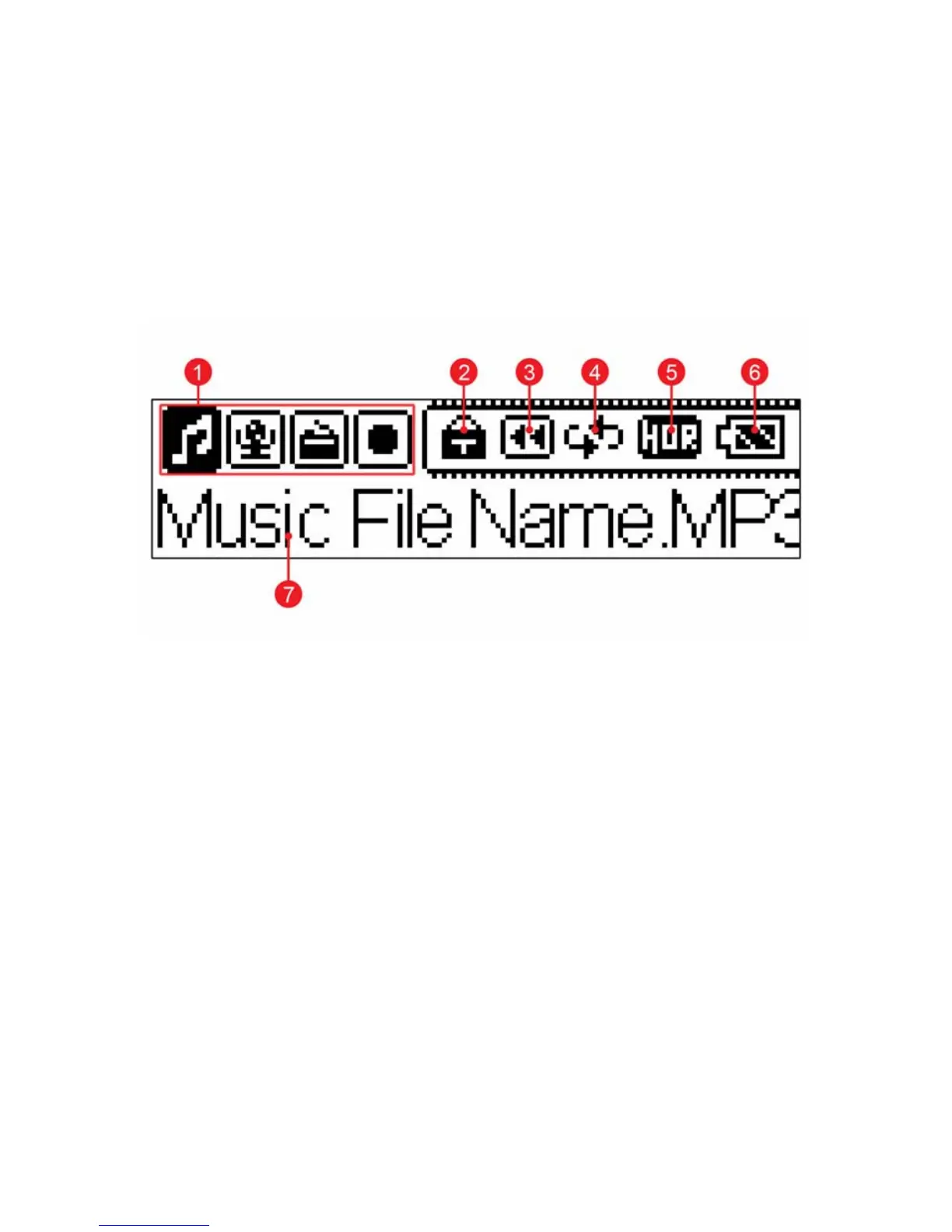
LCD Display
Normal Playback Mode
1. Mode Bar Indicates the present operation mode.
2. Lock Indicates when the Hold function is enabled.
3. Playback Status Displays the music or voice files playback
status.
4. Repeat Mode Indicates the repeat mode that includes
Normal, Repeat One, Repeat All, Shuffle, and
Shuffle Repeat.
5. Equalizer Indicates the EQ mode settings that include
Normal, Classical, POP, Rock, and Jazz.
6. Battery Status Indicates the Battery Status.
10
7. File Name Displays the current file name is being



 To Next Page