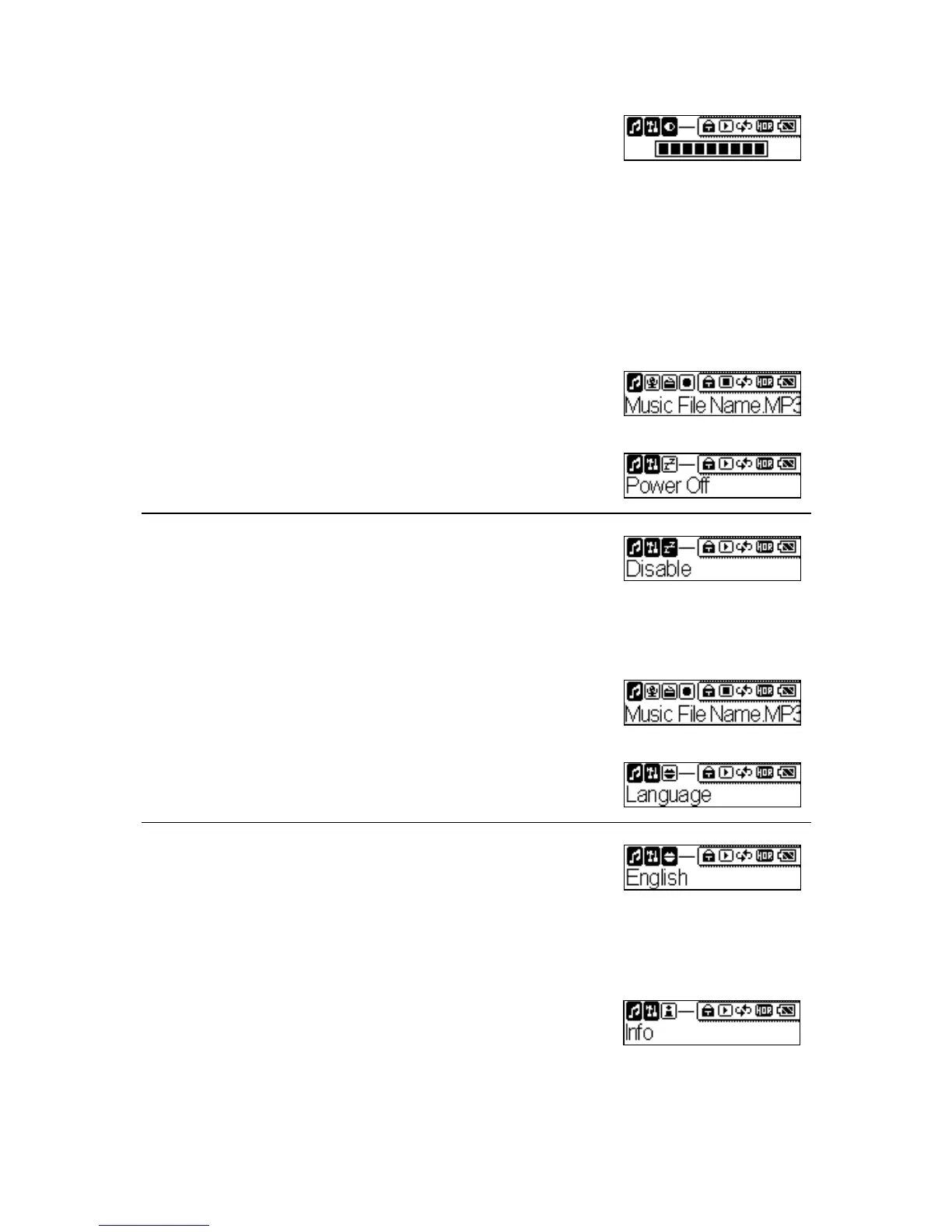
3. Adjust the Screen Contrast level that you want.
Setting Power OFF Timer
User can set the timer under Power OFF setting to turn off MEGA PLAYER
538 SERIES automatically when MEGA PLAYER 538 SERIES isn’t
operating for a period time.
1. Press and hold the Mode button for two seconds
in the Music, Voice, FM or Record mode. It
will change to the Setting mode.
2. Select the Power Off item.
3. Select Disable, 1 min, 2 min, 5 min or 10 min
item.
Setting Language
1. Press and hold the Mode button for two seconds
in the Music, Voice, FM or Record mode. It
will change to the Setting mode.
2. Select the Language item.
3. Select a language you want to use.
Device Information
1. Press and hold the Mode button for two seconds
in the Music, Voice, FM or Record mode. It
will change to the Setting mode.
23



 To Next Page