d. Single Voice: Select to delete single recording
file.
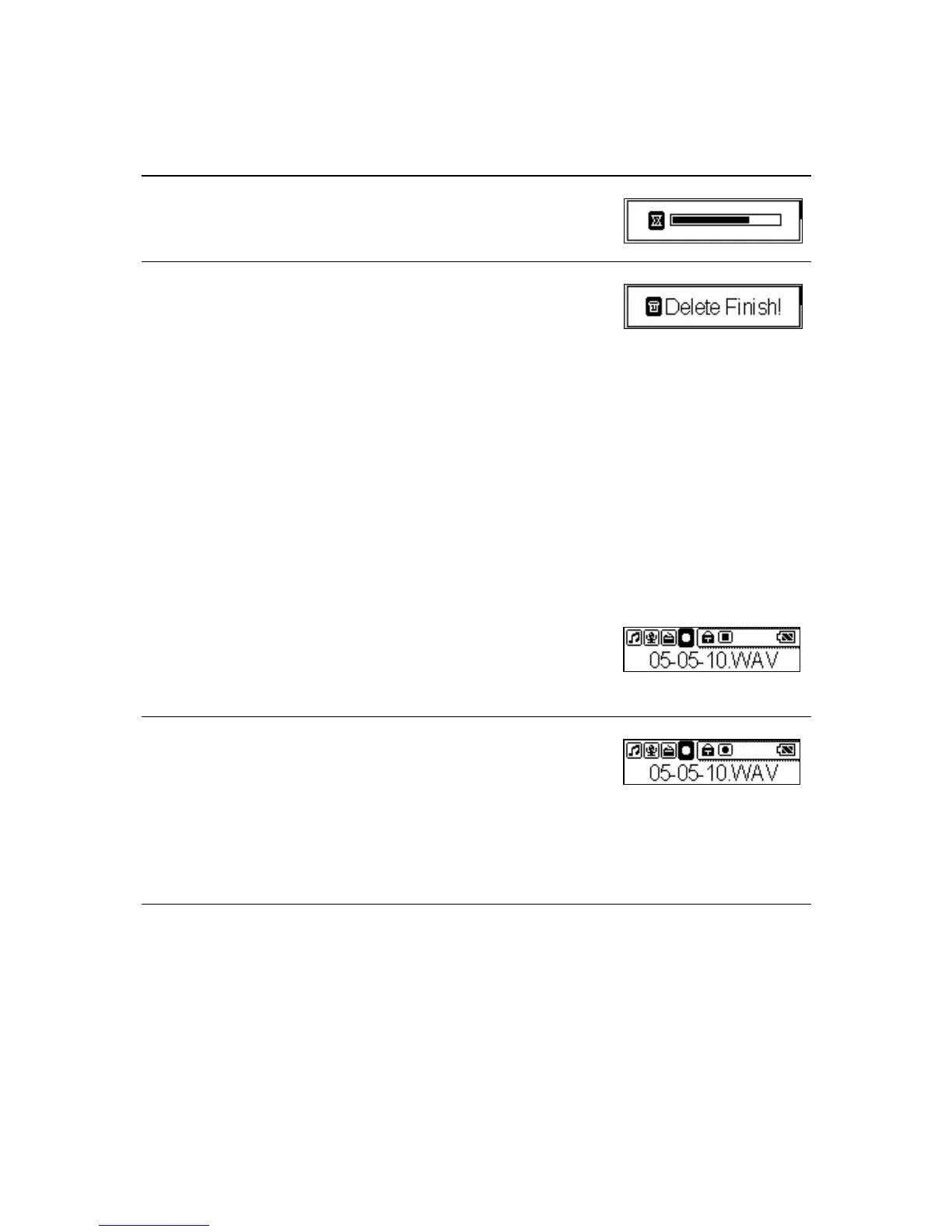
4. It might take several seconds.
5. When it has done, the “Delete Finish!” message
will appear on the LCD screen.
Note: you can easily use Windows Explorer to manage/ delete files.
Microphone Recording
MEGA PLAYER 538 SERIES also works as a synchronizing recorder. You are
allowed to record your own voice, an interview or a speech via internal
microphone. To do the Recording, please follow the steps shown below.
1. Press the Mode button to select the Record item.
2. Press the Play/Pause button to start or stop
recording.
3. On the Display, a microphone recording file
should be generated and placed under the folder
of [ /VOICE/ ]. The file name sequence starts
from [ V001.WAV], and then [V002.WAV], and
so forth.
4. To stop microphone recording, simply press the
Play/Pause button again, and you will see the
status return to the previous status.
25



 To Next Page