Chapter 5. Usage for Lite Version
Power On
Press the Power button for two seconds. LED should light up, four seconds later,
LED light will change color form orange to green which means the device is
ready to play.
Power Off
Press the Power button and hold until the LED light is turned off.
Music Playback
Press the Play button to play all the tracks once. Playback starts from the track
you last stopped playing.
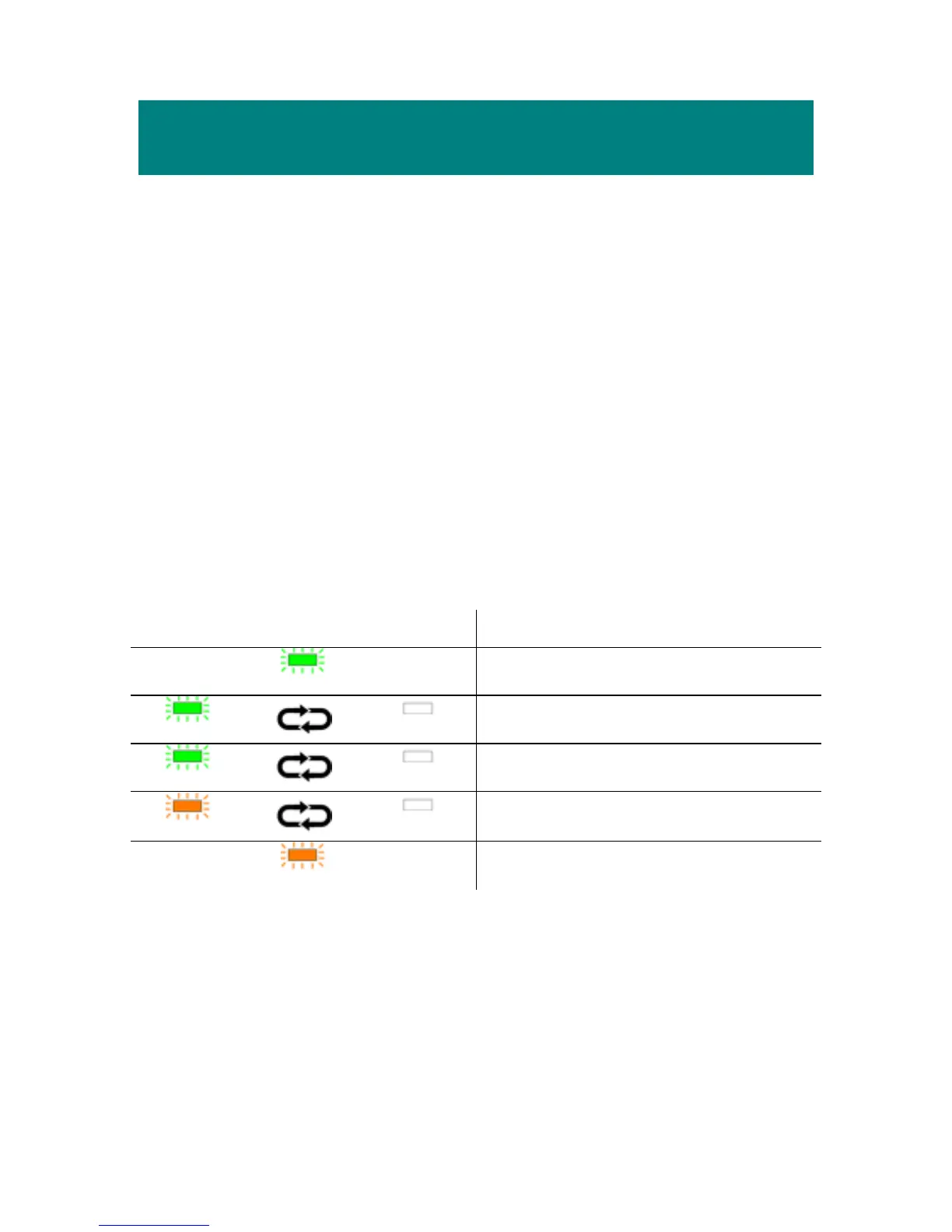
LED Indicator
LED Indicating Description
Always Light
Power on and stop the playback.
0.5sec
4sec
Playing a playback.
2sec
1sec
Pausing a playback.
1sec
1sec
Reading data.
Always Light
USB mode.
Note: MEGA PLAYER 538 SERIES will turn off power automatically when it
is not playing for a minute.
28



 To Next Page