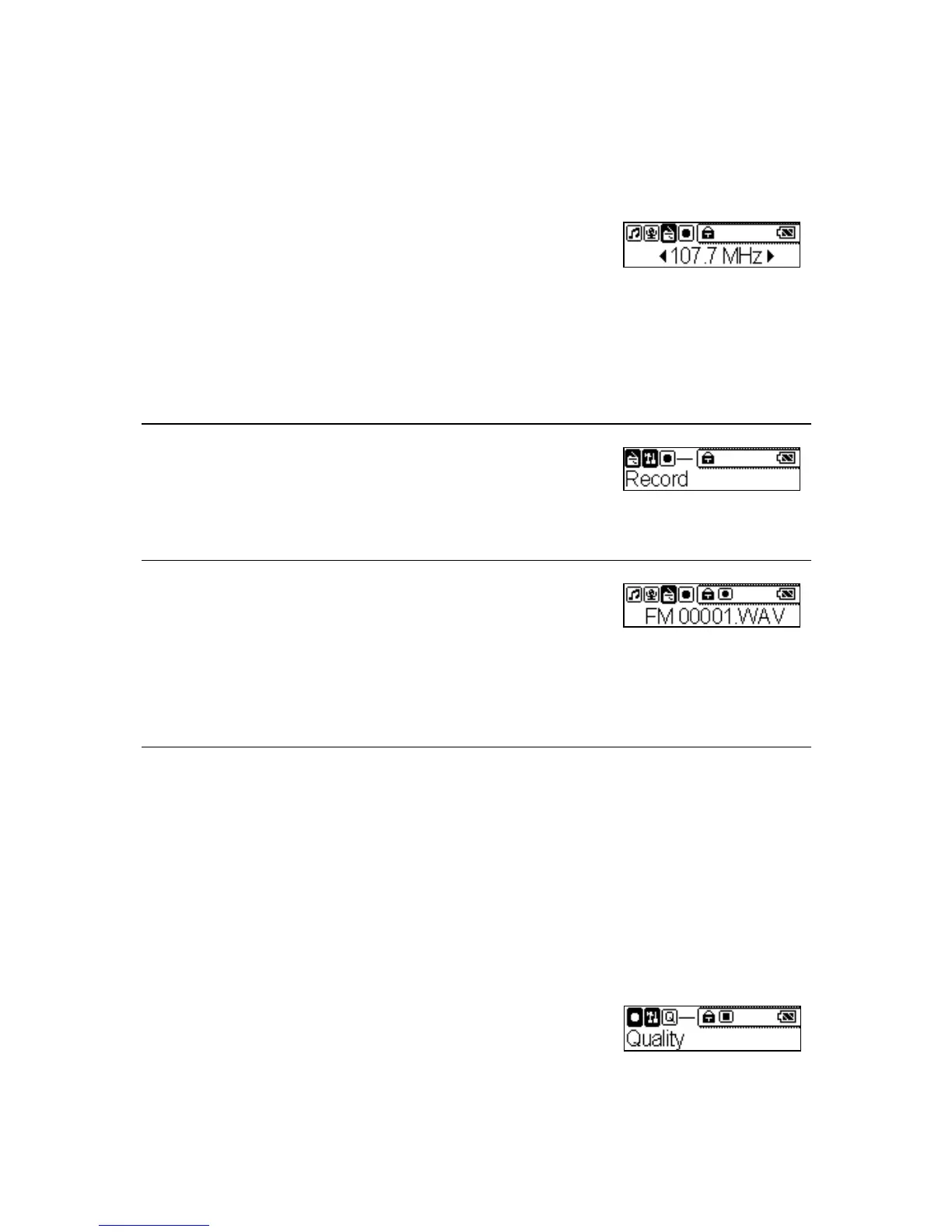
Radio Broadcast Recording
1. Select a radio broadcast channel that you want to
record (please refer to the session “FM Radio
Mode”).
2. Press and hold the Mode button for two seconds
in the FM mode. It will change to the Setting
mode.
3. Select the Record item.
4. Press the Play/Pause button to start or stop
recording.
5. On the Display, a radio recording file should be
generated and placed under the folder of
[ /FM/ ]. The file name sequence starts from
[ FM001.WAV], and then [FM002.WAV], and
so forth.
6. To stop radio recording, simply press the
Play/Pause button again, and you will see the
status return to the previous status.
Setting Record Quality
1. Press and hold the Mode button for two seconds
in the FM or Record mode. It will change to the
Setting mode.
26



 To Next Page