Chapter 4. Basic Usage
If your device is MEGA PLAYER 538 SERIES Lite (without the LCD panel),
please jump to read Chapter 5. Usage for Lite Version. In this document, we
will use the term, “Select”, to mean that you should press the Rewind/Left or
Forward/Right button to browse through options, and then select the option by
press the Power/Play/Pause button.
Power On
1. Press the Power button for two seconds.
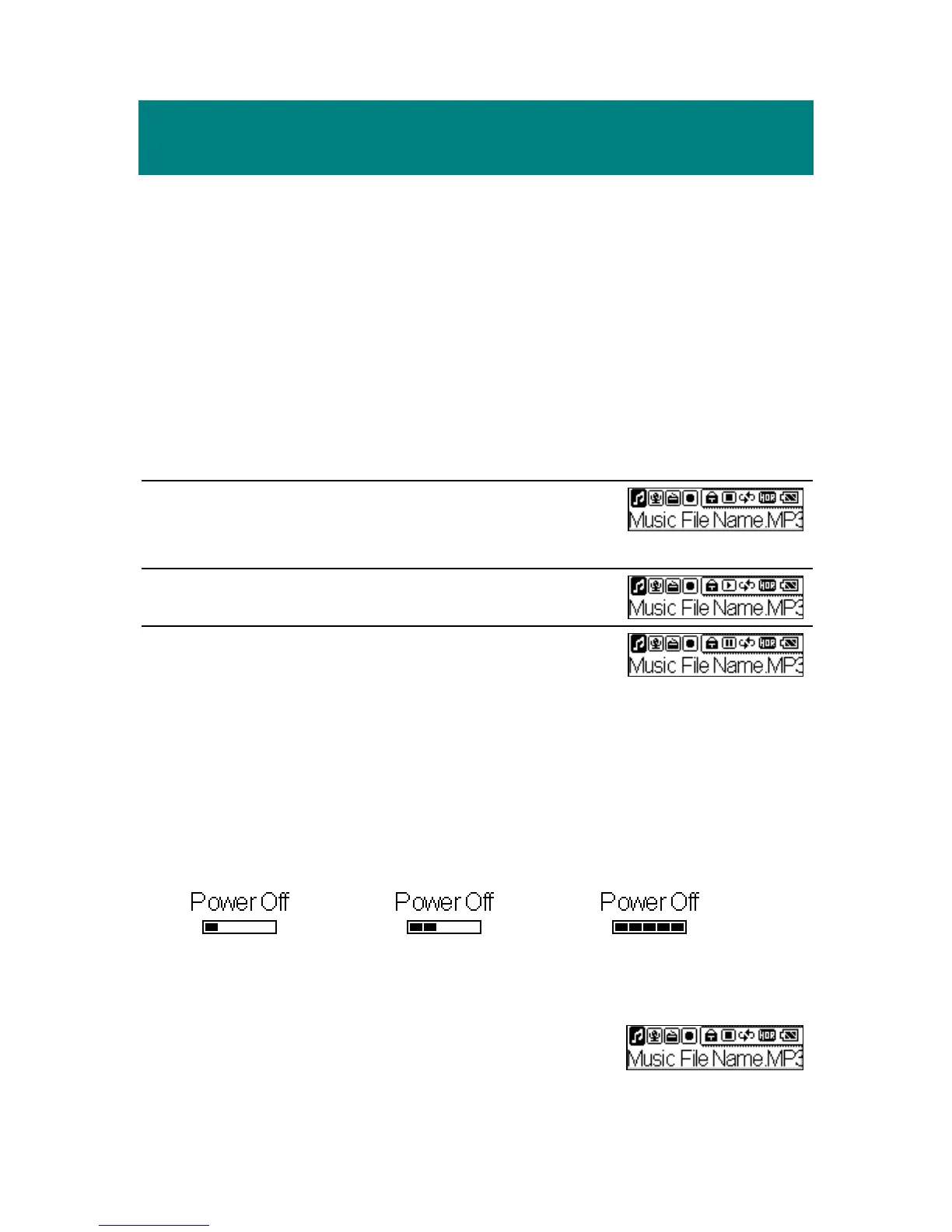
2. After power on, the default mode is Playback
“stop” mode.
3. Press the Play button to play the track.
4. During playback, you can press the Pause button
to pause the playback.
Power Off
Press the Power button and hold. You will see a Power Off Status Bar
appearing on the display to indicate the Power Off status. Note that it takes
about two seconds to turn the power off.
Music Playback
1. Press the Mode button to select the Music item.
19



 To Next Page