Chapter 3. Driver & Utility Installation
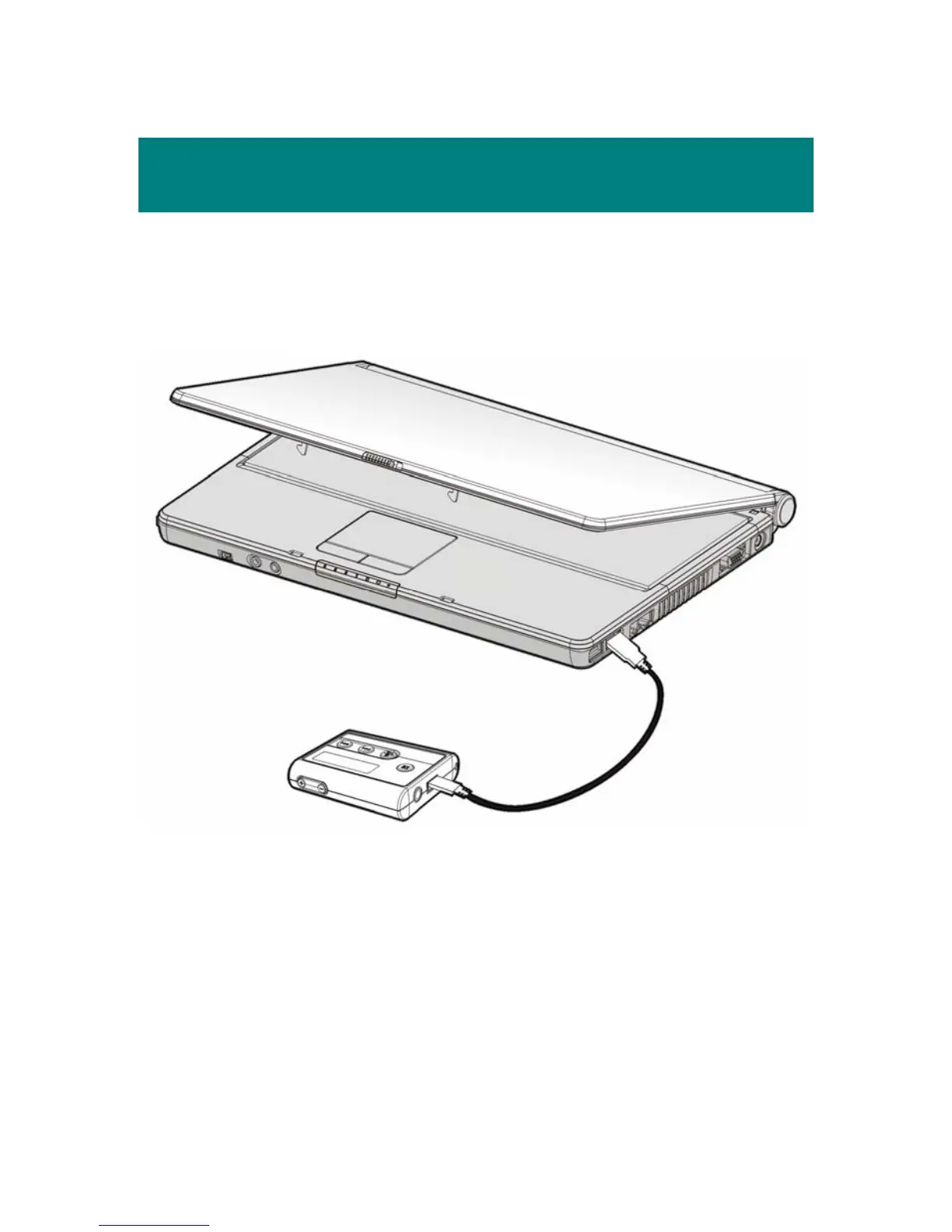
Connect MEGA PLAYER 538 SERIES to Your Computer
1. Plug one end of the supplied USB cable to MEGA PLAYER 538 SERIES,
and plug the other end to your computer.
2. Once MEGA PLAYER 538 SERIES is connected to computer, it should
be detected by the operating system automatically.
Note: If the operating system of your computer is Windows 98SE, a
hardware driver for MEGA PLAYER 538 SERIES will be required.
13



 To Next Page