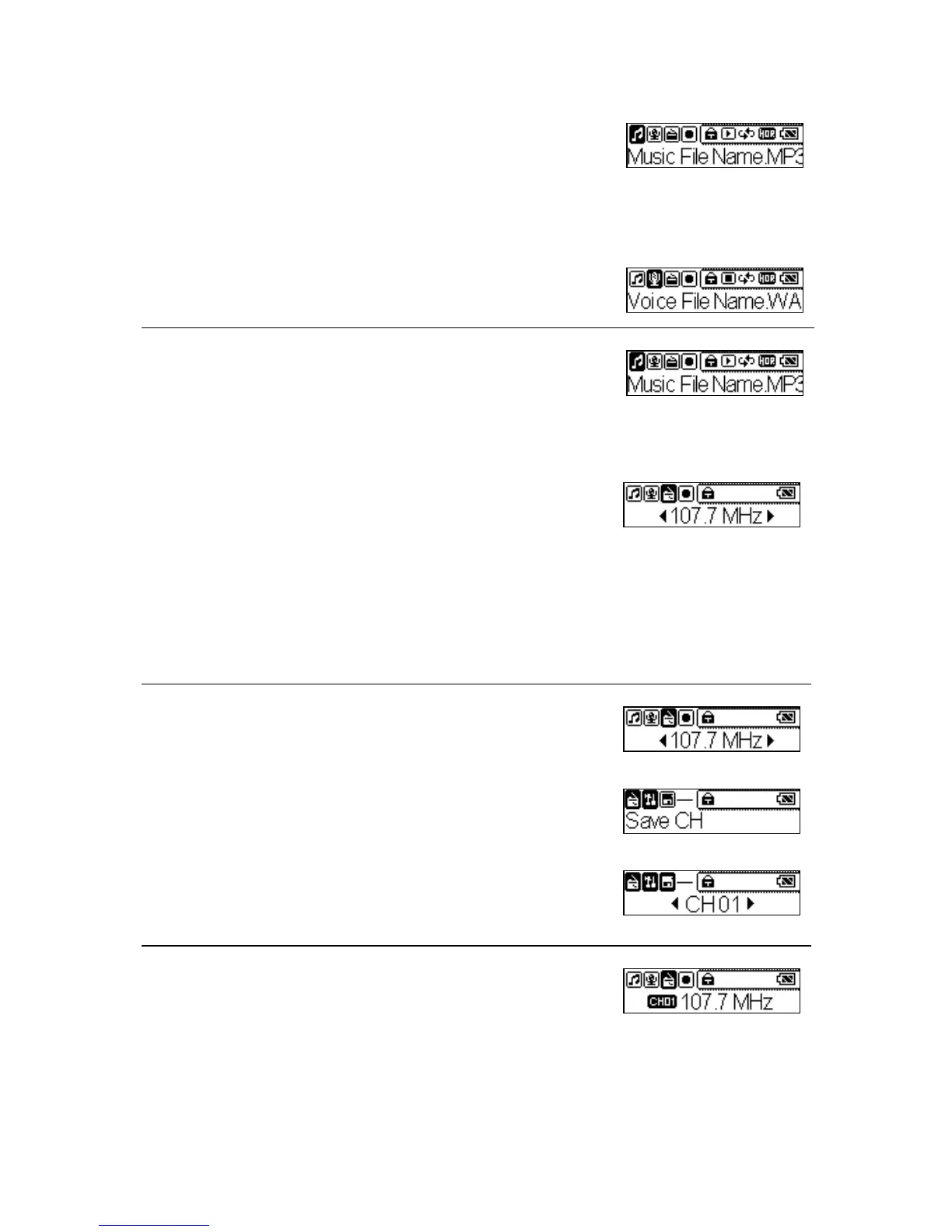
2. Select the song you want to listen, and then press
the Play button to play.
Playing Voice File
1. Press the Mode button to select the Voice item.
2. Select the song you want to listen, and then press
the Play button to play.
FM Radio Mode
1. Press the Mode button to select FM Radio item,
when FM Radio Mode is selected for the very
first time, MEGA PLAYER 538 SERIES will
run an auto station searching and store the
searched five stations as the preset favorite
stations.
2. When the radio frequency appears on the LCD
screen, Press the Right or Left button to adjust
and search the preset channel you want.
3. Press and hold Mode button for two seconds, a
“Save CH” message will appear on the LCD
screen, then press the play button and select a
number to save.
Press the Play button to switch the CH number that
you have saved before.
20



 To Next Page