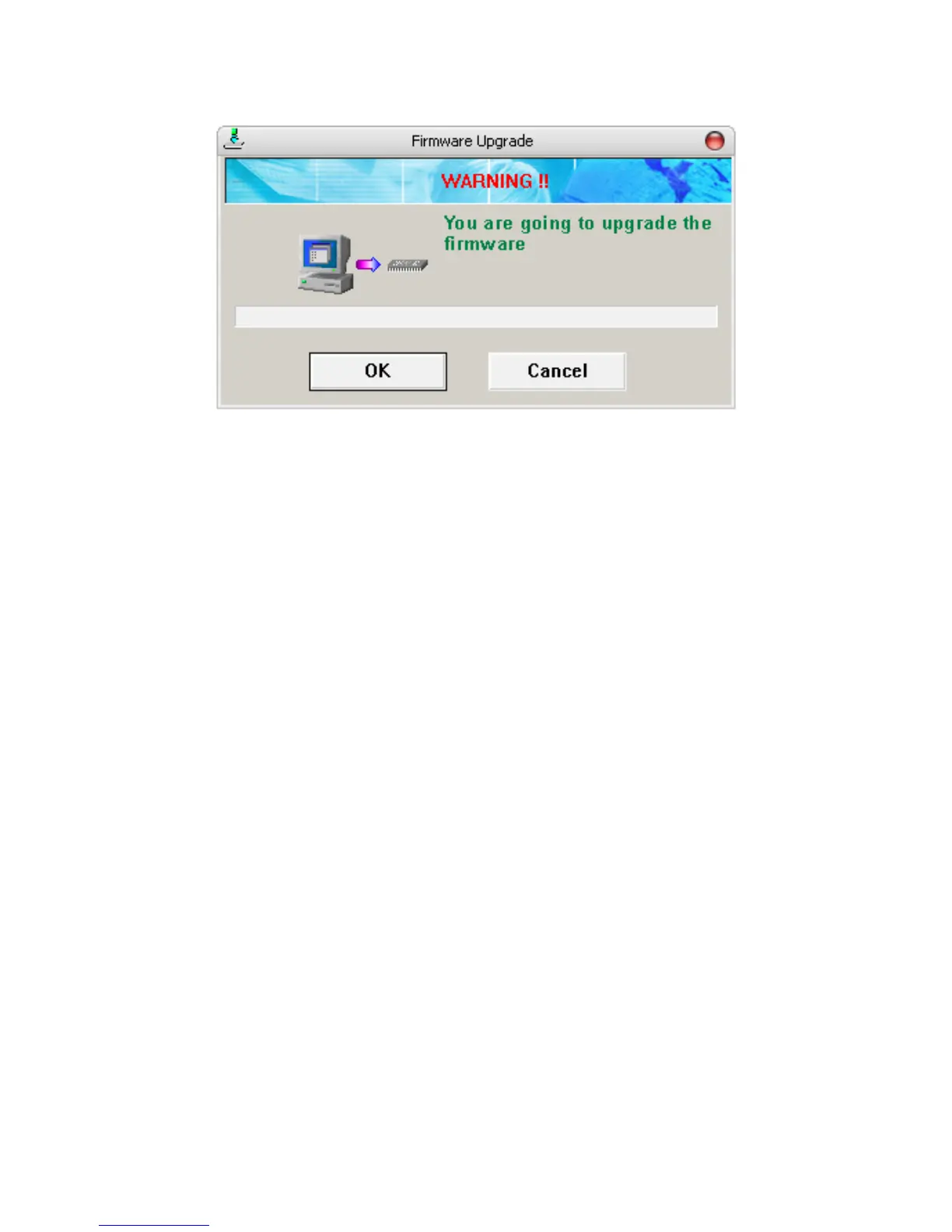
5. Click the OK button to start updating.
Formatting
To format the built-in memory or the SD card in MEGA PLAYER 538 SERIES,
please refer the connecting instruction mentioned previously to connect MEGA
PLAYER 538 SERIES to your computer first. Once you connect MEGA
PLAYER 538 SERIES to your computer, you may format MEGA PLAYER 538
SERIES with the format tool offered by Windows.
Note: If you format MEGA PLAYER 538 SERIES, the data and files stored inside will
be all erased!
Note: If you need to format MEGA PLAYER by other format utility, please select FAT16
or FAT32 format.
USB Flash Disk / SD Card Reader
Users are able to save personal data with many formats available into the
built-in memory of the MEGA PLAYER 538 SERIES, or store data on the SD
card inside the MEGA PLAYER 538 SERIES like using a card reader. To save
data to MEGA PLAYER 538 SERIES, simply connect it to computer, and use
Windows Explorer to manage your data.
15



 To Next Page