16
Chapter 4. Basic Usage
Power On and Off
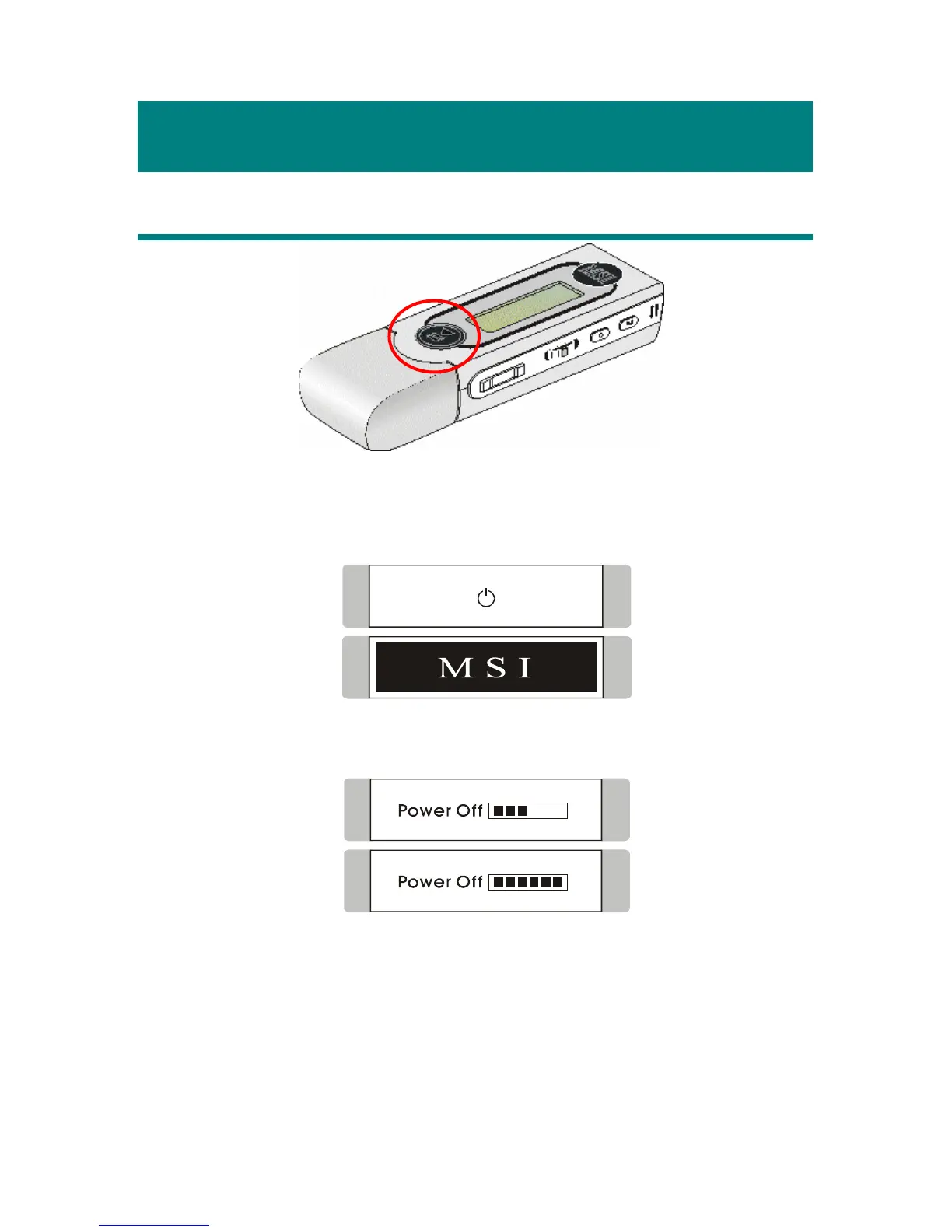
1. Press the Play/Pause [] button once to turn the power on. When
powered on, a power on icon and MSI startup logo will be shown on the
display.
2. To power off MEGA STICK 511, press and hold the Play/Pause []
button until the power is switched off.
Note: when pressing the Play/Pause [
] button to power off MEGA
STICK 511, you will see a Power Off Status Bar appearing on the
display to show you the Power Off status.
Note: it takes about three to five seconds to turn the power off.



 To Next Page