27
Activate Line-in Recording Function
1. Press down Menu button once, and then push Menu button to the right
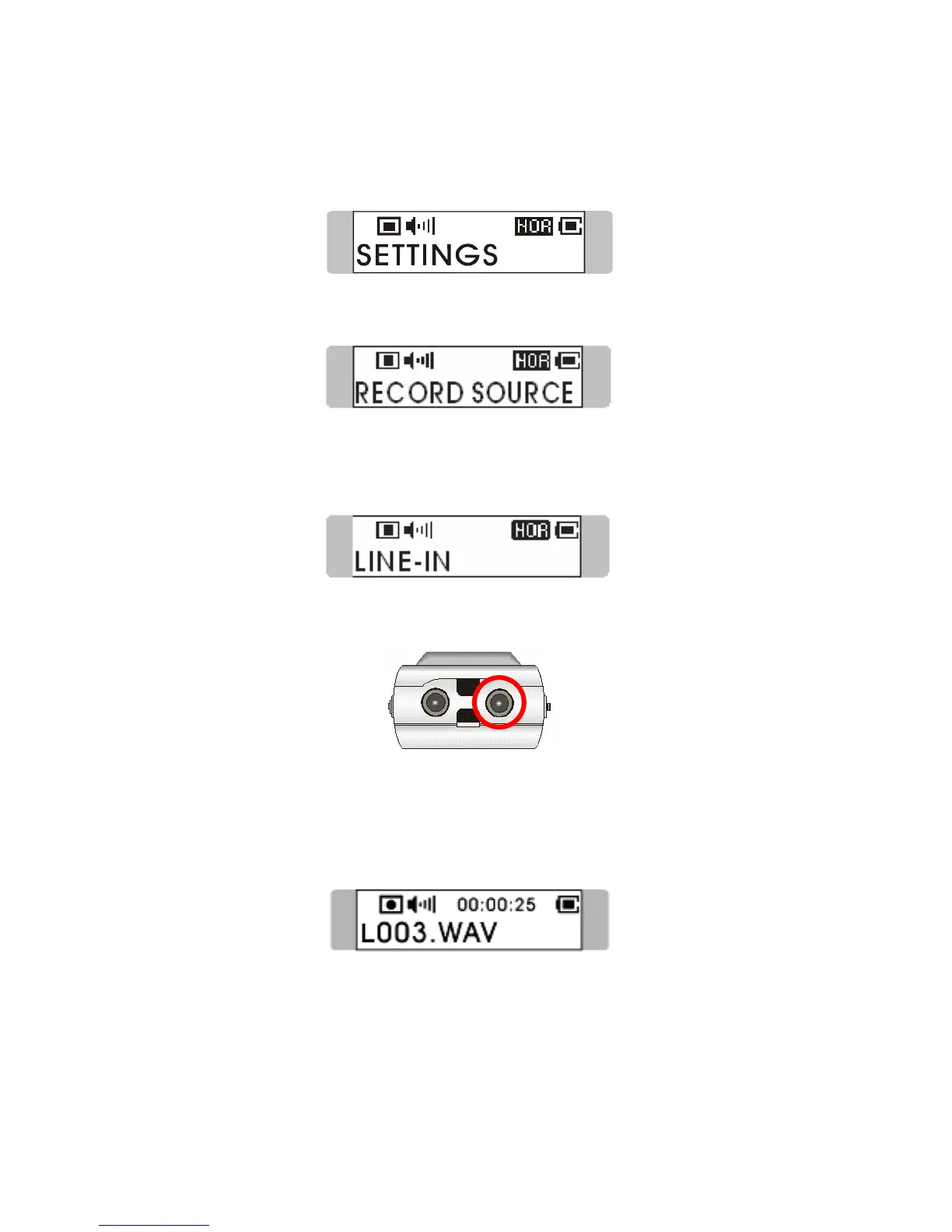
until SETTINGS appears on the display. Press Menu button to enter.
2. Push Menu button right or left until RECORD SOURCE message
appears on display. Press down Menu button once to enter the sub-menu..
3. Switch Menu button to the right or to the left to choose LINE-IN. And
press Menu button again to confirm. Exit RECORD SOURCE menu by
pressing Menu button for 1 second.
4. Plug one end of audio cable to the Audio-out jack of external audio device,
and one end to the MEGA STICK 511.
5. Play external audio device, press REC[y] button to record audio signal.
6. A recording file should be generated and placed under the folder of
[/LINE-IN/]. The recording file name starts from [L001.WAV], and then
[L002.WAV], and so forth.
7. To stop recording, simply press down REC button again, and you will see
the status return to previous.



 To Next Page