23
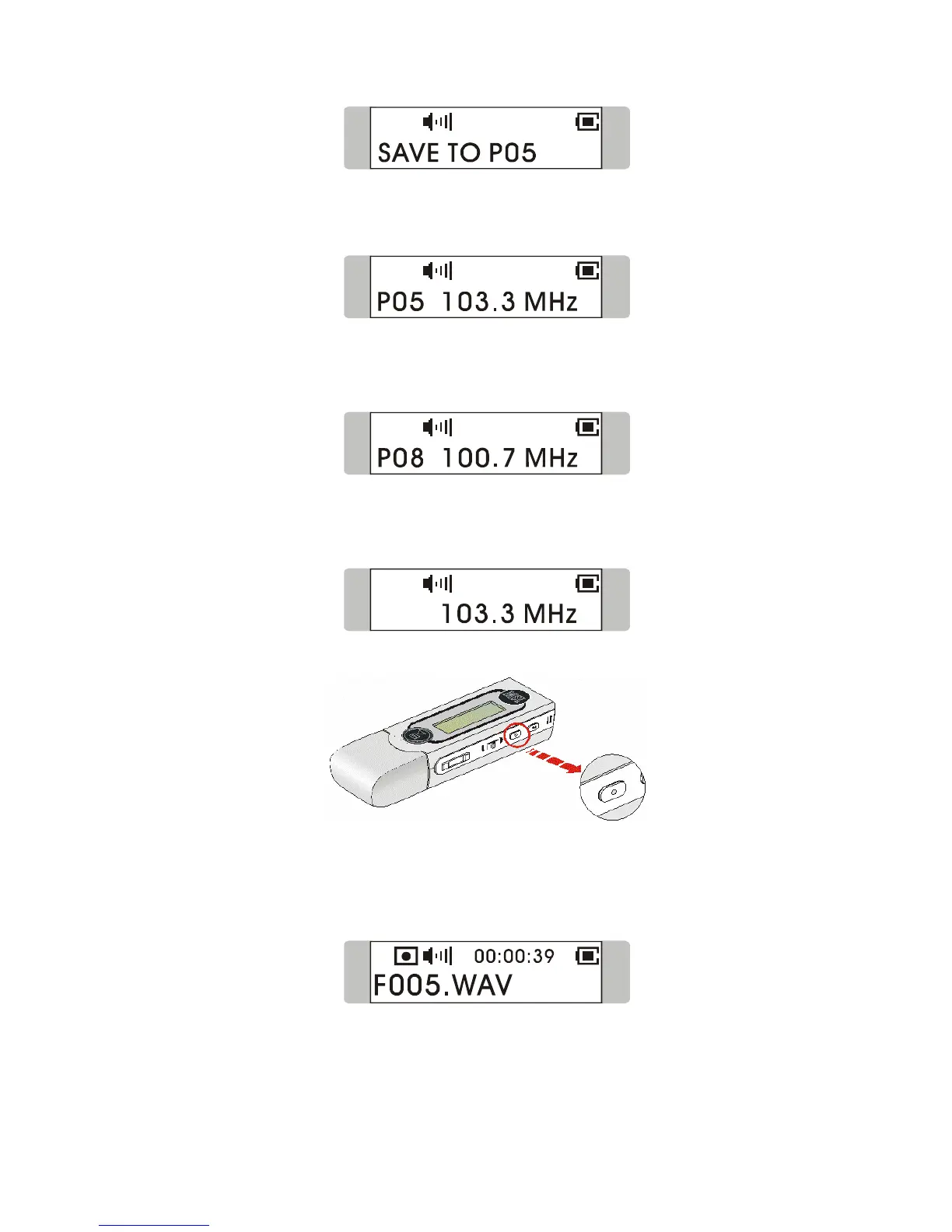
4. Press Menu button to save selected frequency to selected station number.
5. To set another favorite station, repeat step 1 to 4.
Select the Stored Favorite Station
1. To select stored favorite station, press the Play/Pause button repeatedly.
Record Radio Broadcast
1. Select a desired station frequency.
2. Press REC[y] button once.
3. Once REC[y] button is pressed, selected station will start being recorded.
On display, you should read a file is generated and place under [/VOICE/]
folder. File name starts from [F001. WAV], [F002. WAV], and so forth.
4. To stop recording, press REC button or the Menu button again.
Note: Maximum recording length depends on available memory space.



 To Next Page