25
Delete All FM Voice Files
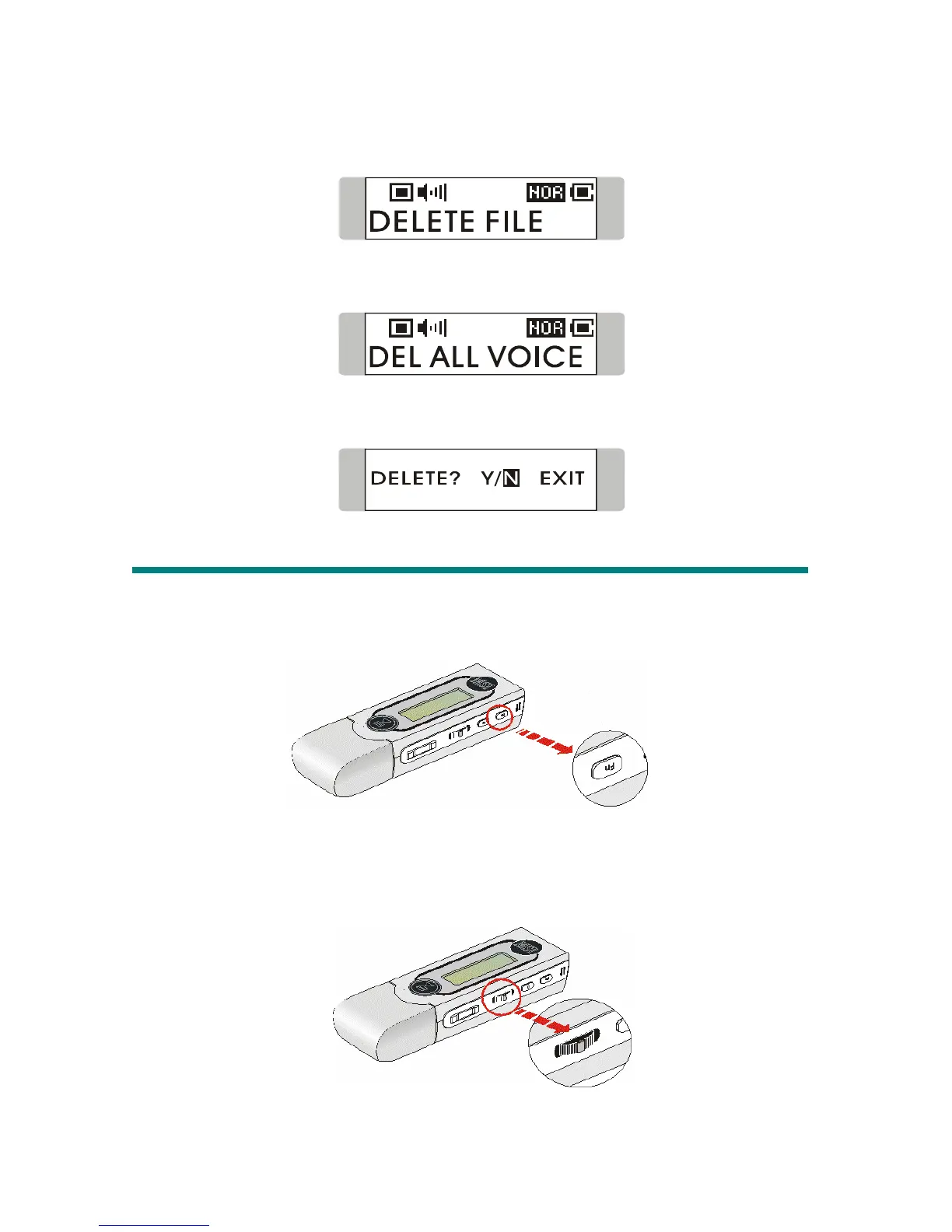
1. Press Menu button, push Menu button until DELETE FILE appears.
2. Press down Menu button once and push Menu button to the right or to the
left to select DEL ALL VOICE.
3. Once DEL ALL VOICE appears, press Menu button, and select Y to
delete all voice files. It may take several seconds to delete all the files.
Switch to FM/ Playback mode (*optional operation)
Switch from Music Playback mode to FM mode
During music playback, press and hold Fn button one second to enter FM Mode.
Switch from FM mode to Music Playback mode
During FM mode, press and hold Menu button for one second or press Fn button
once to switch back to Music Playback mode.



 To Next Page