22
FM Radio Mode (*optional function)
When FM Radio Mode is selected for the first time, MEGA STICK will search
station automatically and store searched station as the preset favorite stations.
Select FM Radio Mode
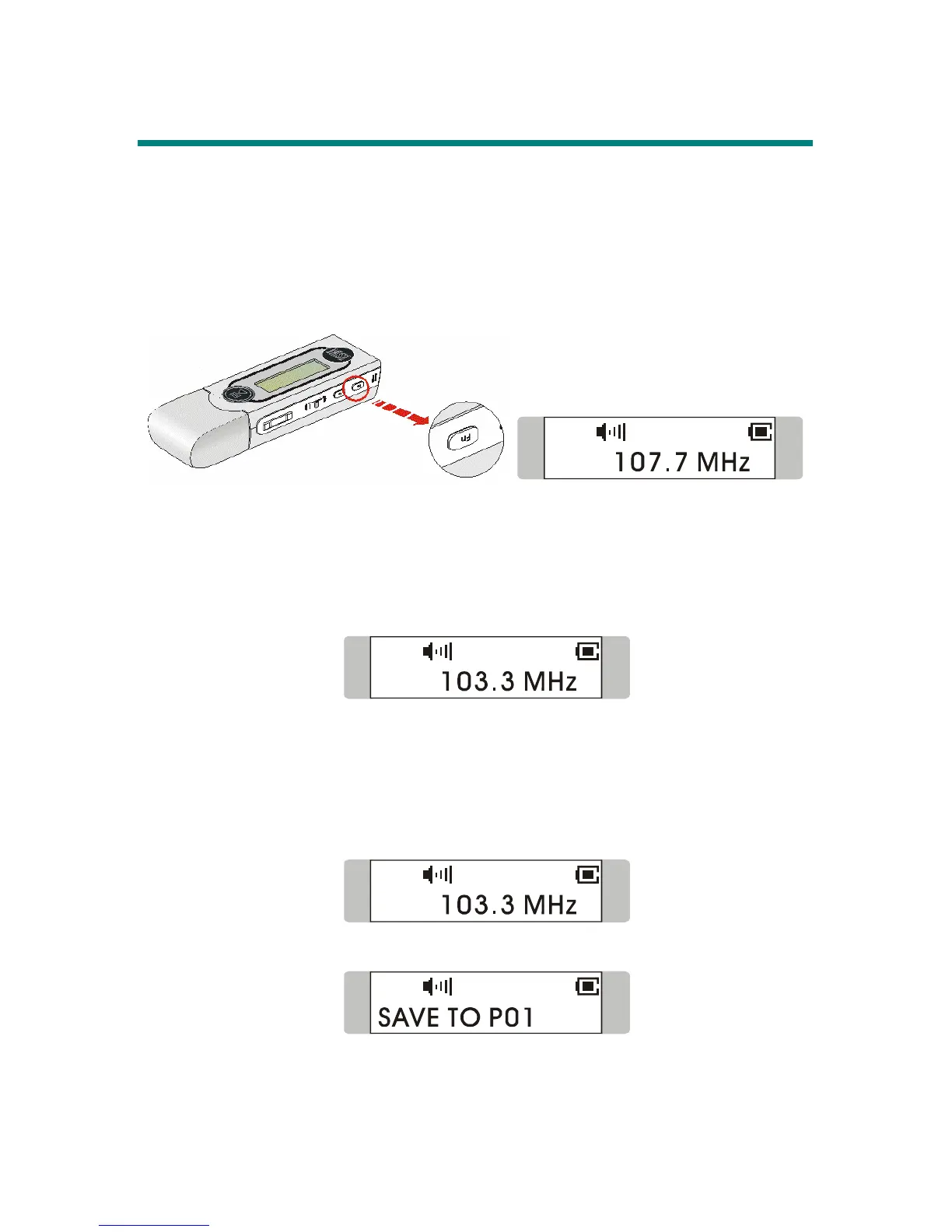
Press Fn button located on the side of MEGA STICK 511 to select FM Mode.
Then you will read radio frequency shown on the screen.
Select FM Station
1. Once FM Radio Mode is entered, push Menu button to the right or to the
left to select desired station.
2. While searching for station, you will read the frequency on the Display.
Store a Favorite Station
With this favorite station memory function, you will be able to store 15 favorite
stations named from P01 to P15 into the MEGA STICK memory.
1. To store a favorite station, select a desired frequency first.
2. Press Menu button once, you should read SAVE TO P01 on the Display.
3. Switch Menu button to the right or left to select a desired station number.



 To Next Page