30
Select Audio Track and Subtitle Track of DivX
®
. File:
DivX
®
video may support multiple language audio and subtitle tracks. You can
select different language audio and subtitle track to meet your need and enjoy
the video playback.
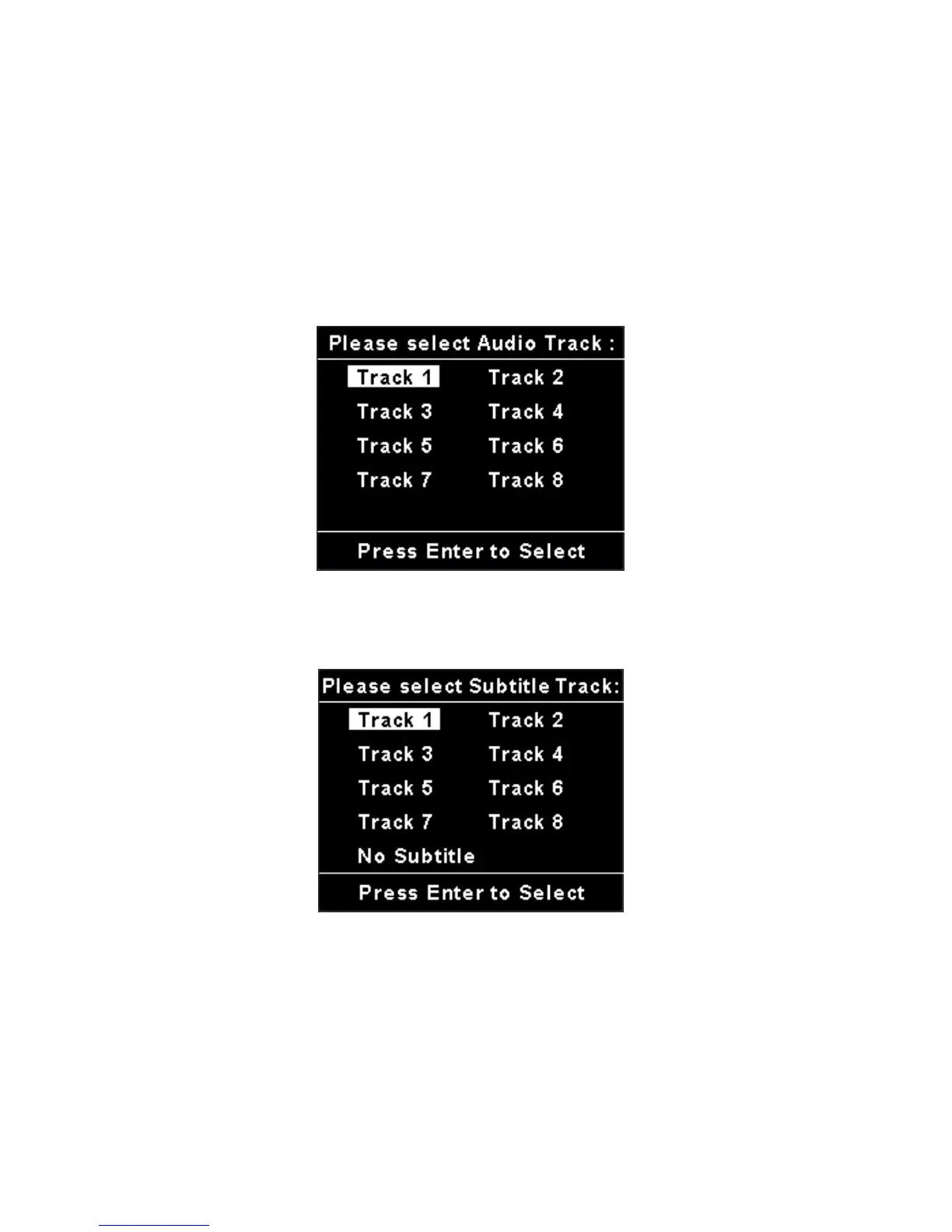
1. If the video embedded language audio tracks, “Please select Audio Track”
will display on LCD when you press Navigation key to play the DivX
®
video. Choose one track and press down Navigation key to start to play.
2. If the video embedded subtitle tracks, “Please select Subtitle Track”
message will display on LCD when you press Navigation key to play the
DivX
®
video. Choose one track and press down Navigation key to play.
Note: The tracks now can only be shown as Track 1, Track 2, and etc.
This function will be updated by DivX
®
Network in the near future.
3. You can change audio track and subtitle during DivX video playing. During
playing, press down Navigation key to pause first. Push up Navigation key
to select an audio track and press down Navigation key to switch audio
track. Push down Navigation key to choose a subtitle and press down
Navigation key to play with selected subtitle.



 To Next Page