CHAPTER 2 HARDWARE INSTALLATION
B. How to install a DIMM Module
1. The DIMM slot has a two key mark “VOLT and DRAM” , so the
DIMM memory module can only fit in one direction.
2. Insert the DIMM memory module vertically into the DIMM slot
then push it in.
3. Close the plastic clip at the side of the DIMM slot.
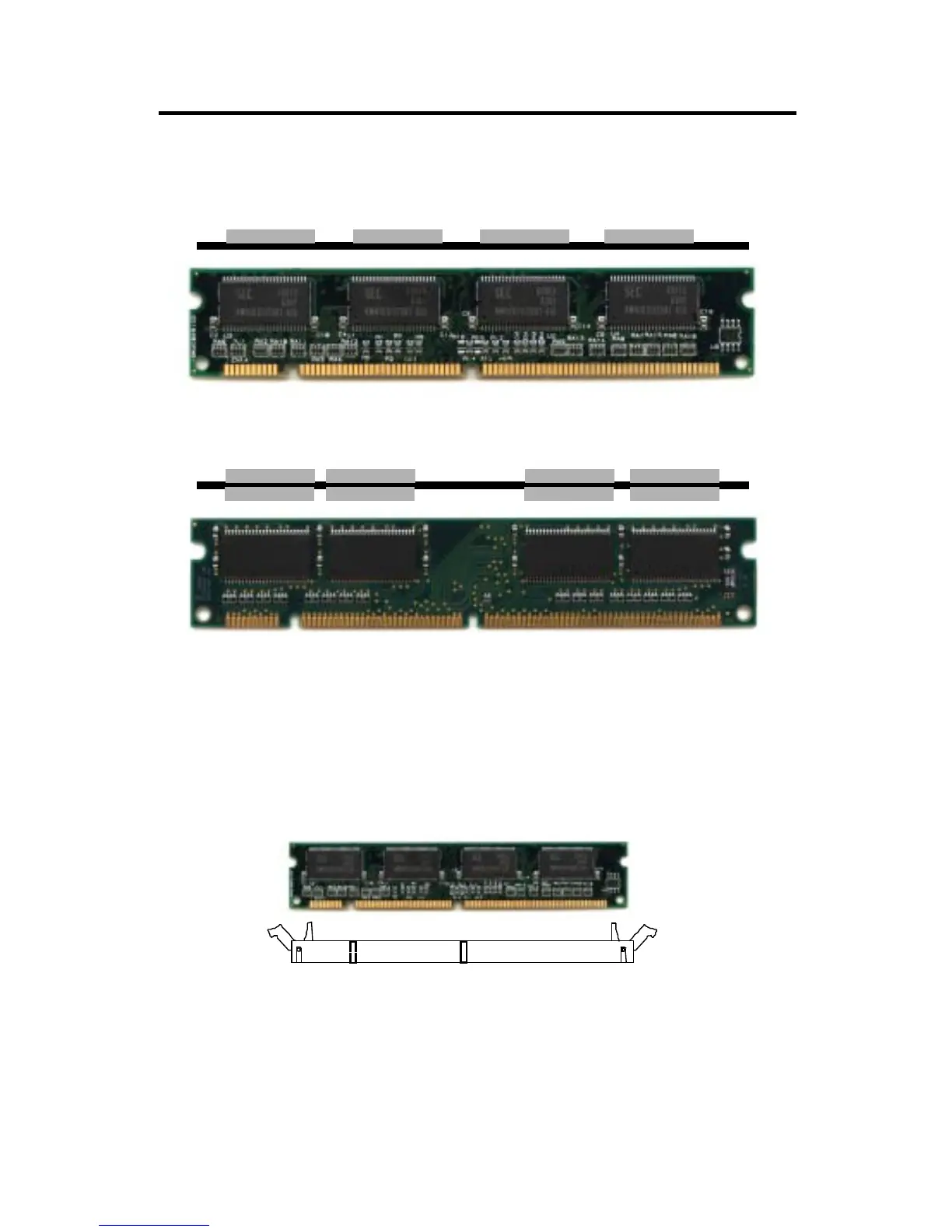
Single Sided DIMM
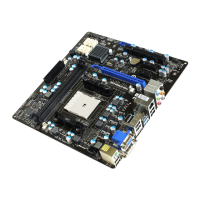
Double Sided DIMM
Note: If you have installed SIMM and DIMM at the same time. You must
use a 3.3 volt DIMM with 5 volt I/O signal tolerance or a full 5 volt
DIMM module (EDO, FP or SDRAM). Look for JV1 to select the
DIMM voltage.
2-14


 To Next Page