2-9
Hardware Setup
▍
MS-7522
Important
DDR3 memory modules are not nterchangeable wth DDR2 and the DDR3 standard
s not backwards compatble. You should always nstall DDR3 memory modules n
the DDR3 DIMM slots.
In Three/ Dual-Channel mode, make sure that you nstall memory modules of
the
same type and densty n derent channel DIMM slots.
To enable successful system boot-up, always nsert the memory modules nto the
DIMM_A0 rst.
Due to the chpset resource deployment, the system densty wll only be detected up
to 23+GB (not full 24GB) when each DIMM s nstalled wth a 4GB memory module.
When you nstall ncorrect memory module (the SA2-pn of the memory module con
-
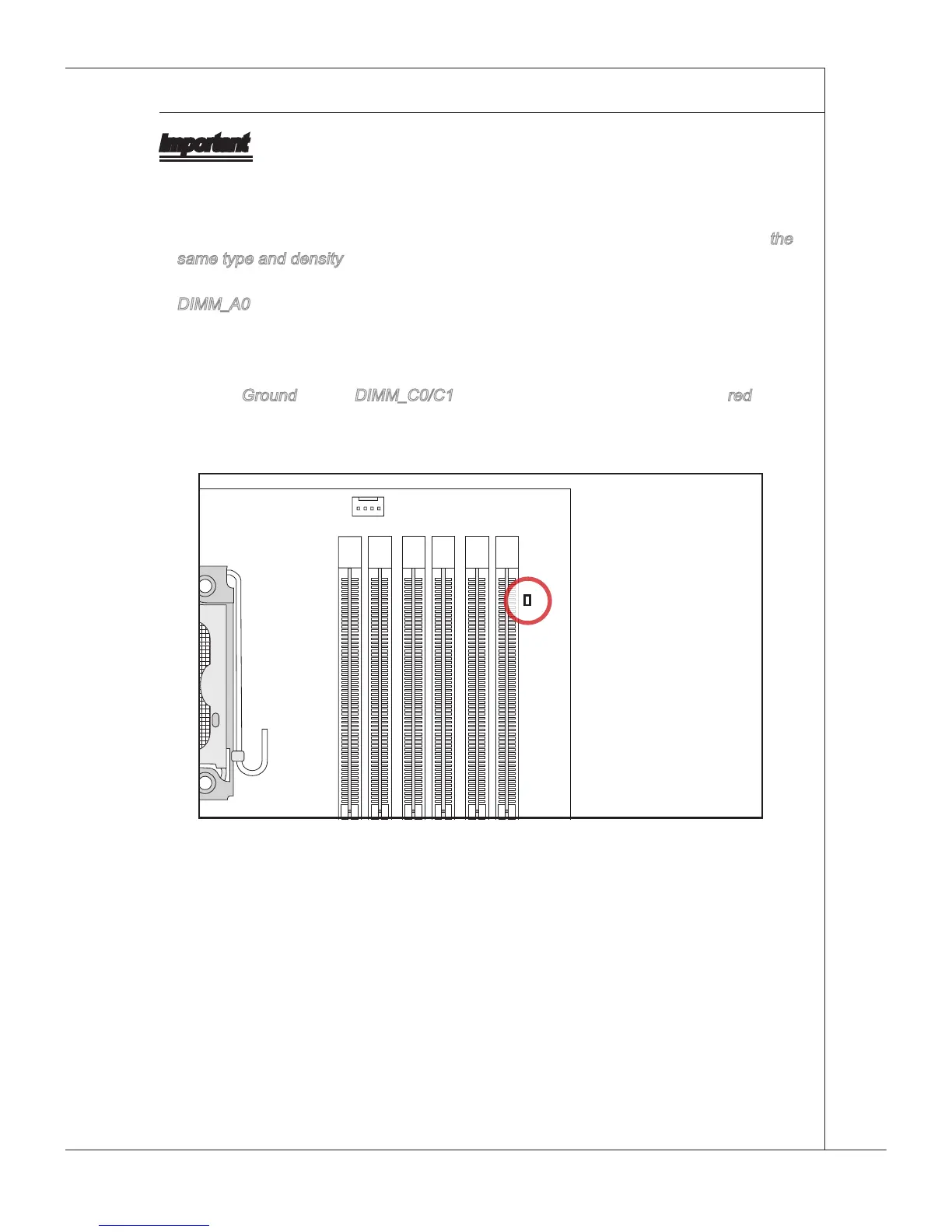
nects to Ground) n the DIMM_C0/C1, the LED besde DIMM_C0 wll lght red color
to remnd you. The poston of the LED s shown as below. Double conrm wth your
memory module vender for the thrd channelsupports.
•
•
•
•
•







 To Next Page