En-46
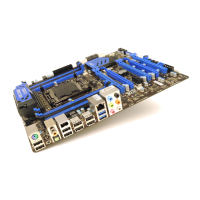
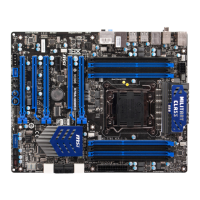
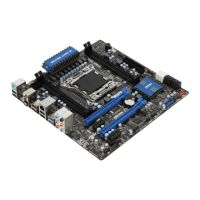
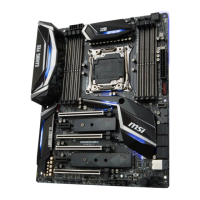
MS-7760 Manboard
Installng Wndows XP wth IDE Mode
You wll fal and encounter a blue screen whle nstallng Wndows XP, because t s
not natvely supported to be nstalled n the storage devce wth AHCI mode. If you stll
prefer to nstall Wndows XP as the operatng system, please change the BIOS tem as
below.
Refer to BIOS Setup to access BIOS.
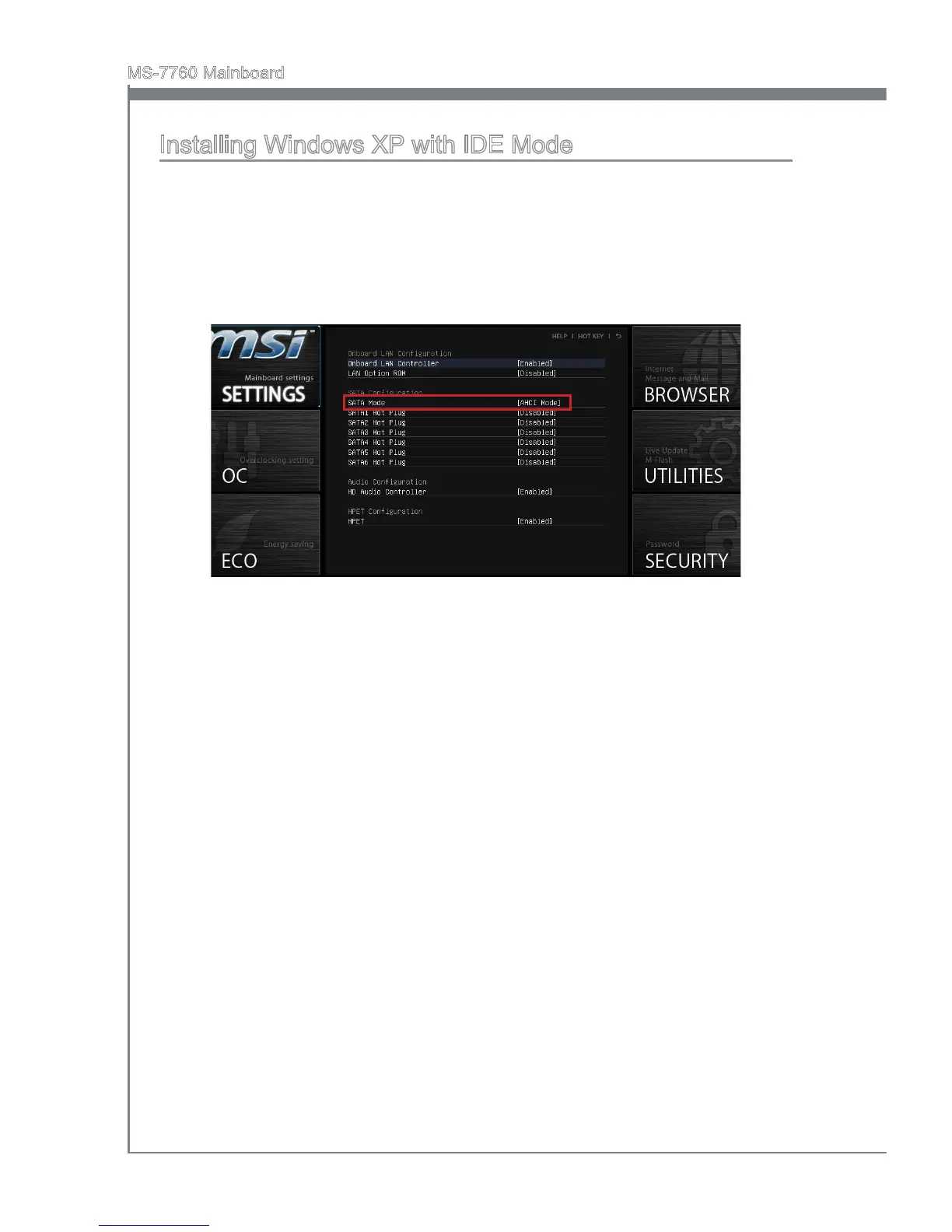
Go to SETTINGS → Integrated Perpherals → SATA Mode.
1.
2.
Set ths tem to IDE mode.
Go to SETTINGS → Save & Ext → Save changes and reboot.
Install the Wndows XP operatng system.
3.
4.
5.


 To Next Page
 Loading...