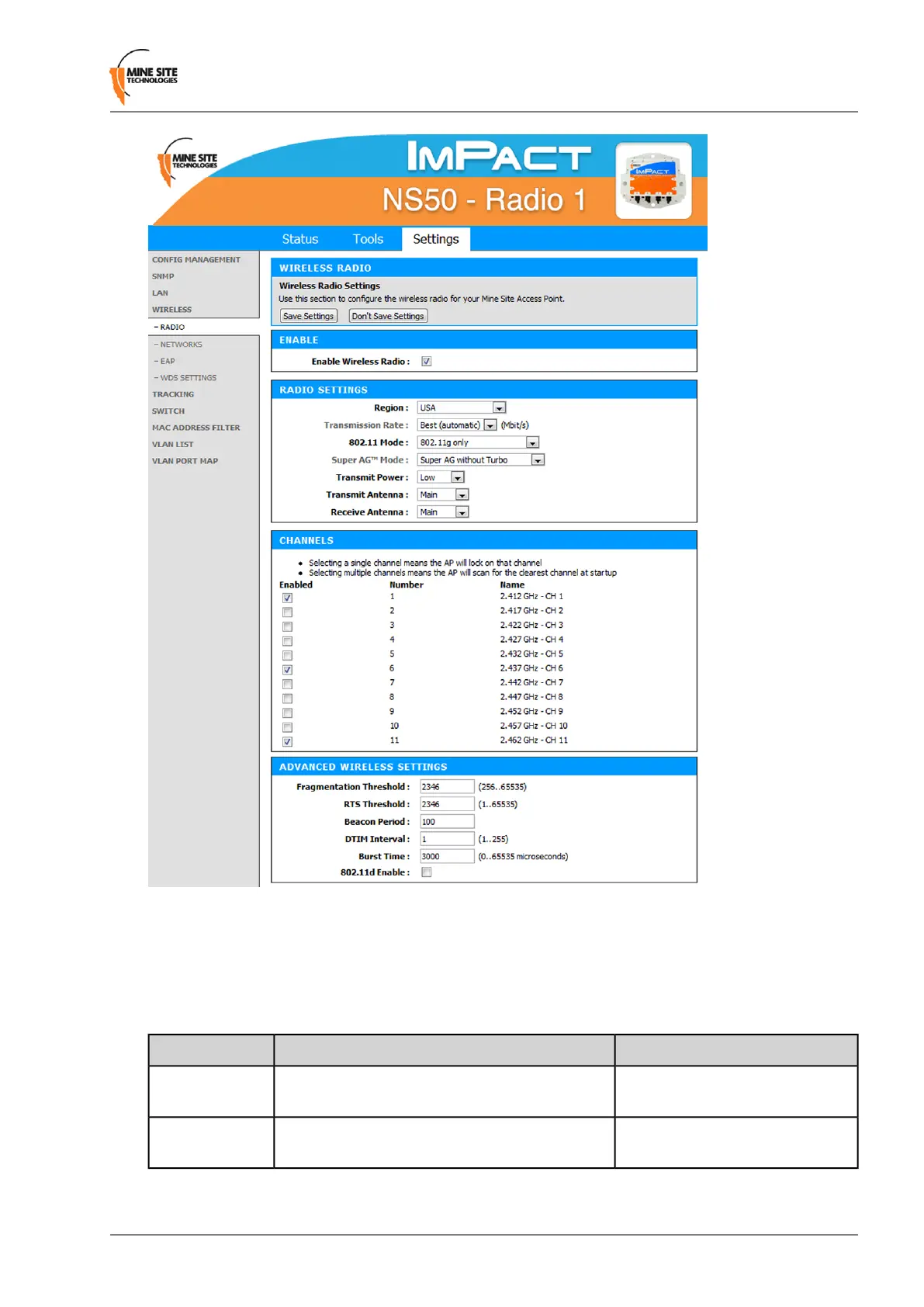
To congure the wireless radio:
1.
Select the Enable Wireless Radio check box to enable wireless.
2.
To change wireless radio settings, edit the required elds. A description and recommended settings
are shown below.
3.
Click Save Settings.
Recommended SettingsDescriptionField
Used to enable or disable the WAC's radio.Enable Wireless
Radio
Select the correct region for the site
location.
Limits available channels to those allowed by
local regulations
Region
NS50 User Guide69Revision C
Conguration Using the Web Interface


 To Next Page
 Loading...


