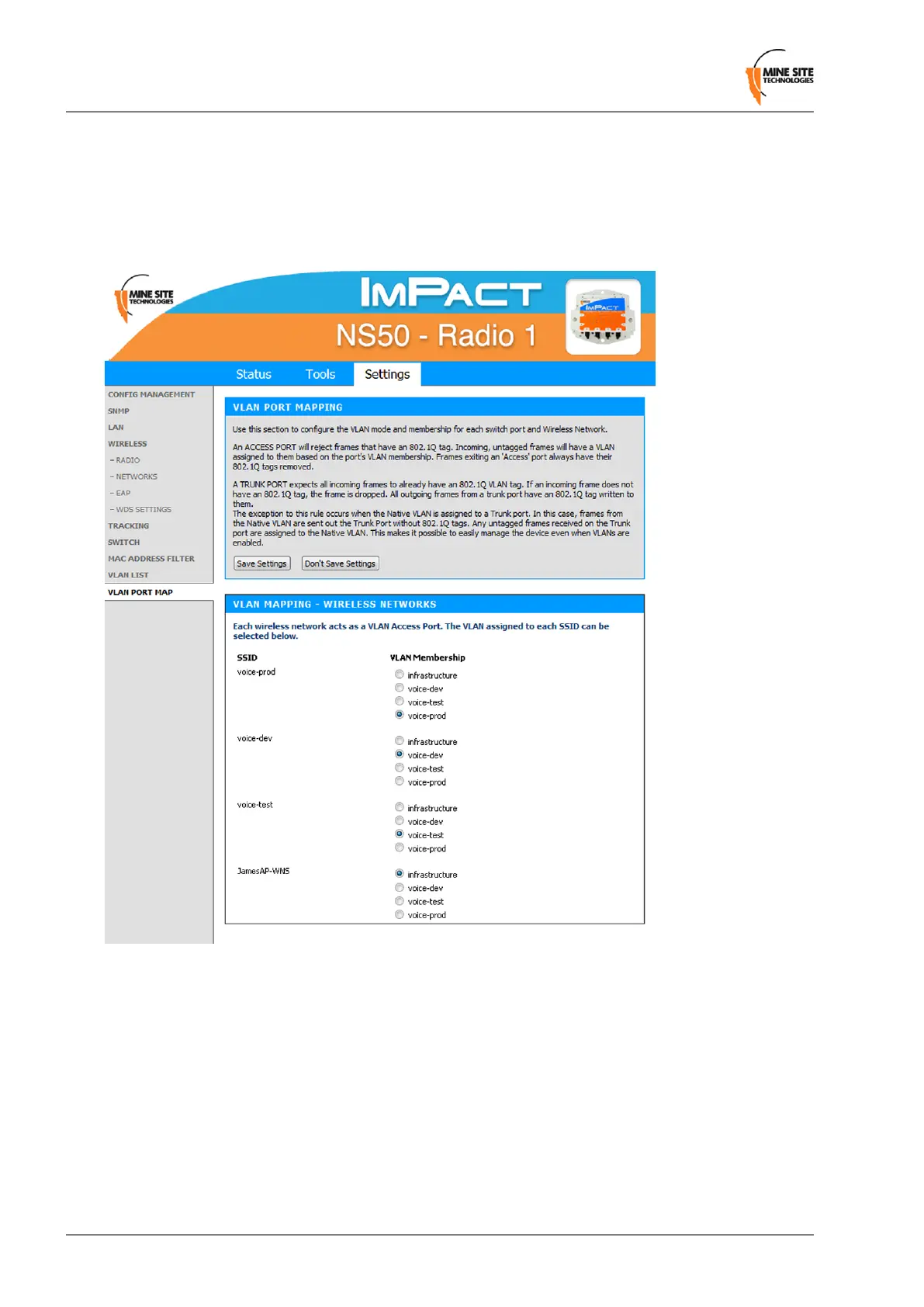
5.5.12 Configuring the VLAN Port Map
The VLAN Port Map screen assigns the VLAN(s) to each physical switch port, and each wireless network.
Physical switch ports can be assigned as Trunk or Access ports. Wireless networks always act as Access
ports on the selected VLAN.
Revision C82NS50 User Guide
Conguration Using the Web Interface


 To Next Page
 Loading...

