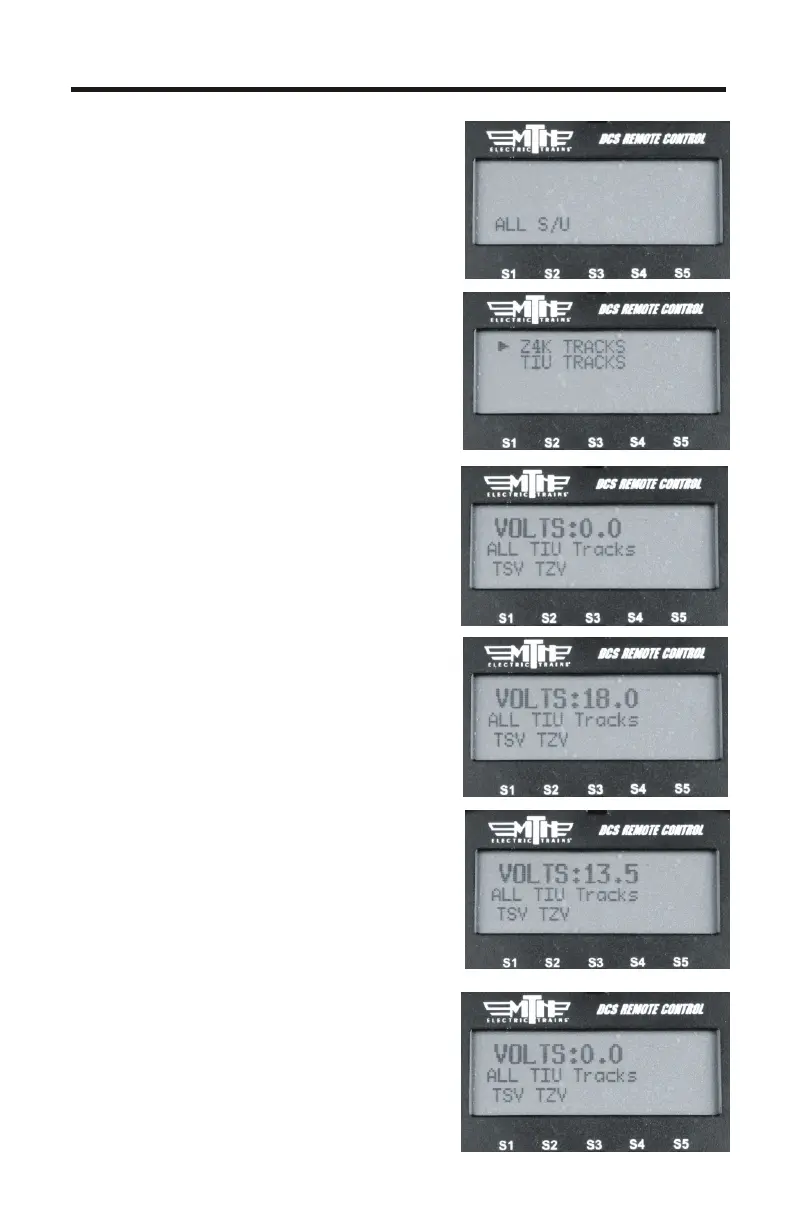
ALL Mode (Tracks)
ALL Mode for Tracks has been added.
You now have the ability to select
either All TIU or All Z4K tracks and
have them power on/off
simultaneously.
Lashups and Record/Playback can
now be included in “All” mode
operation.
1. Press the TR button
2. Select the ALL softkey
3. Select either Z4K or TIU tracks
4. Press the TSV softkey (Track
Starting Voltage). The remote will tell
all the tracks (Z4K or TIU, depending
upon which one you selected in Step 3)
to go to 18V. Similarly, you can roll the
thumbwheel up one click and you will
get to 18V as well
5. You can now control the voltage
applied to the tracks (Z4K or TIU-
controlled) by varying the thumbwheel
up or down from 5.0-22.0 Volts
6. When you are finished and want to
shut the tracks off you can press the
TZV (Track Zero Volts) softkey and
all the tracks you were controlling will
go to zero volts
7



 To Next Page