Page 31 MTI Part Number 7001-0040
Revision 3.1 August 7, 2014
TOOLS Menu – Calibration Wizard Continued
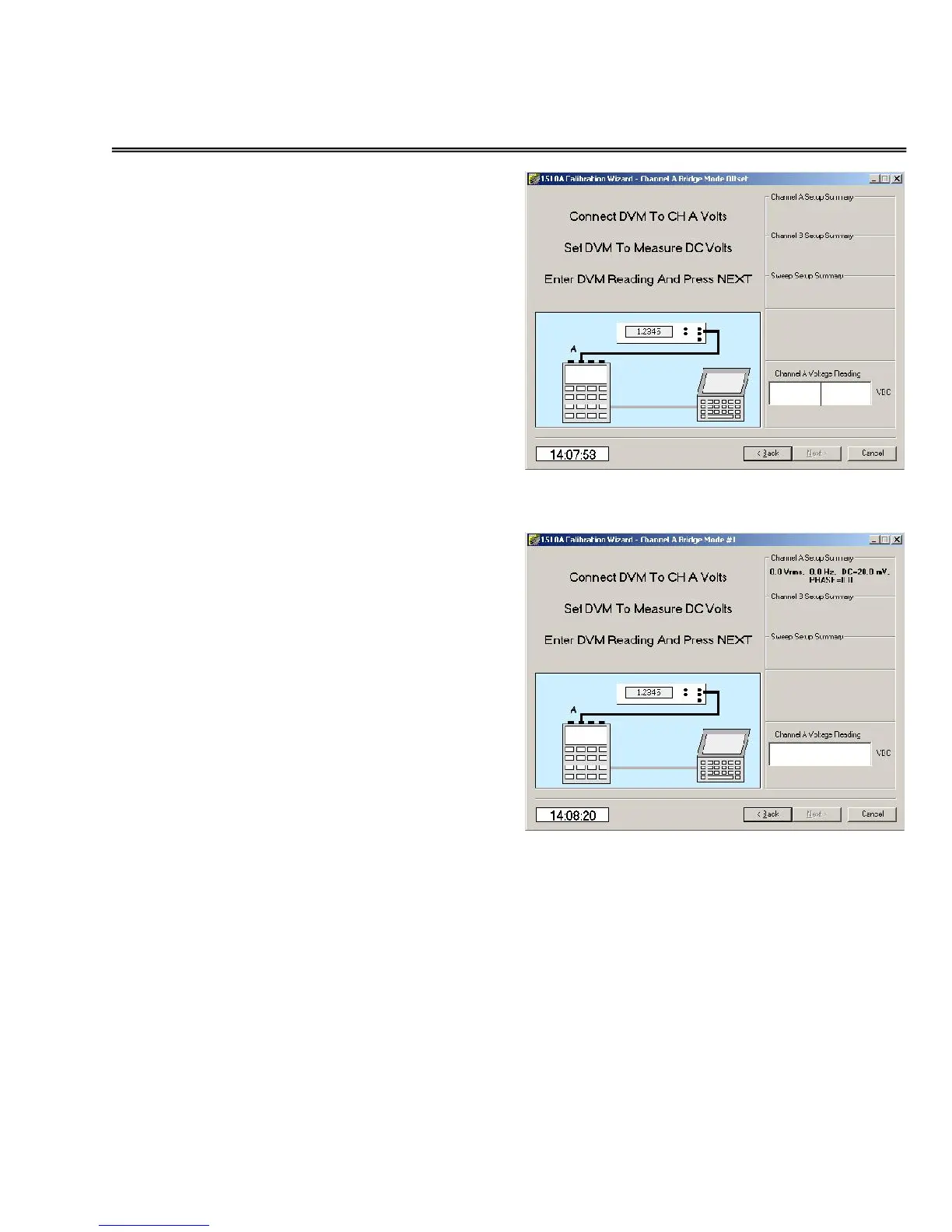
Bridge Mode offset calibration
Next, click in the
Voltage Reading
window and enter the
reading of the
voltmeter.
Set the voltmeter for DC volts
readings.
Be sure to wait for the bridge output
voltage to stabilize.
Bridge Mode span calibration
Next, click in the
Voltage Reading
window and enter the
reading of the
voltmeter.
Set the voltmeter for DC volts
readings.
Be sure to wait for the bridge output
voltage to stabilize.
This screen is repeated for the three
bridge mode voltages (20, 50, and 80 mvdc) used.


 To Next Page