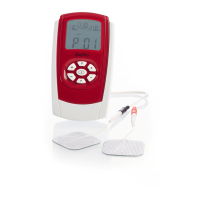
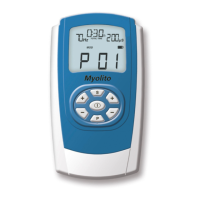
SineBravo Operators Manual
13
The Display
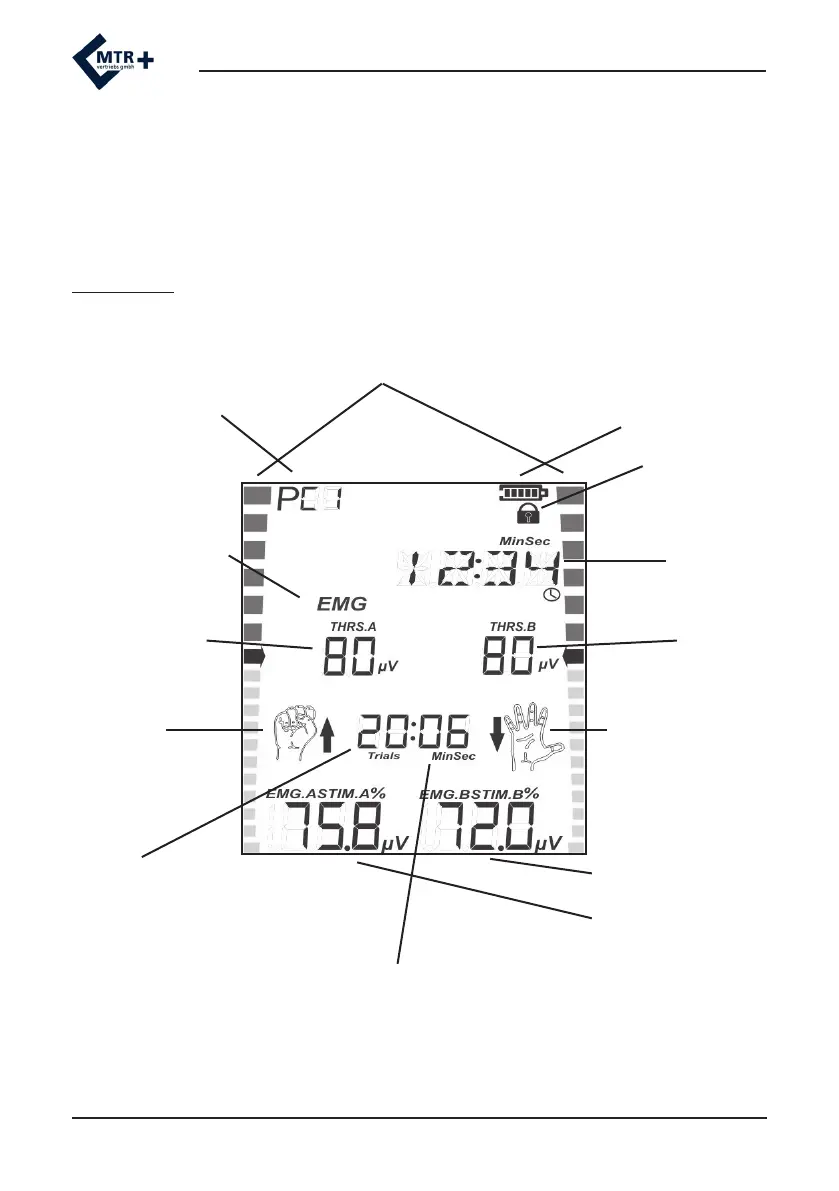
After selecting a program with the PRG-button SineBravo shows information about those
parameters in its “Home Screen” that are used in the rst phase of the program (number of
trials, threshold, etc.). Start the treatment by pressing or holding START, the display changes to
work-screen and shows necessary information for treatment in the active phase.
Work-Screen
Selected program
Battery indicator
LOCK-Symbol
Remaining Total-Time
of treatment
Active Mode in this
phase
threshold
channel B
Symbol st
+ arrow up
= prompt for work
Symbol open hand +
arrow down =
prompt for relax
Number of remaining trials
Countdown of seconds for
work or rest periods
EMG-level channel A
EMG-level channel B
EMG-Bargraphs
threshold
channel A


 To Next Page