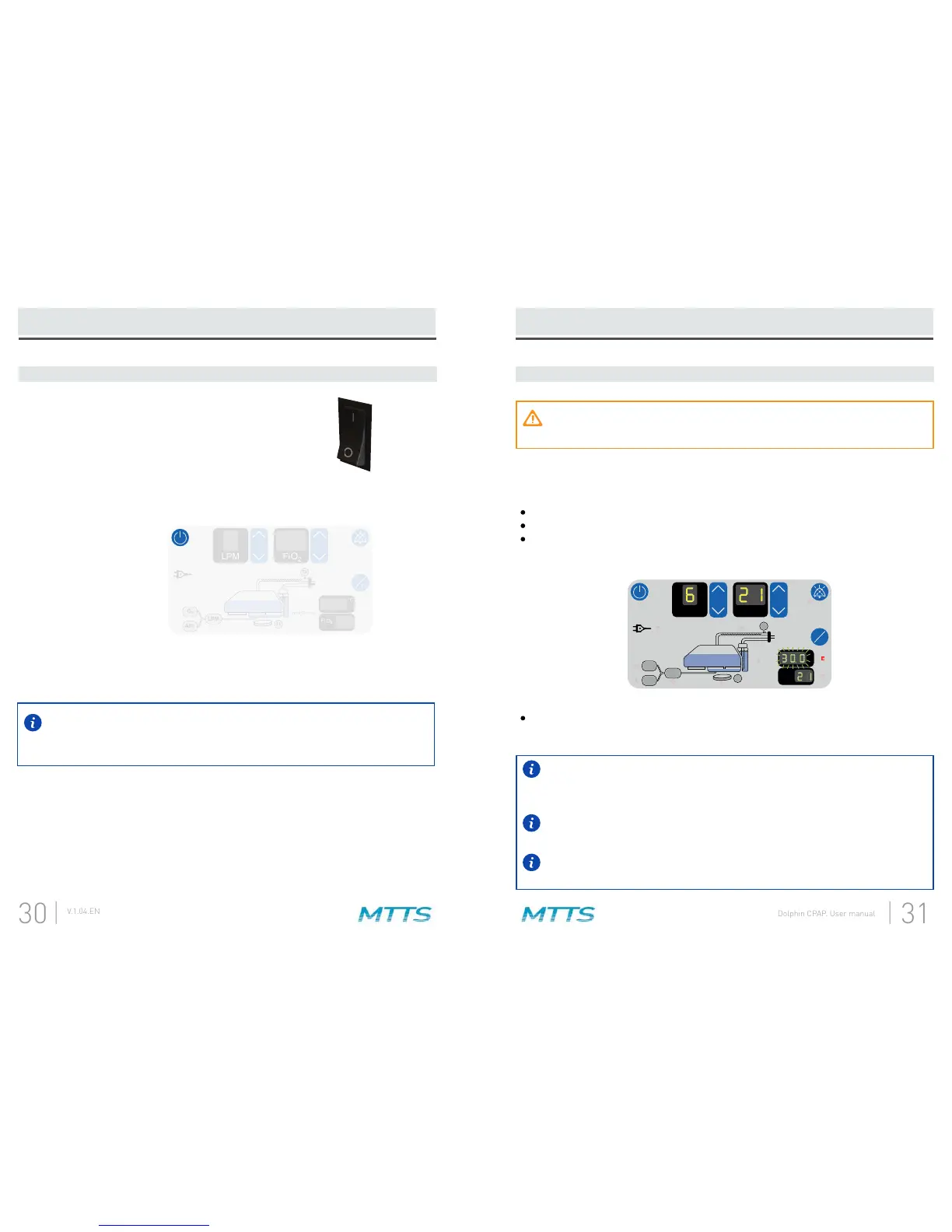
1. Turn on power to the CPAP.
Operation (CPAP)
If a system failure is detected by the Dolphin CPAP at this time, an error
message will be indicated by the letter ‘E’ and a number on the display. If this
happens, note the error number and contact your MTTS representative.
LPM
2
O
Fi
°C
2
O
Fi
cm H O > 14
2
O
2
AIR
LPM
T2
T1
T1
T2
LPM
2
O
Fi
°C
2
O
Fi
cm H O > 14
2
O
2
AIR
LPM
T2
T1
T1
T2
Operation (CPAP)
2. Allow the CPAP to warm-up (≤10 minutes).
Do not connect the patient to the device during warm-up. If you do, the patient
will receive inspiratory gas with suboptimal temperature and humidity.
The heater plate and wire begin heating.
2
.
is illuminated until warm-up is complete.
The warm-up is complete when the temperature display value stops
The temperature display will typically show the lower of the measured
Ambient conditions can cause excessive condensation in breathing circuit.
This effect can be reduced by adjusting T1 and T2 temperatures - see step 4.
No action is required during this step. When the displayed temperature value stops
Dolphin CPAP is doing during this time.
LPM
2
O
Fi
°C
2
O
Fi
cm H O > 14
2
O
2
AIR
LPM
T2
T1
T1
T2
LPM
2
O
Fi
cm H O > 14
2
O
2
AIR
LPM
T2
T1
T1
T2
2
O
Fi
°C
Move the rocker switch to the on position and
wait 3 seconds.
A.
Press and hold the power button on the CPAP Display for 2 seconds.B.
After turning on the CPAP display, all of the lights will turn on and an alarm tone
C.


 To Next Page