LPM
2
O
Fi
°C
2
O
Fi
cm H O > 14
2
O
2
AIR
LPM
T2
T1
T1
T2
cm H O > 14
2
O
2
AIR
LPM
T2
T1
T1
T2
Alarm System (CPAP)
The Pulse Oximeter has a separate alarm system explained in the
Alarm
System (Pulse Oximeter)
section.
The CPAP alarm system will generate visual and audible alarm signals to notify you of
alarm conditions that the system detects.
2. Alarm Indication
Audible alarms may be suspended, while visual alarms may not. The alarm silence
button is used to temporarily silence audible alarms for 110 seconds. When this
button is pressed, a yellow light is illuminated next to the button and audible alarms
are silenced. When the button is pressed and the yellow light is already on, the yellow
light turns off and alarm sounds are restored.
Symbol Description
Press this button to temporarily silence CPAP alarm
sounds for 110 seconds. Press it again to
restore alarm sounds.
3. Alarm Silence
1. Alarm Identication
Each alarm condition in the CPAP alarm system is considered a high priority alarm.
Each alarm includes both an audible and visual alarm signal. It is best that the
operator be within a maximum of 1 meter from the unit to observe the alarms.
An alarm condition is indicated by:
Audible alarm tone
Ensure the water in the PEEP chamber is bubbling. If it is not bubbling and there
is an alarm signalling on the display, address the alarm using the
Alarm System
(CPAP)
section as guidance. If it is not bubbling and there is no alarm on the
display, disconnect the patient from the breathing circuit and occlude the patient
interface with your palm (covered in a sterile glove). If bubbling resumes, check
patient for apnea or air leakage from the mouth. If bubbling does not resume, there
is likely a leak in the breathing circuit.
and airway temperatures. To check the temperature at both sensors, hold down
the alarm silence button for 2 seconds. After 2 seconds, the temperature display
2
display will show the text “t1”.
After a few seconds, the temperature display will show the airway temperature and
the FiO
2
display will show the text “t2”.
D.
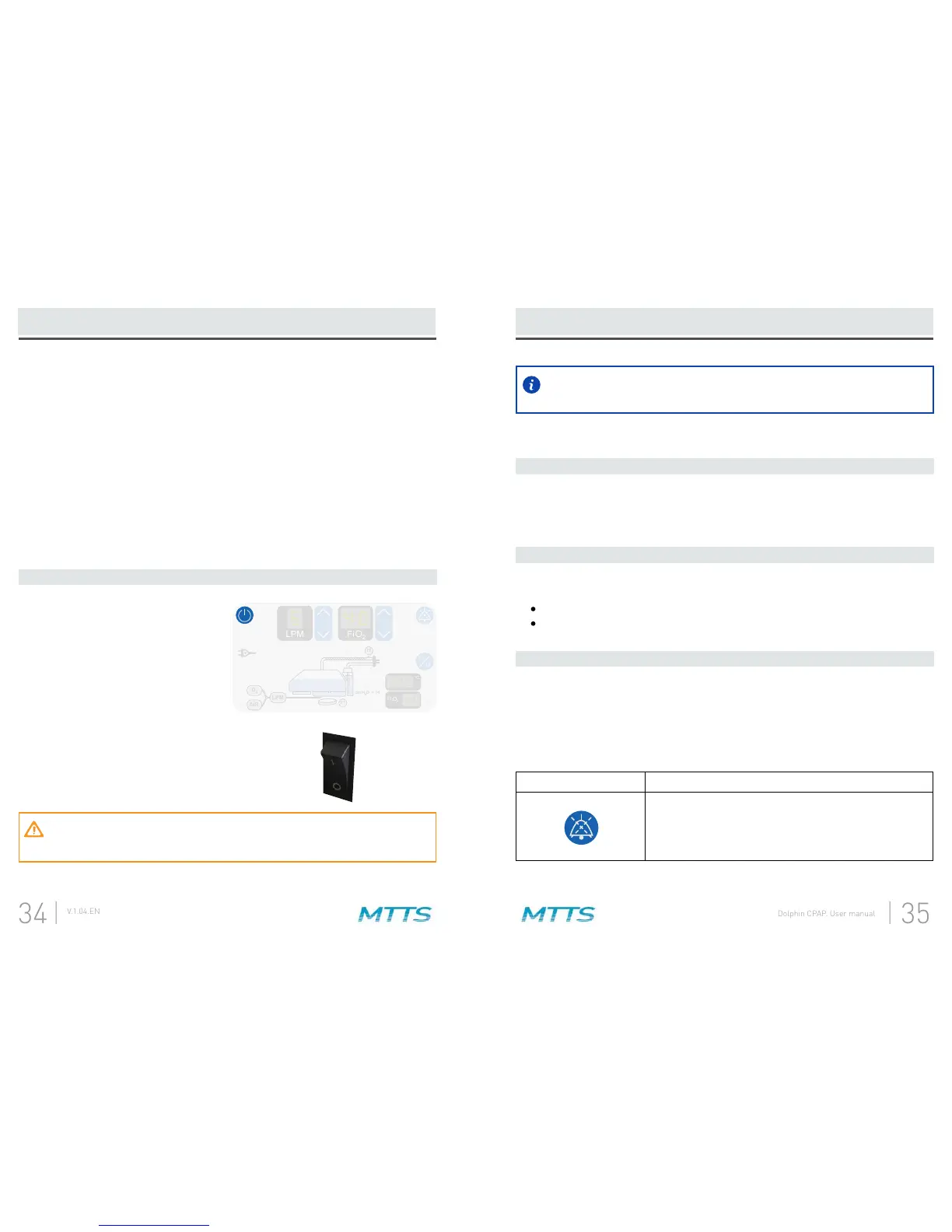
When you are done using the CPAP,
turn it off by pressing and holding the
power button for 2 seconds.
A.
After pressing the power button,
move the rocker switch to the off
position.
B.
E.
The Dolphin CPAP must be reprocessed between uses with different patients.
Reprocess the Dolphin CPAP according to the
Reprocessing (CPAP)
section.


 To Next Page