SpO
%
2
/min
OK
%
SpO
%
2
/min
OK
%
SpO
%
2
/min
OK
%
SpO
%
2
/min
OK
%
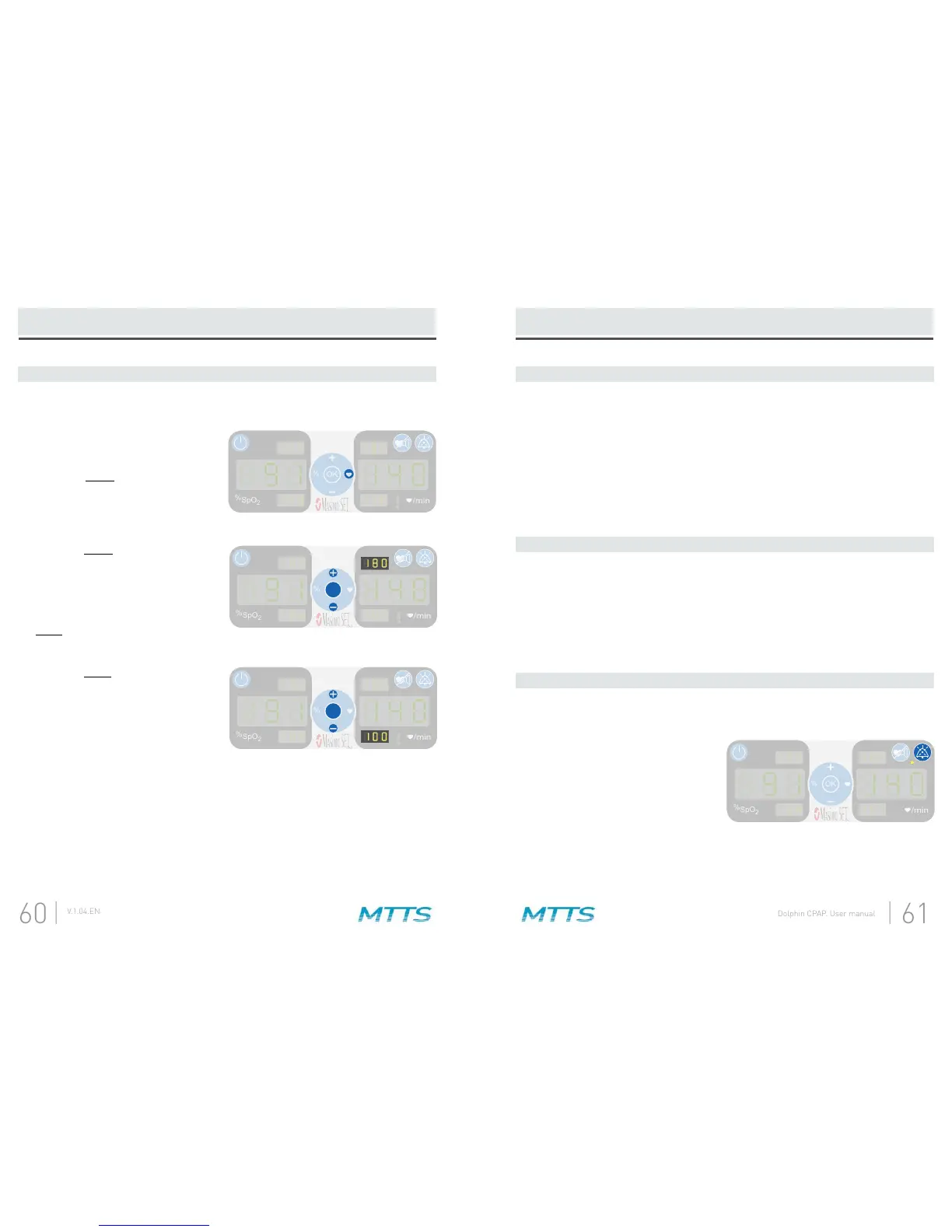
Press the heart button to begin
adjusting the pulse rate alarm
limits. Pressing this button will
cause the upper alarm limit to start
A.
While the upper alarm limit is
arrows to adjust the alarm limit.
When the target number has been
reached, press the OK button.
Pressing this button will cause the
lower
B.
While the lower alarm limit is
arrows to adjust the alarm limit.
When the target number has been
reached, press the OK button.
C.
Set the SpO
2
upper alarm limit below the patient’s SpO
2
alarm tone sounds, the SpO
2
Set the SpO
2
lower alarm limit above the patient’s SpO
2
alarm tone sounds, the SpO
2
Repeat steps A and B, varying the pulse rate upper and lower alarm limits instead
of the SpO
2
alarm limits.
A.
B.
C.
continues to sound, the message “no SEn” is displayed, and three red lights
A.
B.
Create an alarm condition by adjusting one of the alarm limits.A.
Press the alarm silence button.
for the next 110 seconds, and that
the yellow light next to the alarm
silence button is lit.
B.


 To Next Page