EasyManua.ls Logo

multimatic MD-2000I - User Manual

Default Icon
94 pages
Print Icon
To Next Page IconTo Next Page
Loading...
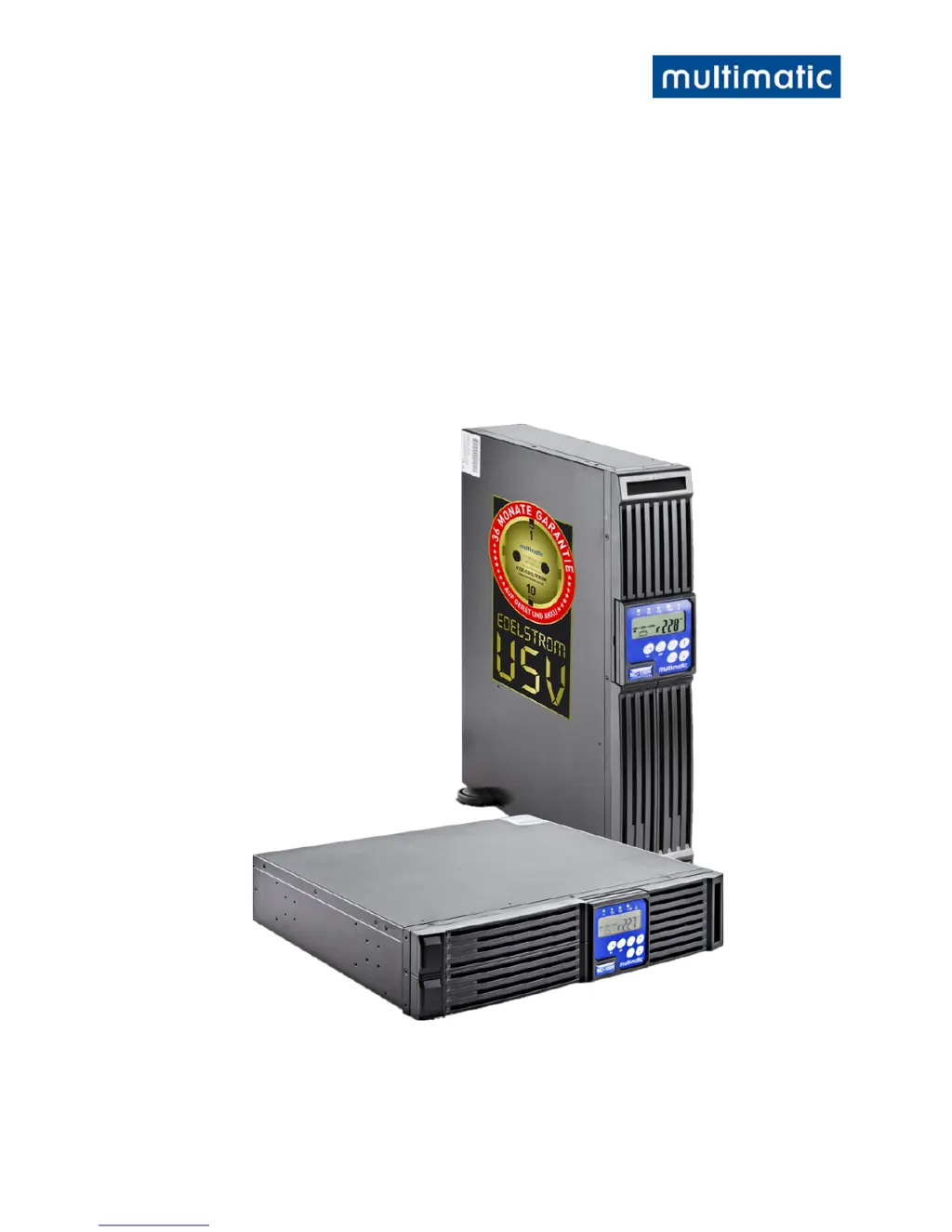
UPS
Uninterruptible Power Supply
MD-1000I / MD-2000I / MD-3000I
V 1.0 User Manual
Authentic Manua
l

Questions and Answers

  • J
    Jason HarmonAug 17, 2025
    Why multimatic UPS cannot run battery?
    • J
      Jake MorrisonAug 17, 2025
      If your multimatic UPS cannot run on battery, first check the battery connections to ensure they are secure. If the batteries seem weak, allow them to charge for some time. If the issue continues after charging, replace the batteries. If the problem persists even after replacing the batteries, further assistance is needed.
  • S
    Sandra SanchezAug 27, 2025
    What to do if multimatic UPS makes unusual sounds or smells?
    • J
      jonessusanAug 27, 2025
      If your multimatic UPS is making unusual sounds or smells, immediately shut down the entire system. Then, turn off the power supply and seek assistance.
  • G
    Gina GibsonNov 7, 2025
    What to do if multimatic MD-2000I UPS failure LED is on?
    • L
      Leslie HuntNov 7, 2025
      If your multimatic UPS is showing a failure LED, start by reading the failure code indicated by the LEDs. This could be due to several reasons. It may be caused by a weak or defective battery; check the battery connections and voltage, and charge for 8 hours if needed. An overload could also be the problem; disconnect non-essential equipment to reduce the load and inspect cables for shorts, replacing them if necessary. Excessive temperature can trigger this; clean the vents and ensure the fan is working, replacing the fan if necessary. Also, check for local cable or earthing issues, such as incorrectly wired phases or excessive earth neutral wire voltage. If the fan is defective, check if it is operating properly and contact your local distributor. For other fault codes, contact your local...

Summary

UPS Overview

Uninterruptible Power Supply Function

Introduces the UPS system and its primary function of providing continuous power.

Safety Instructions

Preventing Personal Injury and Property Damage

Offers critical advice to prevent harm to users and damage to equipment during operation.

Safe Power Connection Practices

Outlines essential safety precautions for connecting the UPS to power sources.

Safe Operation and Battery Handling

Details safe operation procedures and critical safety warnings for handling UPS batteries.

Safety During Maintenance and Malfunctions

Emphasizes safety measures during maintenance and when dealing with potential malfunctions.

Understanding UPS Functionality

System Functionality Overview

Overload Protection and Inverter Handling

Details how the UPS handles overload conditions and inverter malfunctions for protection.

Internal Temperature Management and Key Features

Addresses UPS temperature management and highlights key product features.

UPS Installation and Connection Guide

UPS Power Connection and Safety Precautions

Describes how to connect the UPS to power mains and connected equipment using plug-and-socket connectors.

System Operation and User Guidance

UPS Operation and User Instructions

Guides users on operating the UPS, including turning it on/off and understanding displays.

Battery Replacement Procedure

Provides detailed, step-by-step instructions for safely replacing the UPS batteries.

Troubleshooting UPS Issues

Common Problems, Signals, and Solutions

Lists common UPS problems, their audible signals, LED codes, and recommended solutions.

UPS Malfunction Codes Reference

Provides a list of error codes and their corresponding meanings for diagnosing UPS issues.

UPS Software Usage and Features

Maintenance and Service Procedures

Technical Specifications and Components

multimatic MD-2000I Specifications

General IconGeneral
Brandmultimatic
ModelMD-2000I
CategoryUPS
LanguageEnglish

Related product manuals