EasyManua.ls Logo

multimatic MD-3000I - User Manual

Default Icon
94 pages
Print Icon
To Next Page IconTo Next Page
Loading...
UPS
Uninterruptible Power Supply
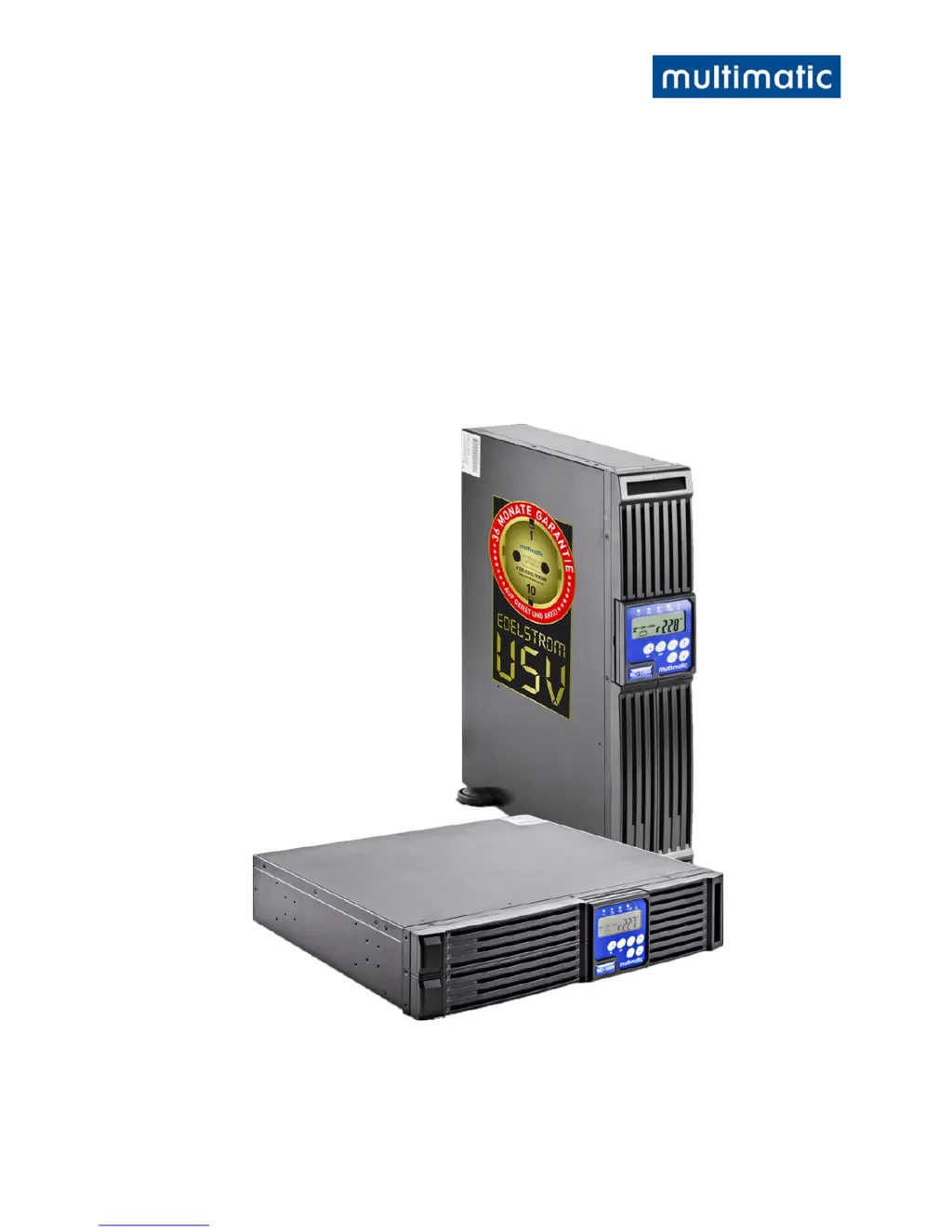
MD-1000I / MD-2000I / MD-3000I
V 1.0 User Manual
Authentic Manua
l

Questions and Answers

  • E
    Erika SolisAug 17, 2025
    Why multimatic MD-3000I cannot run battery?
    • J
      julie83Aug 17, 2025
      If your multimatic UPS cannot run on battery, first check the battery connections to ensure they are secure. If the batteries seem weak, allow them to charge for some time. If the issue continues after charging, replace the batteries. If the problem persists even after replacing the batteries, further assistance is needed.
  • M
    Maria GarciaAug 27, 2025
    What to do if multimatic MD-3000I UPS makes unusual sounds or smells?
    • Q
      qsaundersAug 27, 2025
      If your multimatic UPS is making unusual sounds or smells, immediately shut down the entire system. Then, turn off the power supply and seek assistance.
  • J
    Jamie HughesNov 7, 2025
    What to do if multimatic MD-3000I UPS failure LED is on?
    • M
      Matthew SheltonNov 7, 2025
      If your multimatic UPS is showing a failure LED, start by reading the failure code indicated by the LEDs. This could be due to several reasons. It may be caused by a weak or defective battery; check the battery connections and voltage, and charge for 8 hours if needed. An overload could also be the problem; disconnect non-essential equipment to reduce the load and inspect cables for shorts, replacing them if necessary. Excessive temperature can trigger this; clean the vents and ensure the fan is working, replacing the fan if necessary. Also, check for local cable or earthing issues, such as incorrectly wired phases or excessive earth neutral wire voltage. If the fan is defective, check if it is operating properly and contact your local distributor. For other fault codes, contact your local...

Summary

Introduction to the UPS Manual

Installation Site Requirements

Warns against installing in areas with flammable vapors and specifies environmental requirements.

Safety Instructions

Compliant Use Guidelines

Defines intended purpose and lists improper uses like explosive or contaminated atmospheres.

Avoiding Injury and Damage

Advises careful reading, understanding, and adherence to instructions for operation and maintenance.

Power Connection Safety

Provides critical DANGER warnings for power connection, grounding, and appropriate cable usage.

Operation Procedures

Details initial configuration, output voltage, and proper shutdown procedures for the UPS.

Handling Batteries Safely

Contains DANGER warnings about shock and burns from batteries, and proper handling procedures.

Maintenance, Service, and Malfunction Safety

Provides DANGER and ATTENTION warnings for maintenance, emphasizing qualified personnel and safety precautions.

Explanation of USB Function

Front Panel Overview

Describes the display and control elements on the UPS' front panel for normal use.

Emergency Power Off (EPO) Port

Explains the EPO port function for emergency shutdown and provides WARNING/CAUTION instructions.

Installation Changes

Operational Modes and Voltage Settings

System Configuration Settings

Explains how to configure system voltage, UPS mode, output tuning, and bypass voltage using software.

System Function

Overload Handling

Explains UPS operation during overload, including overload protection and automatic bypass/shutdown.

UPS Installation and Hook-Up

General Installation Requirements

Outlines general instructions for installation environment and operating conditions for proper UPS function.

UPS Connection Procedure

Details UPS connection using plug-and-socket connectors, emphasizing safety and grounding.

System Operation and Display

User Instructions and Warnings

Emphasizes user adherence to manual instructions and guides on basic operations like controls and tests.

Replacing Batteries

Battery Replacement Procedure

Details the DANGER of electrical shock during battery replacement and the requirement for qualified personnel.

Trouble Shooting Guide

Audible Signal Descriptions

Lists audible signals corresponding to various UPS malfunction situations for quick diagnosis.

LED Failure Codes and Solutions

Provides solutions for UPS malfunctions indicated by LED failure codes and descriptions.

Common UPS Issues and Solutions

Addresses common UPS problems like short backup time, no output, and battery issues with troubleshooting steps.

Malfunction Codes Explained

Lists and explains various malfunction codes (Er05, Er06, etc.) for detailed error identification.

Software Usage

Maintenance and Service

Determining Back-up Capacity

Explains how to test the UPS back-up capacity and stresses the importance of data backup before testing.

Technical Information

multimatic MD-3000I Specifications

General IconGeneral
ModelMD-3000I
CategoryUPS
Frequency50/60Hz
Communication InterfaceUSB, RS232
Operating Temperature0°C to 40°C

Related product manuals