MD-1000I / MD-2000I / MD-3000I System Operation and Display
7.2.1 Turning on the UPS
Connect the power cable to the UPS.
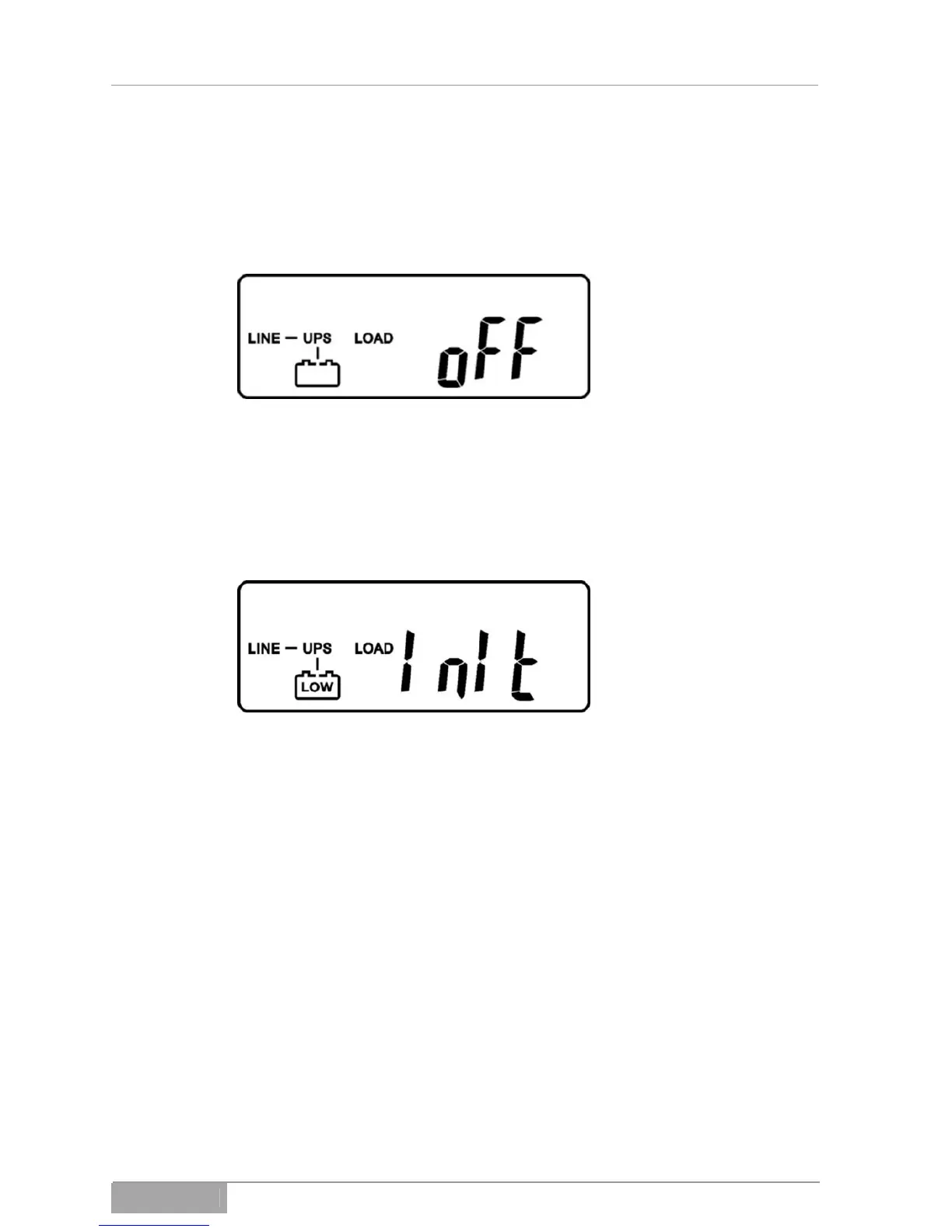
The UPS starts.
Fig. 7-2 - 1 UPS power cable connected
Hold the button USV Ein down ( Fig. 3-1 - 2, Item 12) until the unit emits an
audible alarm. The UPS will perform a self test during initialisation.
Fig. 7-2 - 2 Self test
If the initialisation was successful, the input voltage will appear on the LCD dis-
play.
MD Series 65



 To Next Page