MD-1000I / MD-2000I / MD-3000I Explanation of USB Function
3.3 Installation Changes
The UPS features placement versatility to accommodate specific needs:
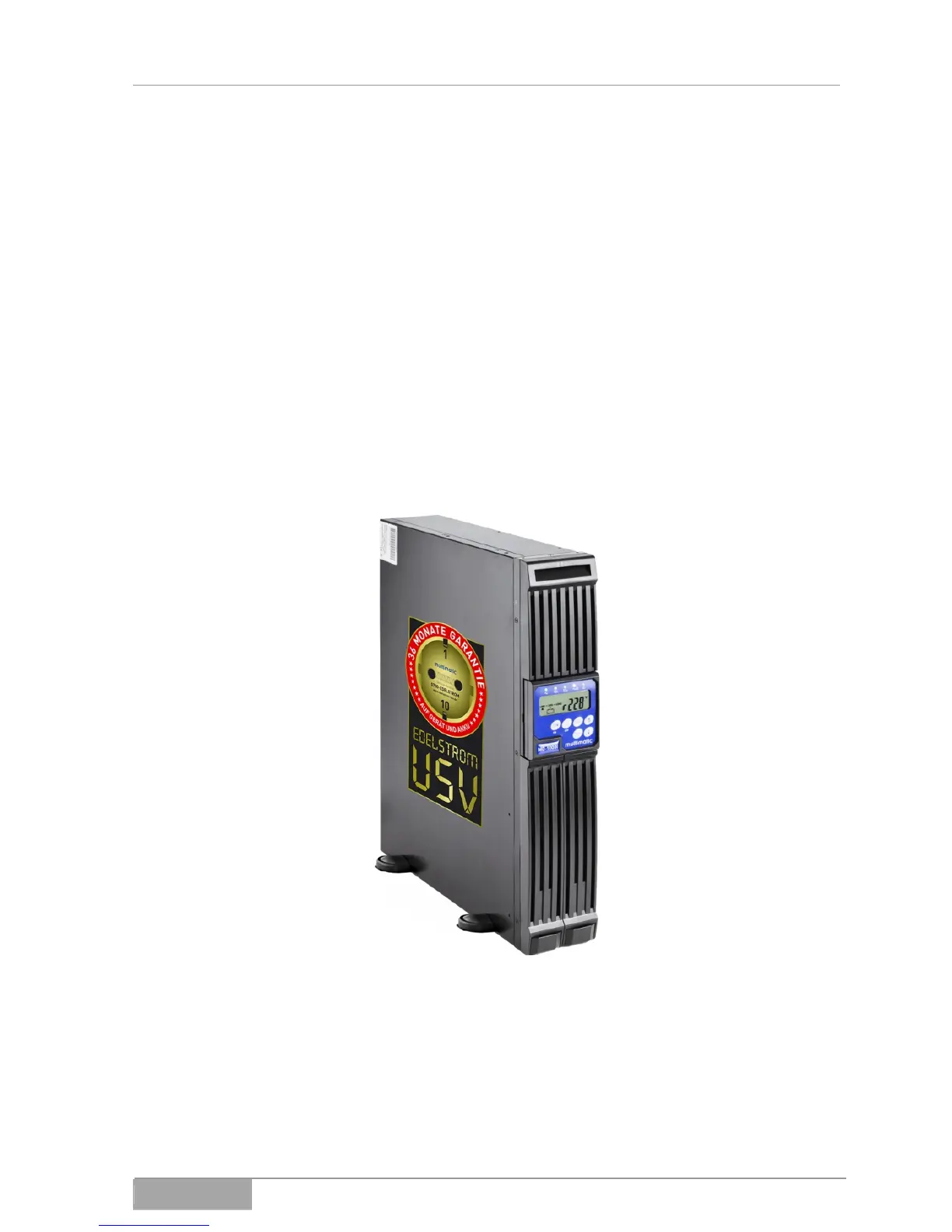
Vertical standing on feet
Horizontal in 19" rack
Depending on your chosen means of installation, you will need to turn the LCD
display (tower) or mount brackets to the unit (19" rack).
3.3.1 Tower
Fig. 3-3 - 1 Tower configuration
Proceed as described in the following:
Turn the display, so you can read it when the unit is standing.
Install the feet.
MD Series 40



 To Next Page