MD-1000I / MD-2000I / MD-3000I System Operation and Display
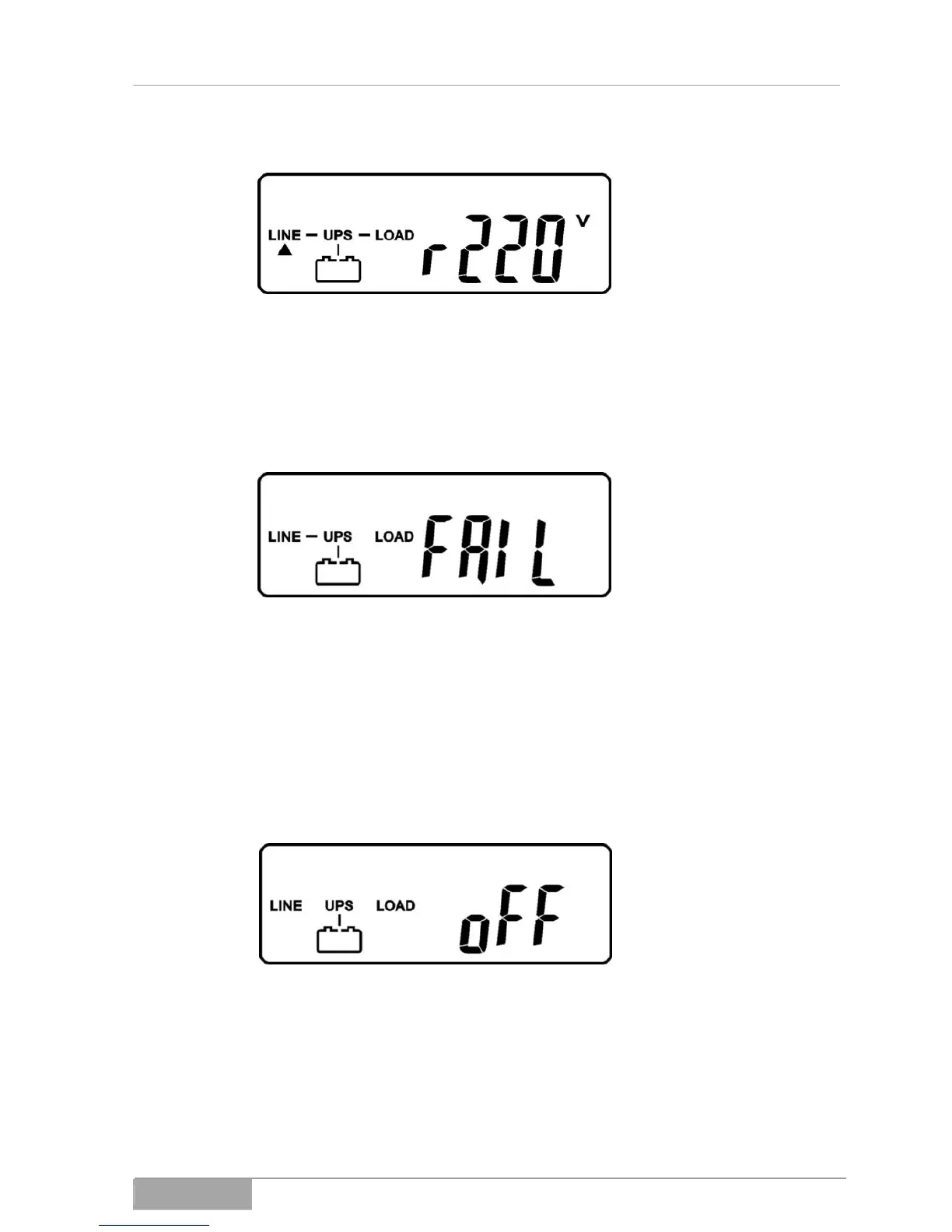
Fig. 7-2 - 3 Main display
If the system fails the self test, it will indicate failure on the LCD display.
Figure. 7-2 - 4 Failure
7.2.2 Turning off the UPS
Hold the button USV Aus down ( Fig. 3-1 - 2, Item 11) until the unit emits an
audible alarm. The UPS shuts down.
Fig. 7-2 - 5 UPS is off
Please remember that the UPS shuts down only the outputs. To completely
shut down the UPS, you must disconnect the power cable. Bear in mind that
the connected equipment will no longer have power.
MD Series 66



 To Next Page