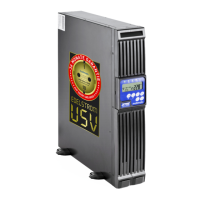
MD-1000I / MD-2000I / MD-3000I UPS Installation and Hook-Up
MD Series 62
6.2 UPS Communication Interfaces
The UPS has convenient communication features for data transfer.
Only a single communication port can be active. The USB port has priority over
the RS-232 port.
If a communication cable is connected, the software can exchange data with
the UPS. The software gathers information from the UPS about the power sup-
ply status. In the event of a power emergency, the software backs up the data
and shuts down the equipment properly.
6.2.1 RS-232 port
Use only those cables specified in the Chapter "Accessories" (1 : 1).
Pin Configuration
2 RS-232 Tx Receiving line Rx or shut down SD
3 RS-232 RX Transmitting line Tx
5 Ground GND
The communication interface is completely isolated via galvanic means.
6.2.2 SNMP communication interface
The UPS can be ordered or fit with a SNMP interface.



 To Next Page