MD-1000I / MD-2000I / MD-3000I Explanation of USB Function
3.3.2 Rack installation
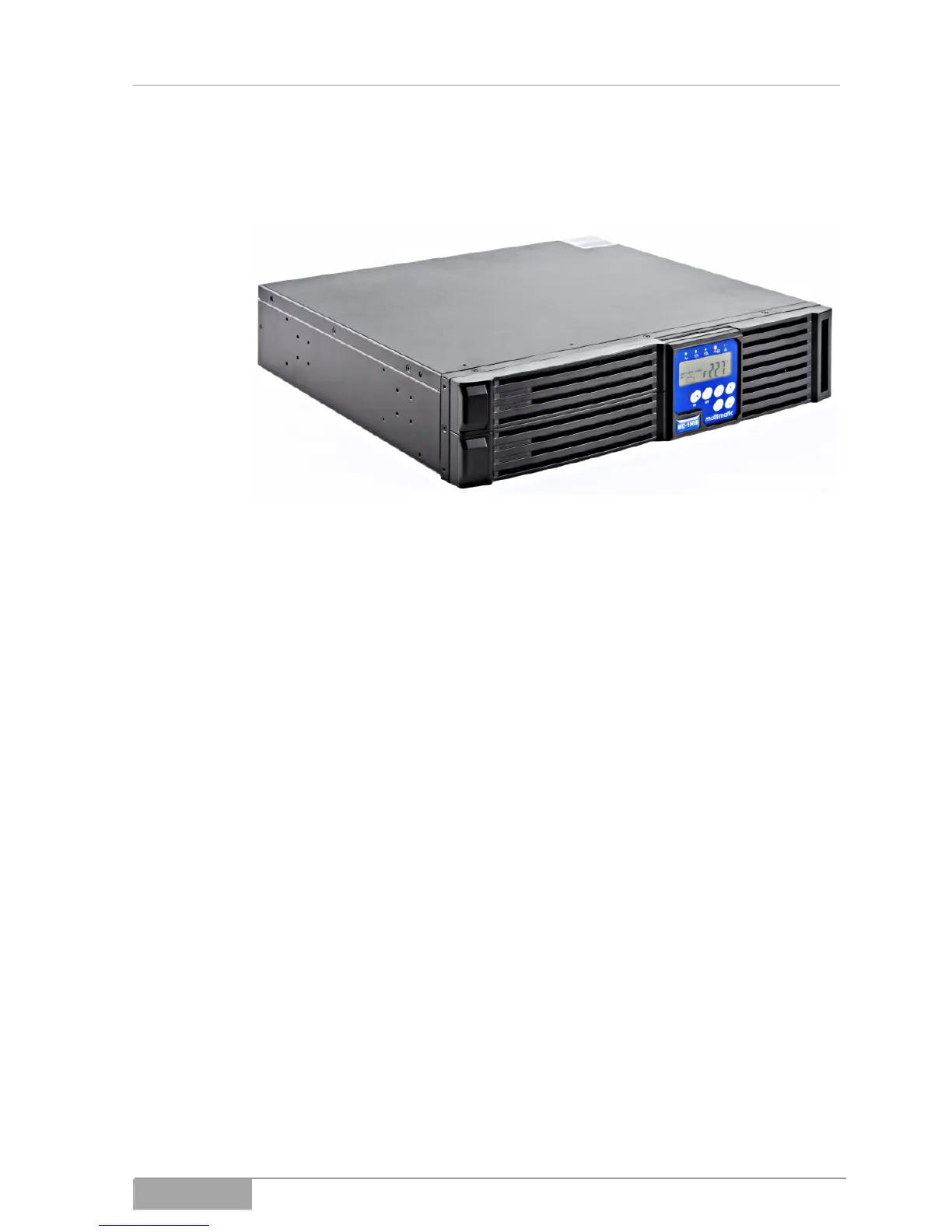
Fig. 3-3 - 3 Rack installation
Proceed as described in the following:
Turn the display, so you can read it when the unit is in the rack.
Mount the brackets to the housing.
Insert the UPS into its compartment in the 19"-rack.
MD Series 42



 To Next Page