4. Video Grabber Web Interface
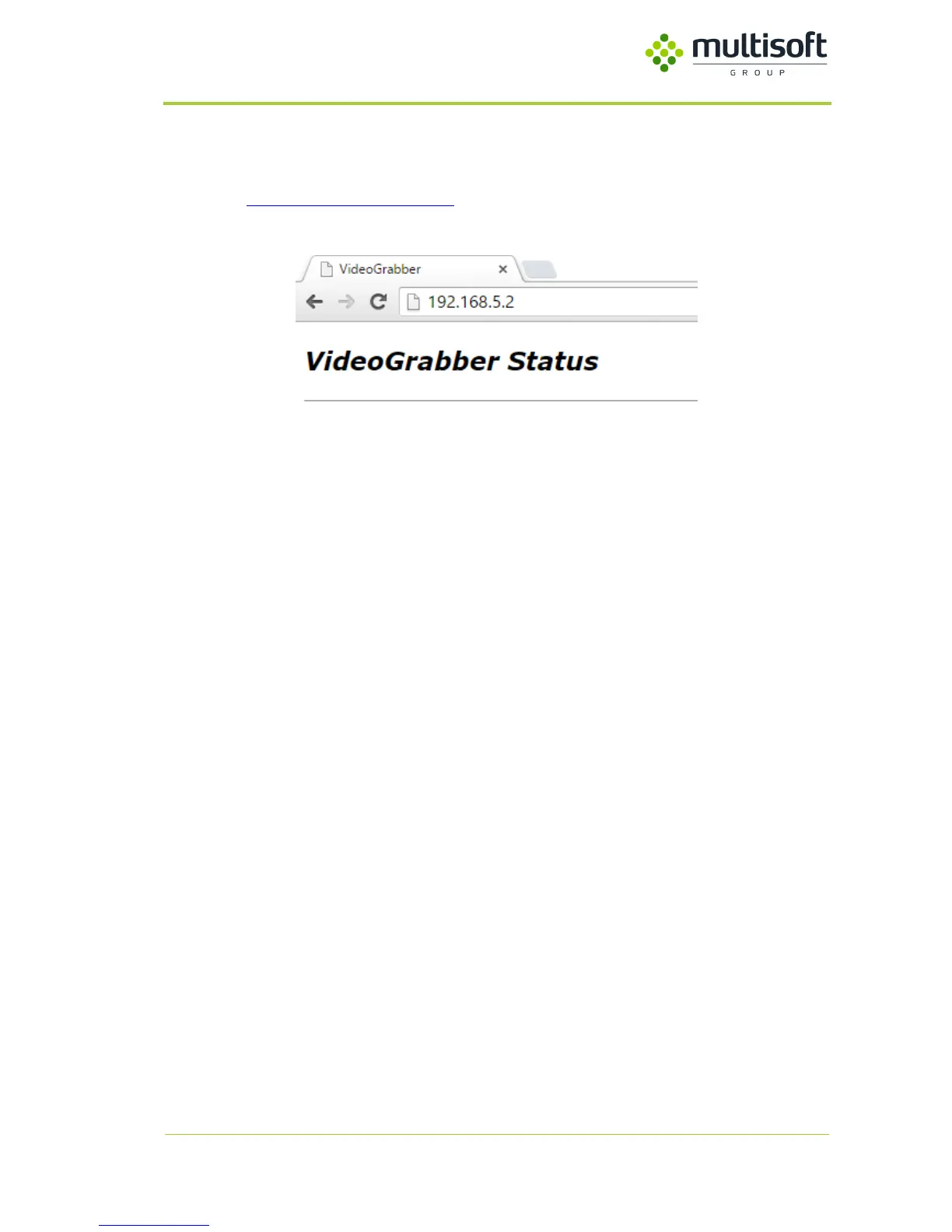
In order to access Video Grabber Configuration, please use any web browser. In the address field
please type http://video.grabber.ip.address where video.grabber.ip.address - is IP Address which is
displayed on the screen in front of the device.
Figure 7. Access to Video Grabber Web Interface
4.1. Status screen
Status screen provides information about:
- Date and time to which Video Grabber is synchronized
- For how long is device turned on
- Serial number of this device
- Software version
- Free memory
- Physical addresses of both LAN interfaces, and link status
- Status of both power units
- Temperature of CPU and PCB
- Status and details of connected video signal
- NTP status
- Loaded analogue resolution EDID table



 To Next Page