4.2. Device configuration
To configure Video Grabber no special software is necessary. You can use any web browser from any
device in the same network to access Configuration Tab. In order to make setting changes, log-in into
the device is necessary. When dialog box appear, please using following credentials to login into device
and obtain access to device Configuration Tab:
Username: grabber
Password: vgbr2014
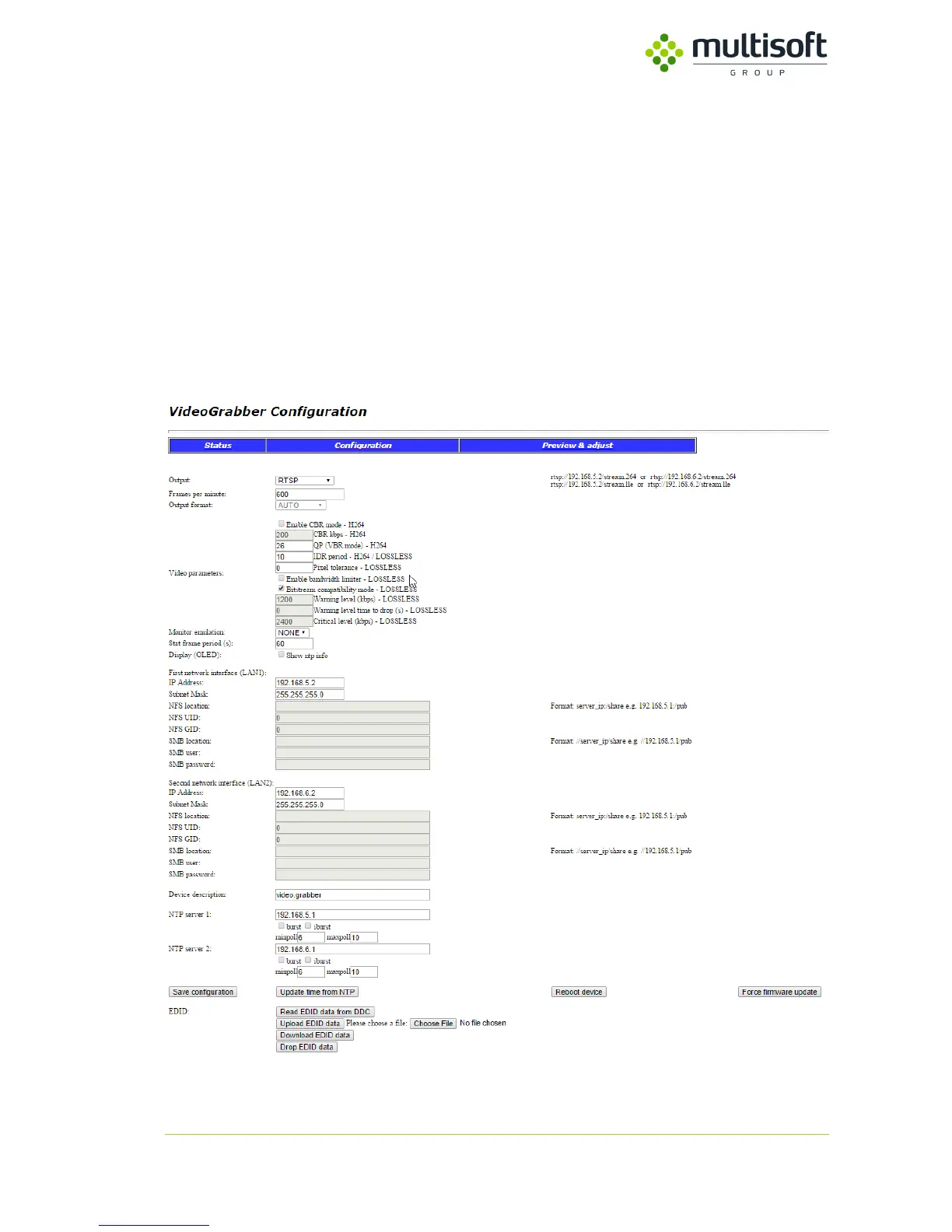
After successfully logging into device, please proceed to Video Grabber configuration. All available
configuration options are shown on Figure 9. Device Configuration Tab.
Figure 9. Device Configuration Tab



 To Next Page