SET
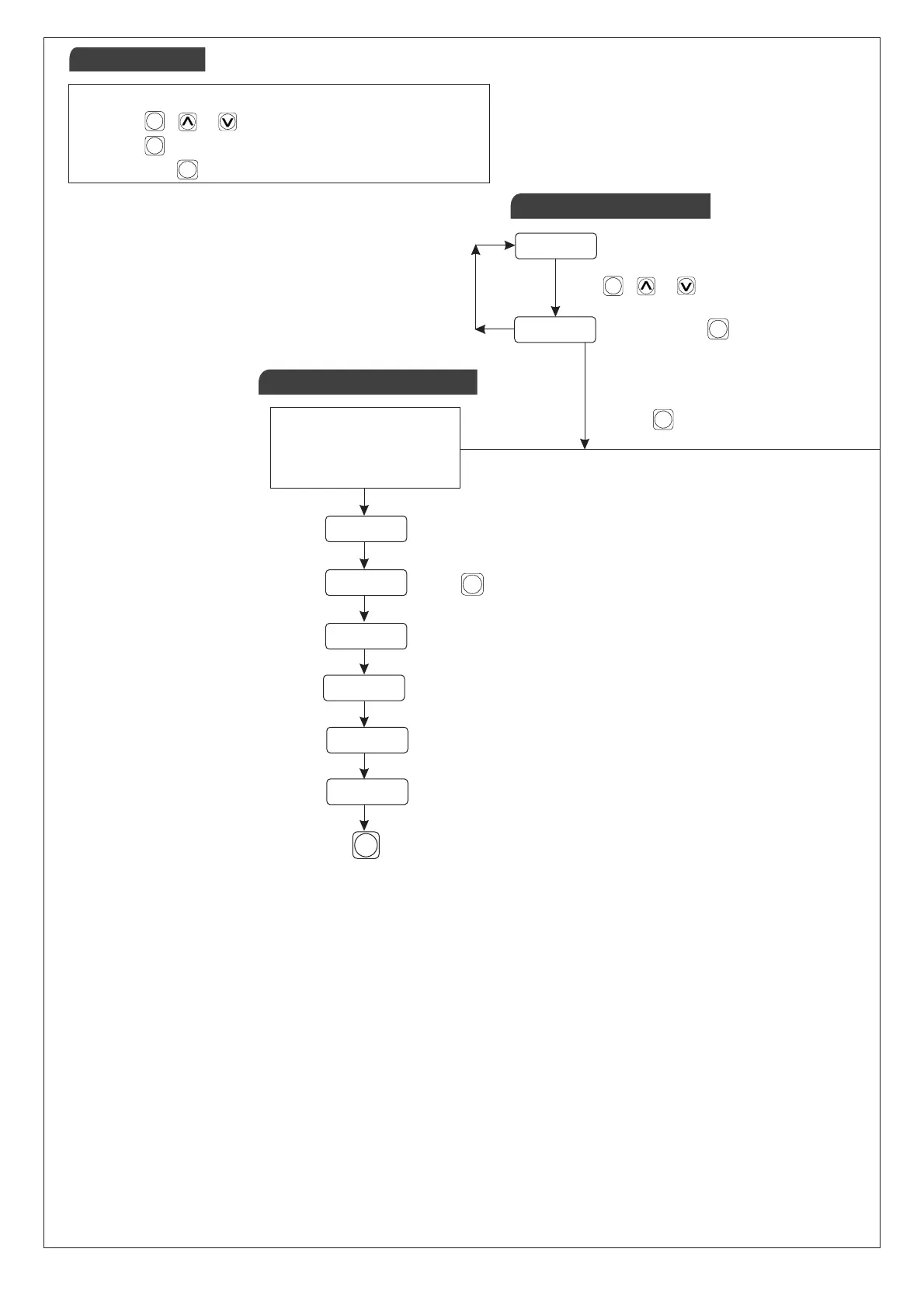
Press key
to Save & Exit
On releasing key will store
the latest set value
0 0 5 0
0 2 0 0
Process Value
P A S s
0 0 7 3
C T R L
p I D
O F S T
O 0 0 0
Password Message
Control Action
TO ENTER BASIC
CONFIGURATION
SETTING, ENTER “73”
PID/ON-OFF
Offset
www.multispanindia.com
Page - 2
1) Press + Or Key to set the set point.
2) Press Key to go next parameter.
3) Relese the Key, to save the set point.
SET
SET
SET
SET
SET
Press Key to go next parameter.
SETSET
SET
Press key for 4 sec.
SETSET
SET
Press + Or Key to set the set point.
SETSET
Key Operations
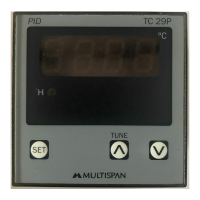
TC-29P
Basic Configuration
Set Point Setting
Key Operation


 To Next Page