USING CONNECTION MANAGER
MultiConnect
®
Cell MTC-MNG6 User Guide 45
Connection Manager User Interface
Connection Manager consists of the following tabs:
Main
Settings
Connection
Details
Terminal
Charts
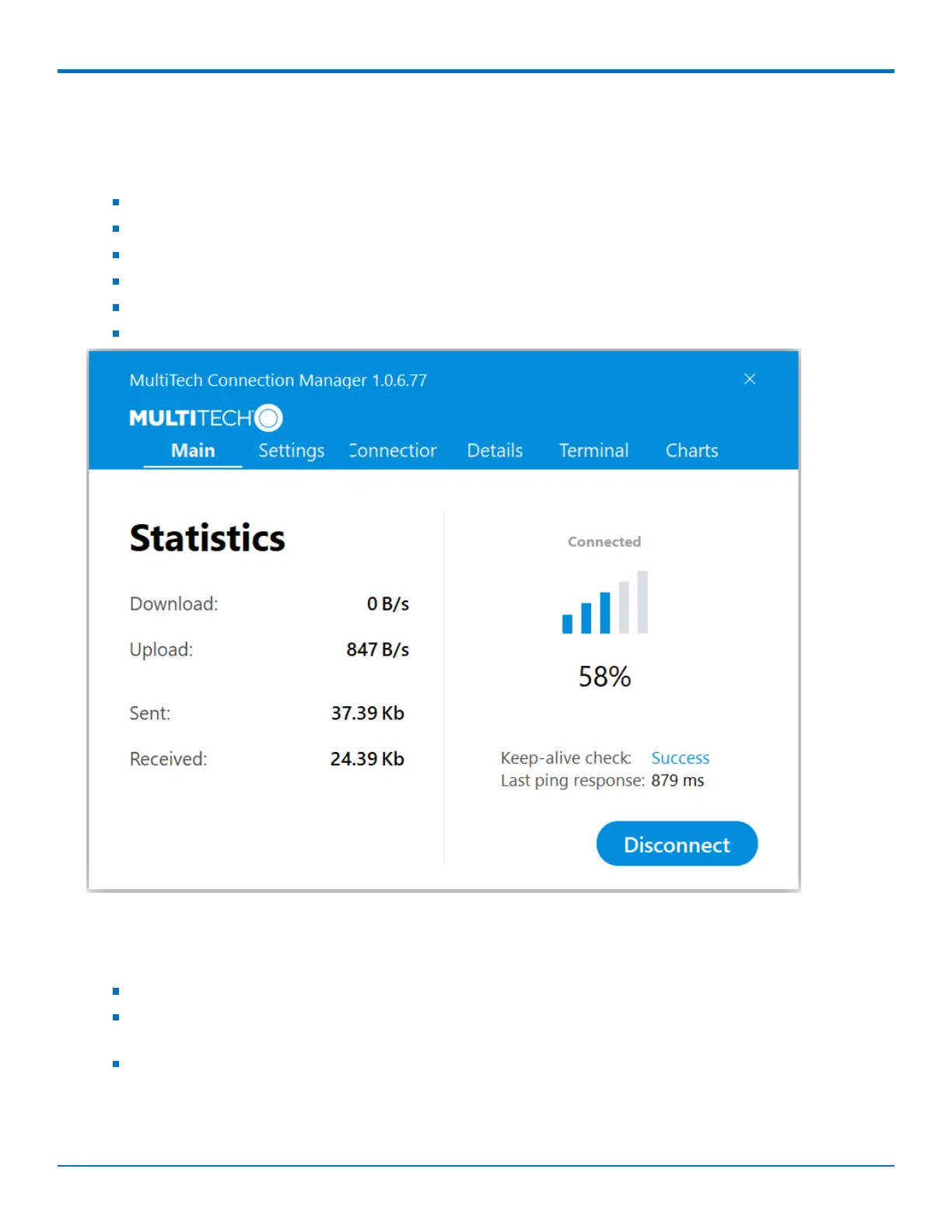
Main tab
The Main tab displays the following:
Status of device connection: Searching, Connecting, Connected, Disconnecting, or Disconnected
The action button, which changes according to the current device connection status: Detect, Connect, or
Disconnect
Signal strength bars and percentage indicator (only when connection to the carrier's network is established)
Note: The signal strength is displayed for a serial device only when the device is not connected to the
carrier's network.














 To Next Page