USING CONNECTION MANAGER
MultiConnect
®
Cell MTC-MNG6 User Guide 49
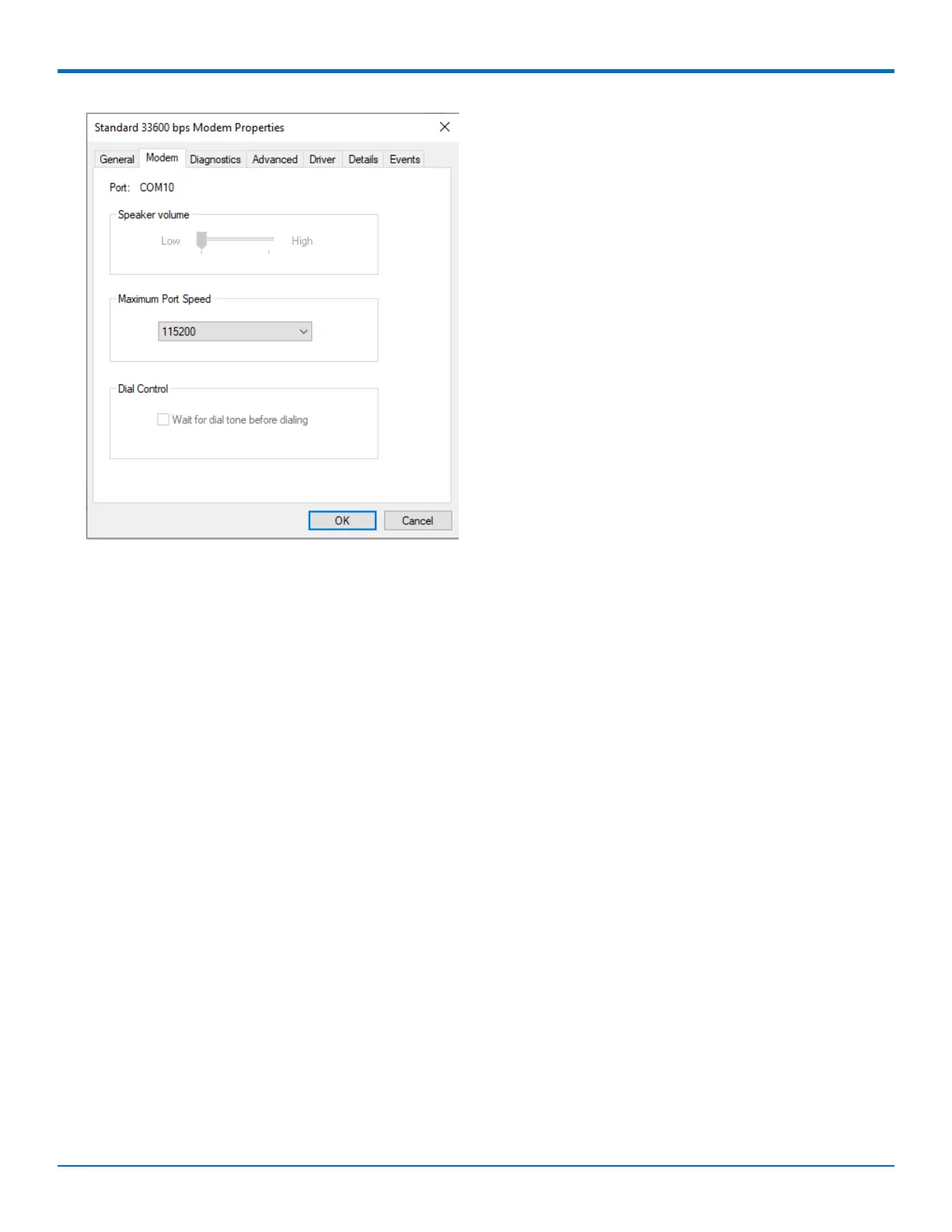
In Device Manager, open Ports (COM & LPT) and then right-click on the Com Port used by your device and select
Properties.
Click on the Port Settings tab to confirm the Bits per second, Date bits, Parity, Stop bits and Flow control match
those settings in Connection Manager.














 To Next Page