Chapter 3 - Using the Front Panel
20
Multi-Tech Systems, Inc. MT5600BA/BL Series User Guide
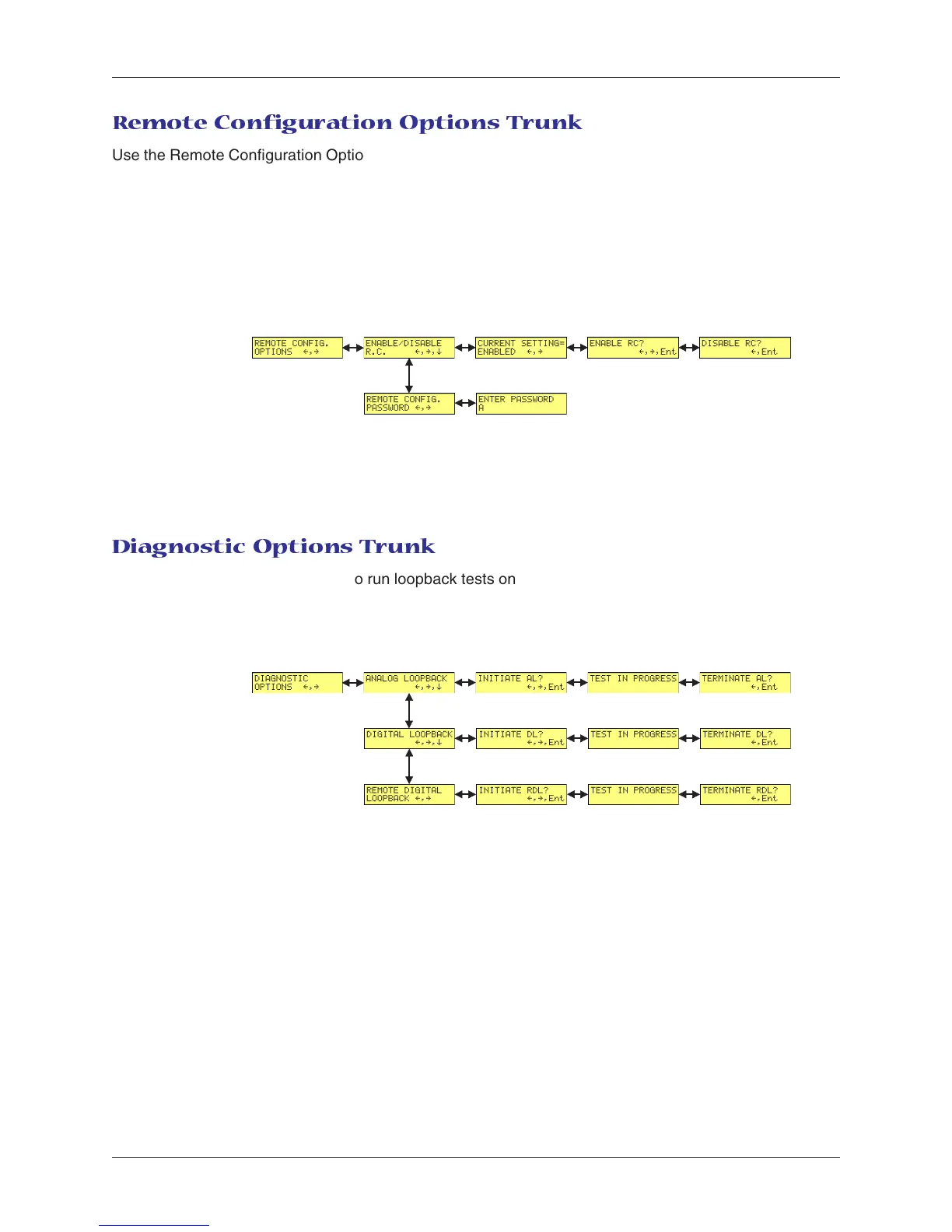
Remote Configuration Options Trunk
Use the Remote Configuration Options Trunk to enable or disable remote configuration on the modem,
and to change the password. When entering the password, use the á
ß
and â buttons to scroll through
the alphabet. To go to the next character position, press the à button. To backspace or to exit, press the
à button several times.
Limb Branches Twigs
Diagnostic Options Trunk
Use the Diagnostic Options Trunk to run loopback tests on the modem. When a test is in progress, the
TM indicator lights.
Limb Branches Twigs














 To Next Page