Page15of18
IMC01 Maintenance Manual
Version 1.03
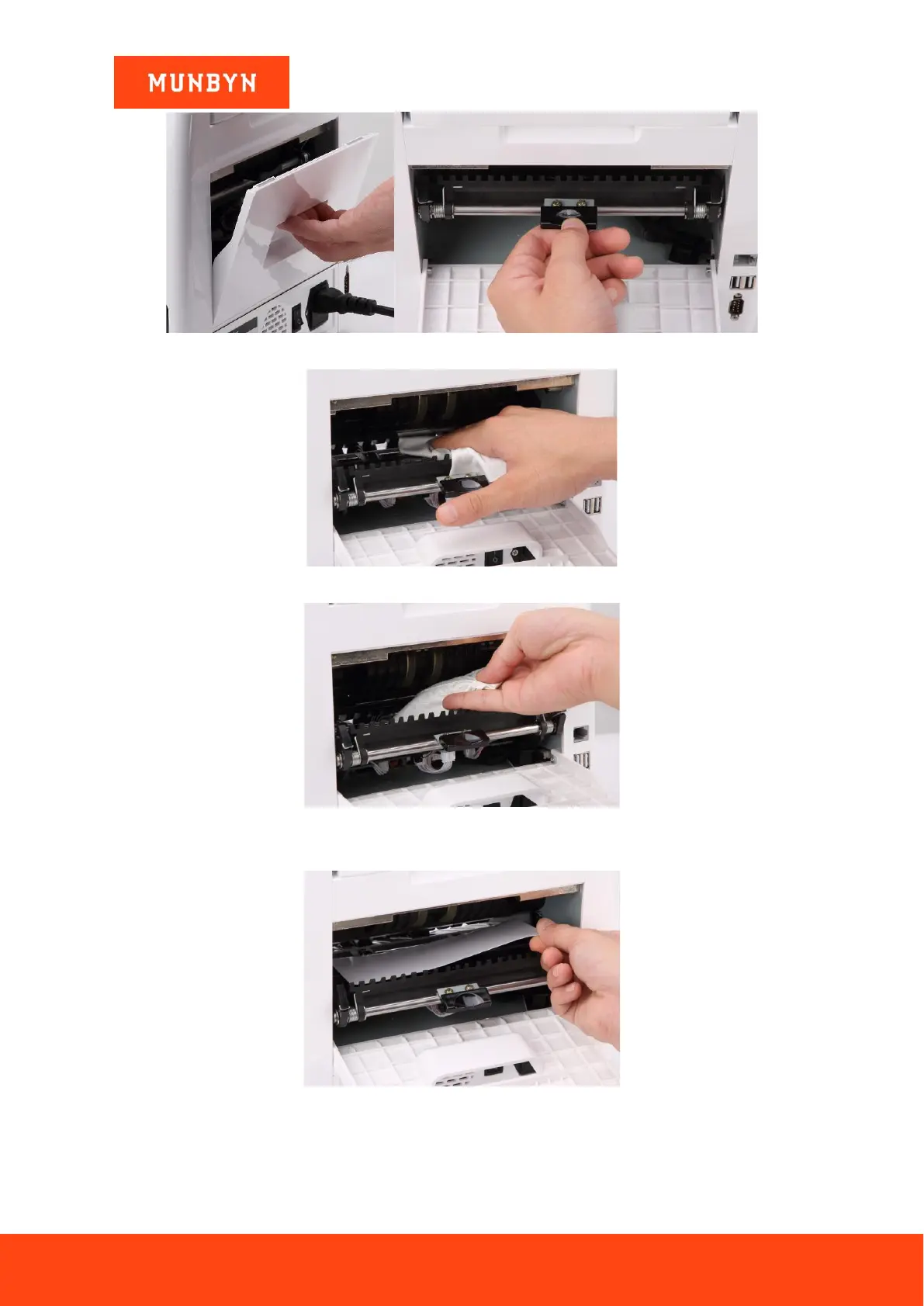
Figure 4-10 Open the Back Covers
Figure 4-11 Clean the Lower CIS
Figure 4-12 Clean the Upper CIS
4) Put the CIS calibration paper (white paper) inside, and close the back covers.
Figure 4-13 Place the CIS Calibration Paper
5) Start CIS calibration by pressing the “RESTART” button.



 To Next Page