Page9of18
IMC01 Maintenance Manual
Version 1.03
3.0. Error Analysis
3.1. Error Code
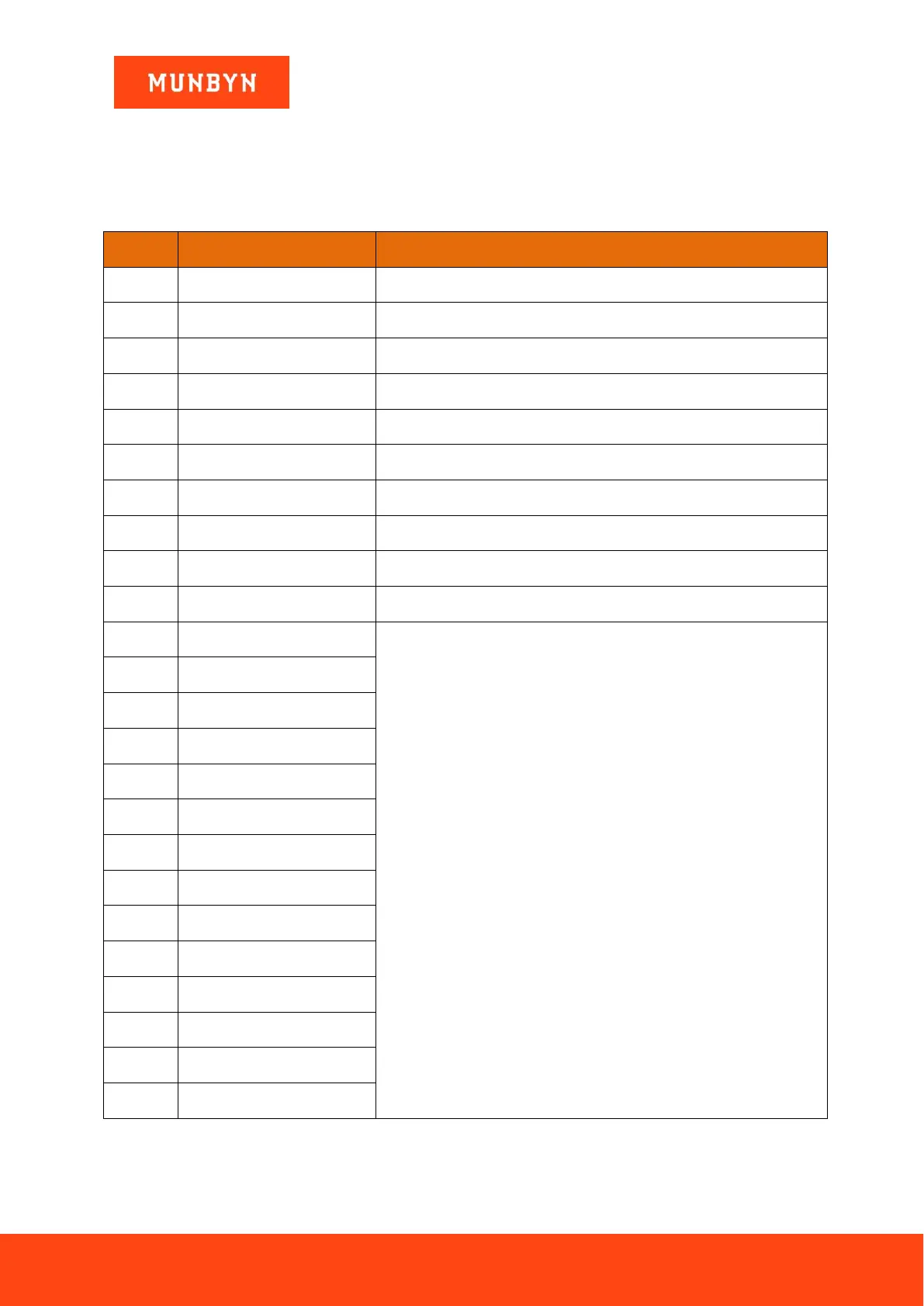
Table 3-1 Error Codes
Handling Method (Recommendation)
Clean the UV sensor with brush or cloth.
Check the bill, clean the machine and fine tune the screw counterclockwise
Check the bill, clean the machine and fine tune the screw counterclockwise
Check the bill, clean the machine, and fine tune the screw clockwise
Bill CIS sensor signal lose
Clean the CIS sensor, and calibrate the CIS
Check the bill, clean the CIS sensor
Bill facing recognize error
Bill size recognize error
Check the bill, and clean the machine
Bill towards recognize error
Check the bill, and clean the machine
IR transmission area 1 error
IR transmission area 2 error
IR transmission area 3 error
IR transmission area 4 error
IR transmission area 5 error
IR transmission area 6 error
IR transmission area 7 error
IR transmission area 8 error
In the process of using the IMC01, the IMC01 may show abnormal state and display the error codes on the
screen. The description of the error codes and the related handling method is shown in table 3-1.



 To Next Page